Spreader - User Manual
45
Alarms Options [5]
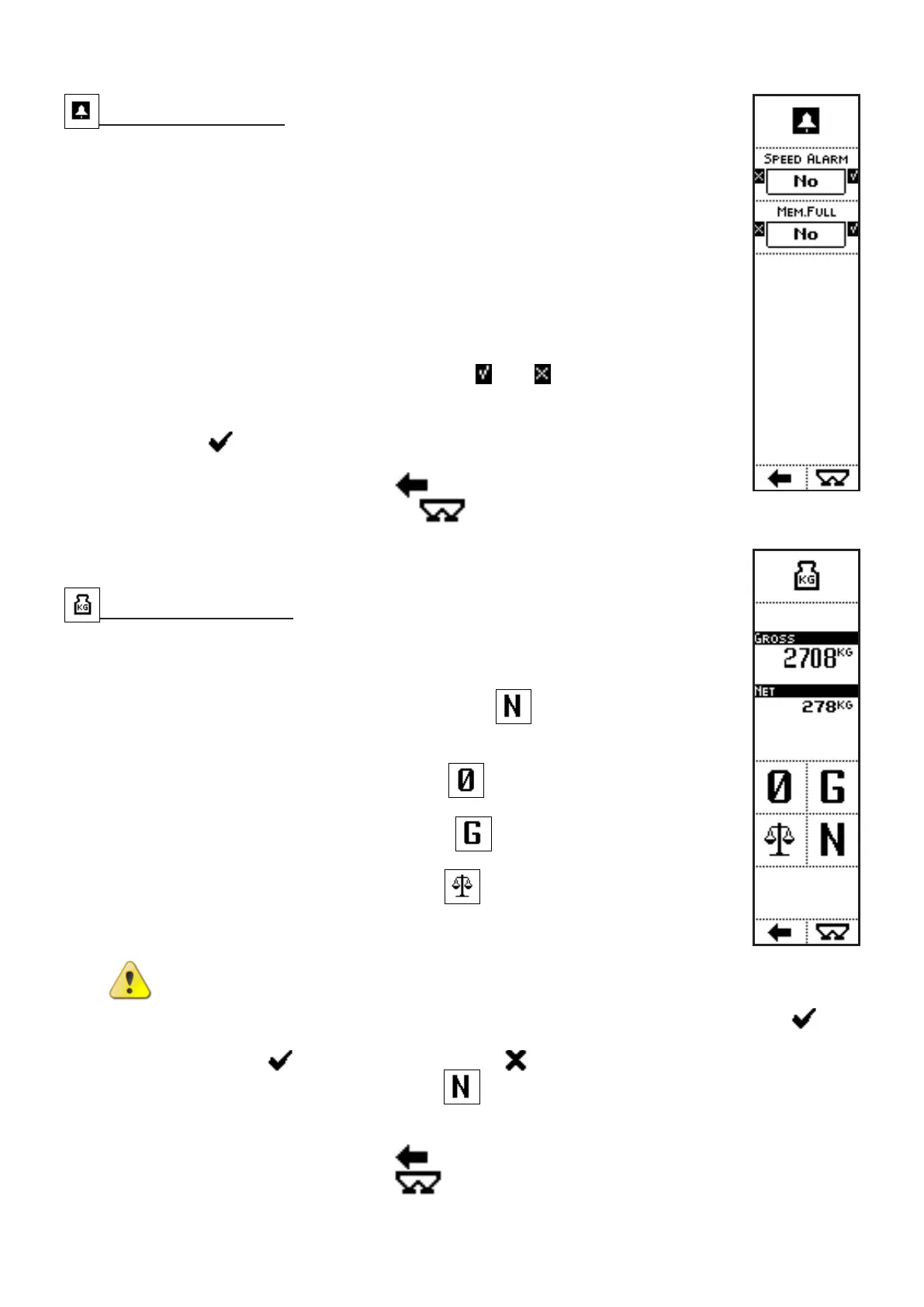
VISUALIZATIONS
• SPEED ALARM: if activated, the system displays a message when the
working speed is too high;
• MEMORY FULL: if activated, the system displays a message when the
memory buffer is full and the new stored records will overwrite the older
ones.
COMMANDS
• Press the side keys near to the icons
and , to select whether to
activate or not a function. In this case, messages in case of alarm.
The parameter value can be confirmed by pressing the key below the
icon or simply waiting: after 3 seconds, the system goes back to
previous screen.
• Press the key below the icon
to go back to previous menu;
• Press the key below the icon to directly access the working
screen.
Scale Functions [6]
VISUALIZATIONS
• ACTUAL WEIGHT: weight in the hopper;
• PARTIAL WEIGHT (after pressing the key
)
COMMANDS
• Press the side key near to the icon
to do the zeroing of the scale
onboard the fertilizer spreader.
• Press the side key near to the icon
to remove the partial weight
value, after the partial weight command.
• Press the side key near to the icon
to access the scale calibration
menu: put a master weight of known value on the hopper and insert such
value in the system, in order to calibrate the weighing system.
CAUTION: Scale calibration cannot be canceled
After confirmation in the warning message, by pressing the key below the icon , the
system goes to the numbers insertion screen. Once inserted the master weight value,
confirm with
or cancel calibration with
• Press the side key near to the icon to display the partial weight, showing the weight
variation since the key has been pressed. The partial weight value is displayed under the
total weight.
• Press the key below the icon
to go back to previous menu;
• Press the key below the icon
to directly access the working screen.



 To Next Page