DigiDevice
36
Diagnostics [1]
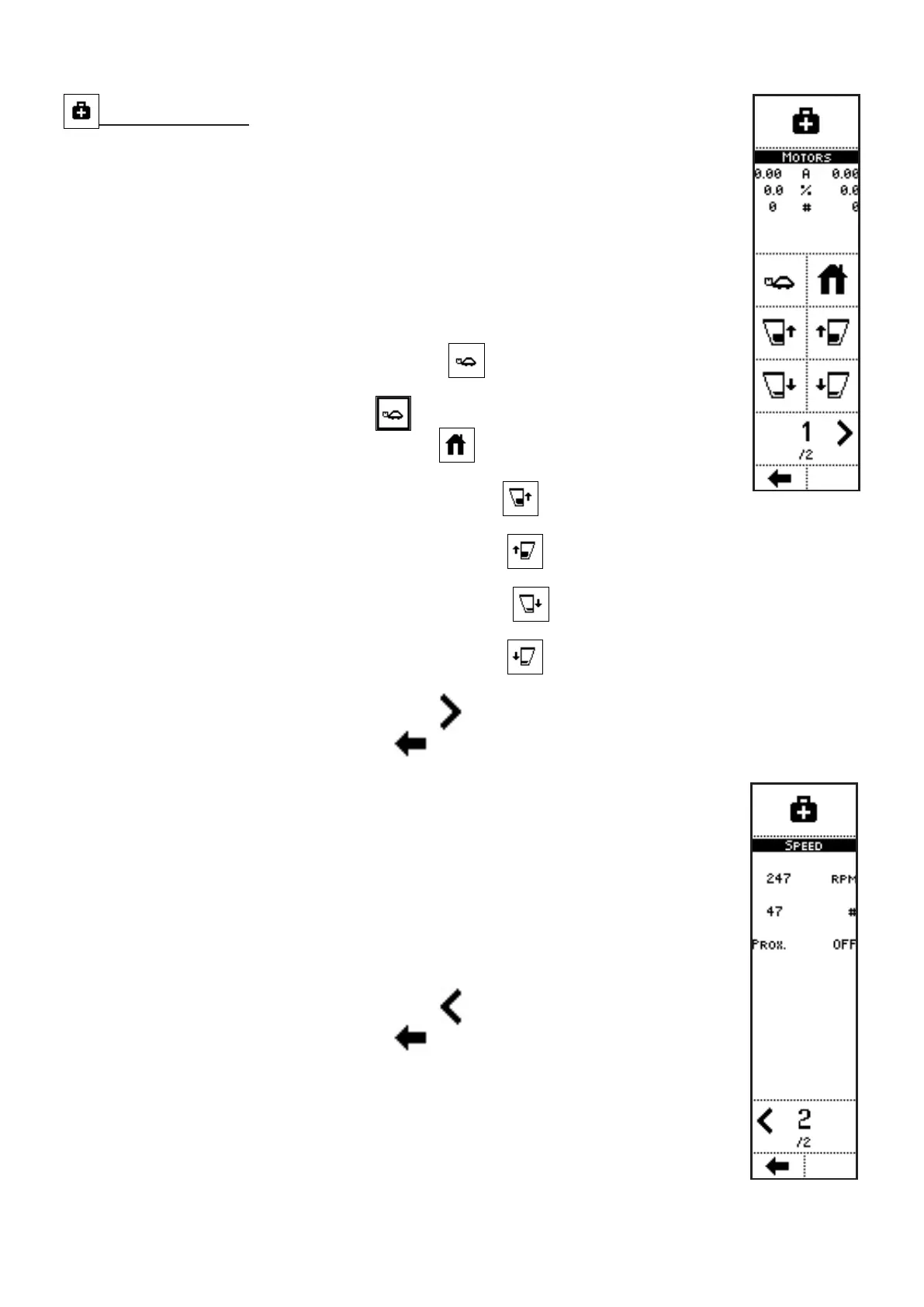
VISUALIZATIONS (page 1)
• LEFT AND RIGHT SHUTTER MOTORS CURRENT: current absorption,
in A;
• LEFT AND RIGHT SHUTTER OPENING POSITION (0 ÷ 100%);
• SHUTTERS POSITION DETECTED BY ENCODERS: number of pulses
detected by the two sensors;
• PAGE NO. / TOTAL PAGES.
COMMANDS (page 1)
• Press the side key near to the icon
to move the shutters at lower
speed than the normal operating speed; The external surround indicates
that the option is selected (
)
• Press the side key near to the icon
to activate a command to close
the shutters;
• Keep pressed the side key near to the icon
to move the left shutter
in the direction to close it;
• Keep pressed the side key near to the icon
to move the right shutter in the direction
to close it;
• Keep pressed the side key near to the icon
to move the left shutter in the direction
to open it;
• Keep pressed the side key near to the icon
to move the right shutter in the direction
to open it;
• Press the side key near to the icon
to access the next page;
• Press the key below the icon
to go back to previous menu.
VISUALIZATIONS (page 2)
• TRACTOR SPEED: RPM of the phonic wheel which defines the vehicle
speed;
• DETECTED PULSES: number of pulses detected by the device which
detects rotation;
• PROX.: status of the proximity sensor which detects the rotation speed;
• PAGE NO. / TOTAL PAGES.
COMMANDS (page 2)
• Press the side key near to the icon
to access the previous page;
• Press the key below the icon
to go back to previous menu.



 To Next Page