DigiDevice
34
• Press the key below the icon
to go back to previous menu;
• Press the key below the icon
to directly access the working screen.
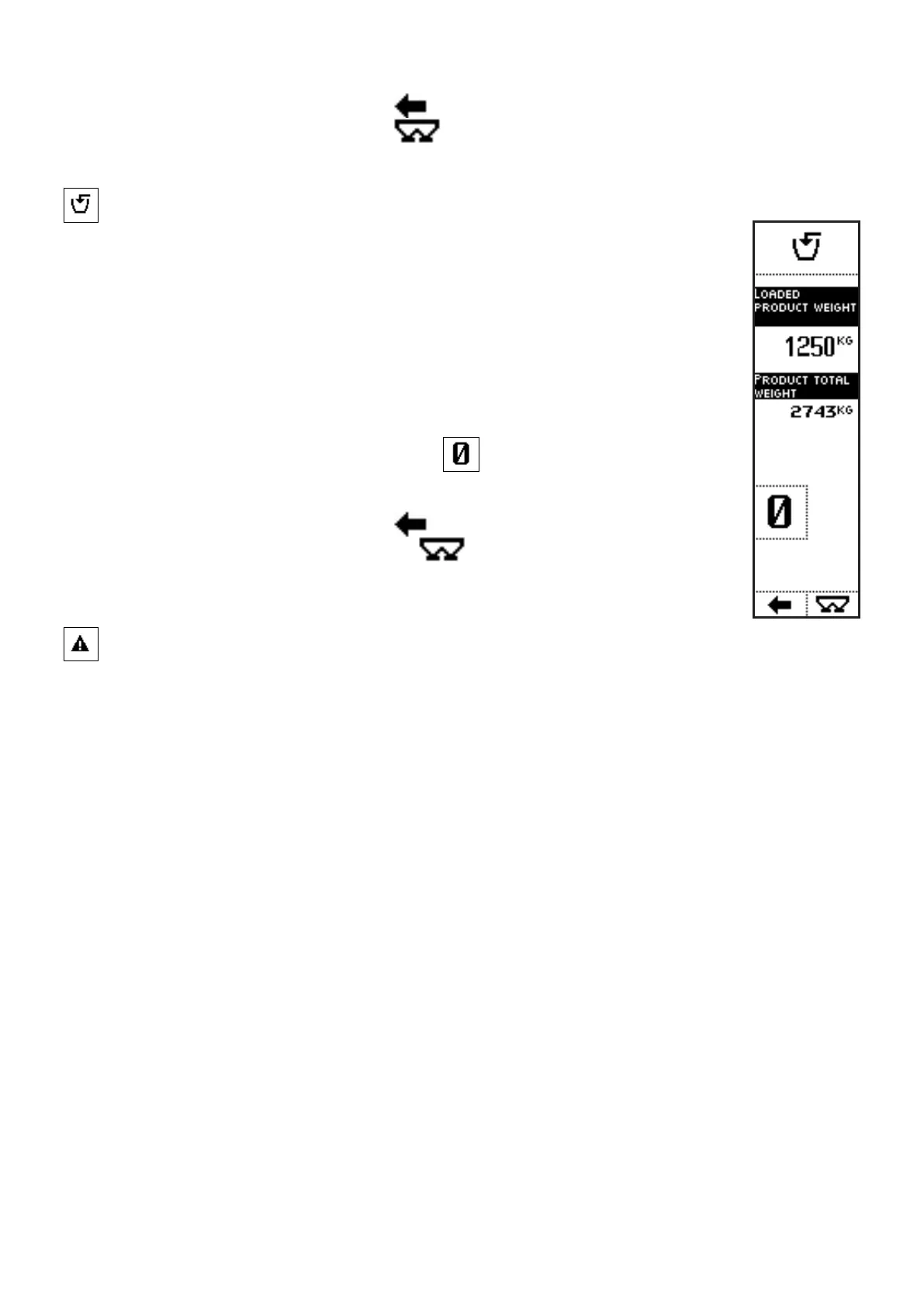
Product Loading [4]
The screen displays the loaded weight.
VISUALIZATIONS
• LOADED PRODUCT WEIGHT: partial weight, referring to the weight that
has been loaded into the machine since entering the screen;
• PRODUCT TOTAL WEIGHT: total weight of the product in the machine.
COMMANDS
• Press the side key near to the icon
to zero the value of the weight
in the hopper;
• Press the key below the icon
to go back to previous menu;
• Press the key below the icon
to directly access the working
screen.
Warnings and Alarms [5]
In this screen warnings and alarms referring to machine working are displayed.



 To Next Page