DigiDevice
42
Tractors [4]
VISUALIZATIONS
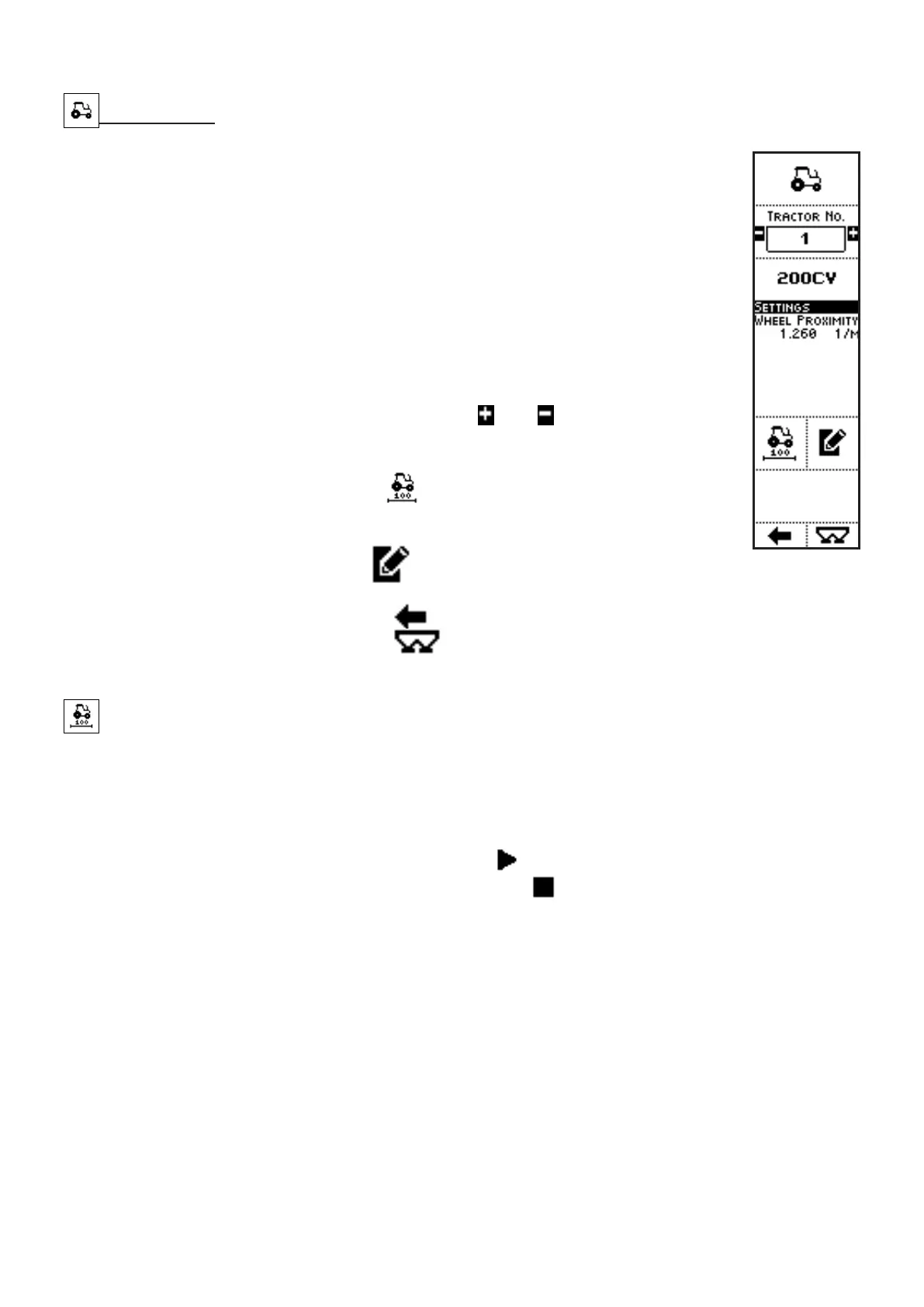
• TRACTOR NO.: number of the tractor in the list;
• TRACTOR NAME: name of the tractor;
• TRACTOR’S MAIN SETTINGS:
• SPEED DETECTION MODE: Simulate, Phonic wheel, GPS Speed,
ISO 11786;
• PULSES / METER (except in the case of simulated speed): the
value can be inserted through the keypad, in the Tractor Settings
screen, or obtained by the Speed calibration procedure
COMMANDS
• Press the side keys near to the icons
and , to select a different
tractor: the main features of such vehicle are displayed below in the
screen (name, settings);
• The key near to the icon
activates a procedure which allows
characterization of the tractor on the pulses / meter detected by the
sensor used to measure speed;
• The key near to the icon
activates a screen where the features
referring to the selected tractor can be set;
• Press the key below the icon
to go back to previous menu;
• Press the key below the icon to directly access the working screen.
Speed calibration procedure
During the tractor speed calibration procedure, the system automatically acquires the pulses detected
by the speed sensor (proximity for phonic wheel, GPS sensor or signal from the tractor) along a path
100 meters long.
The operator shall press the key to start the procedure (
) and follow the instruction in the procedure:
travel with the vehicle exactly 100 meters, stop it and press .
At the end of the procedure, a message informs the operator about the correct execution of the
procedure.



 To Next Page