Spreader - User Manual
33
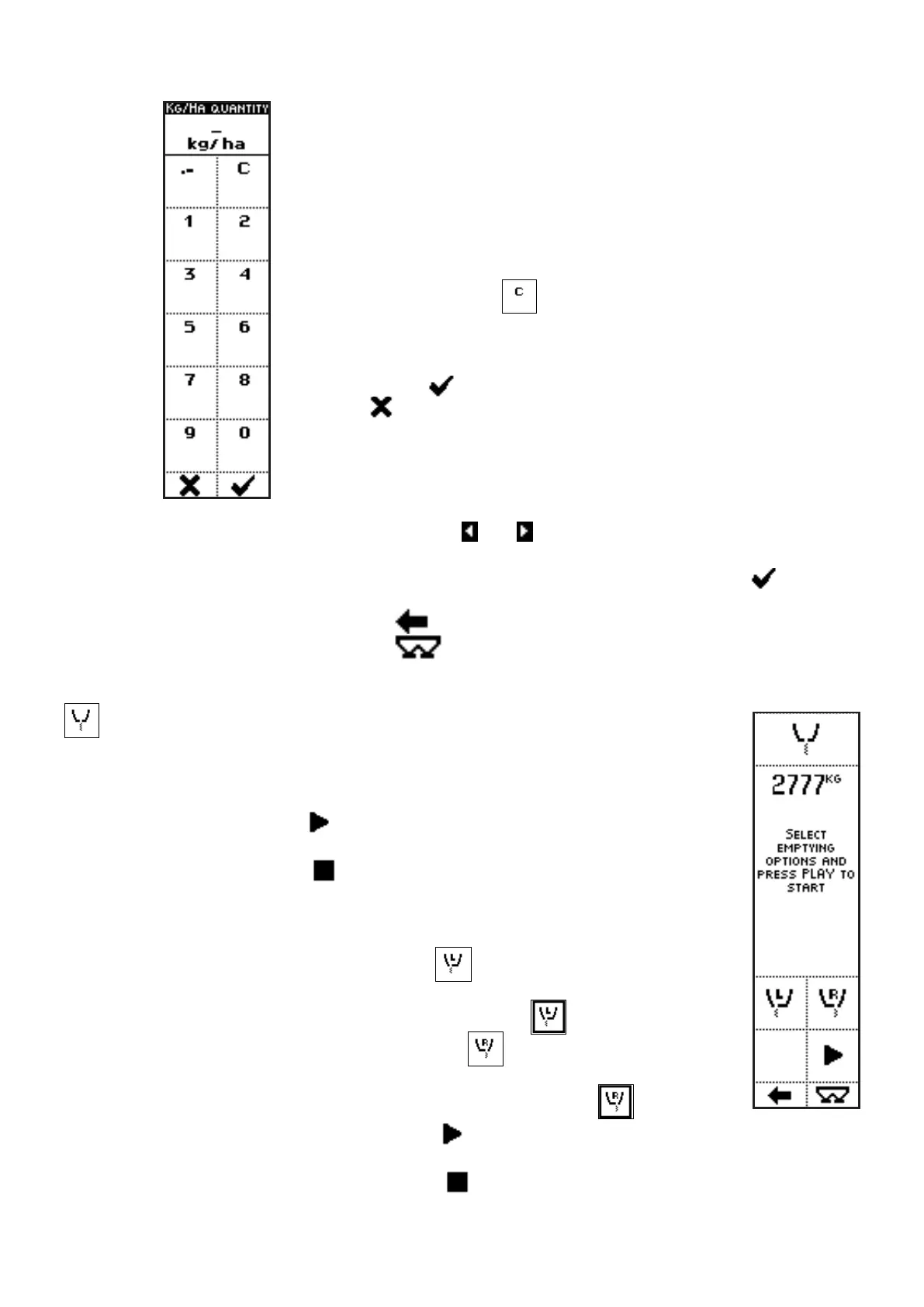
In the case of the parameter KG/HA QUANTITY, pressing the side keys
near to the icons containing the numbers, up to 5 characters can be
inserted, to define the fertilizer density to be spread, for the selected job.
In the case of the parameter FLOW FACTOR, if the user has already
determined the value by trials, such value can be directly set through
this screen.
he side key near the icon
clears the last inserted character.
When kept pressed, the whole string is cleared.
Once inserted the number, exit from the menu confirming with the key
below the icon or quit without confirm by pressing the key below
the icon .
• Press the side keys near to the icons and , to select a different parameter value in a
preset list. In this case, product number.
The parameter value can be confirmed by pressing the key below the icon or simply
waiting: after 3 seconds, the system goes back to previous screen.
• Press the key below the icon
to go back to previous menu;
• Press the key below the icon
to directly access the working screen.
Quick Emptying [3]
VISUALIZATIONS
• WEIGHT IN THE HOPPER;
• The START icon (
) is displayed until the emptying command has not
been given yet;
• The STOP icon (
) appears once emptying starts, instead of the
START icon.
COMMANDS
• Press the side key near to the icon
to select the left shutter, in order
to drive its total opening through the START command. The external
surround indicates that the shutter is selected (
);
• Press the side key near to the icon
to select the right shutter,
in order to drive its total opening through the START command. The
external surround indicates that the shutter is selected (
);
• Press the side key near to the icon
to command total opening of the
selected shutters, in order to empty the machine;
• Press the side key near to the icon
to close the selected shutters;



 To Next Page