Spreader - User Manual
43
VISUALIZATIONS
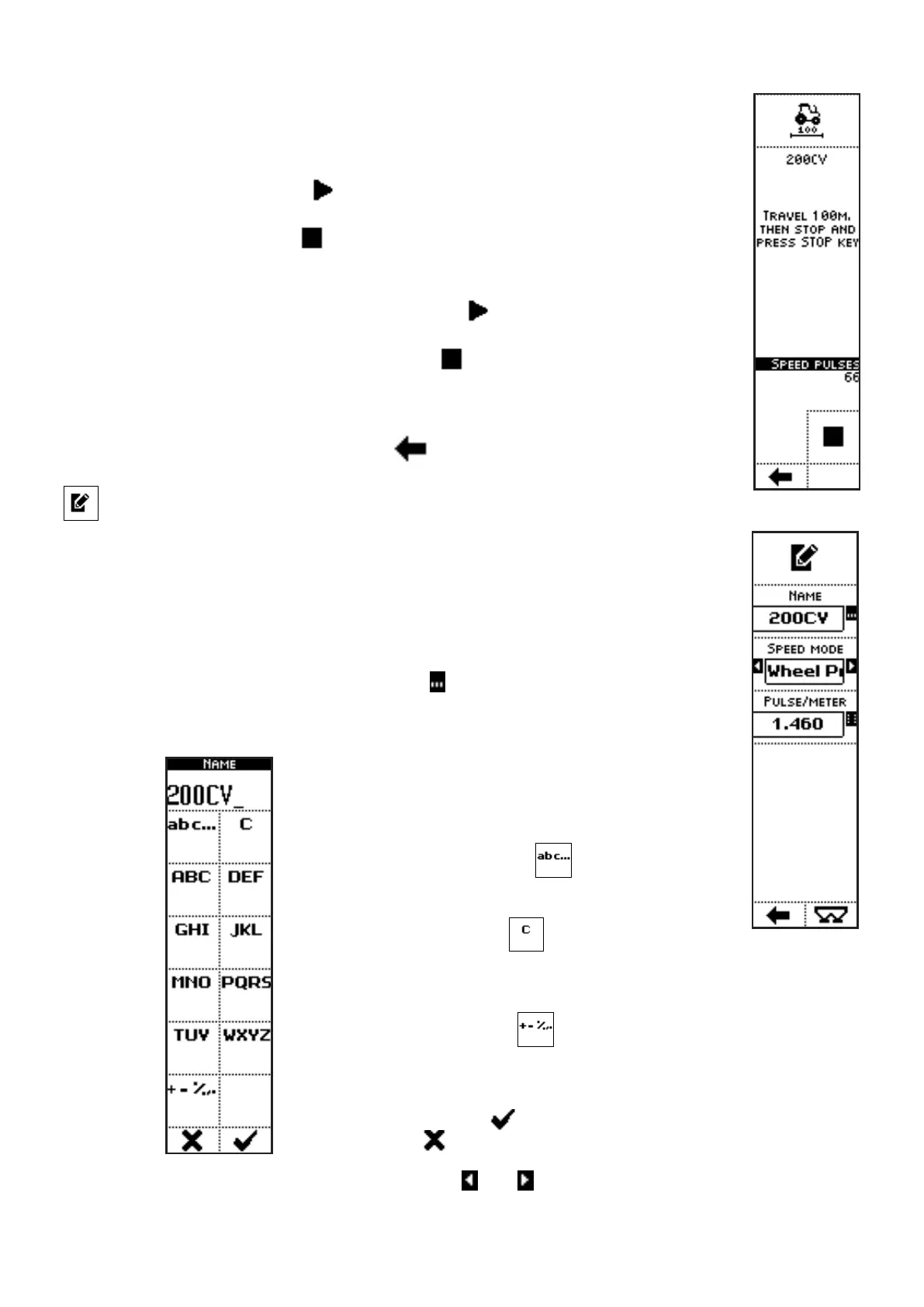
• TRACTOR NAME;
• PROCEDURE EXECUTION MESSAGE;
• DETECTED PULSES;
• The START icon (
) is displayed until the procedure start command
has not been given yet;
• The STOP icon (
) ends the calibration procedure;
COMMANDS
• Press the side key near to the icon
to command the calibration
procedure start.
• Press the side key near to the icon
to end the calibration procedure.
In case of early procedure close, no calibration data connected to the
executed calibration will be saved on the system (a message informs the
operator about it).
• Press the key below the icon
to go back to previous menu.
Tractor settings
VISUALIZATIONS
• NAME: name of the selected tractor;
• SPEED DETECTION MODE: Simulate, Phonic wheel, GPS Speed, ISO
11786.
COMMANDS
• Press the side key near to the icon
to access a screen where character
strings can be inserted:
In the case of the parameter NAME, for instance,
pressing the side keys near to the icons containing
the letters, up to 9 characters can be inserted.
The side key near the icon
allow selection of
upper case, lower case or numerical characters.
The side key near the icon
clears the last inserted
character.
When kept pressed, the whole string is cleared.
The side key near the icon
allows symbols insertion into the string
(+ - % , .).
Once inserted the characters string, exit from the menu confirming with
the key below the icon or quit without confirm by pressing the key
below the icon .
• Press the side keys near to the icons and , to select a different parameter value in a
preset list:



 To Next Page