DigiDevice
6
FUNCTIONS DESCRIPTION
Working Screen
Based on the selected working mode, some information is displayed in the working screen and different
commands are activated.
Following will be described functions and information involved in the different working modes.
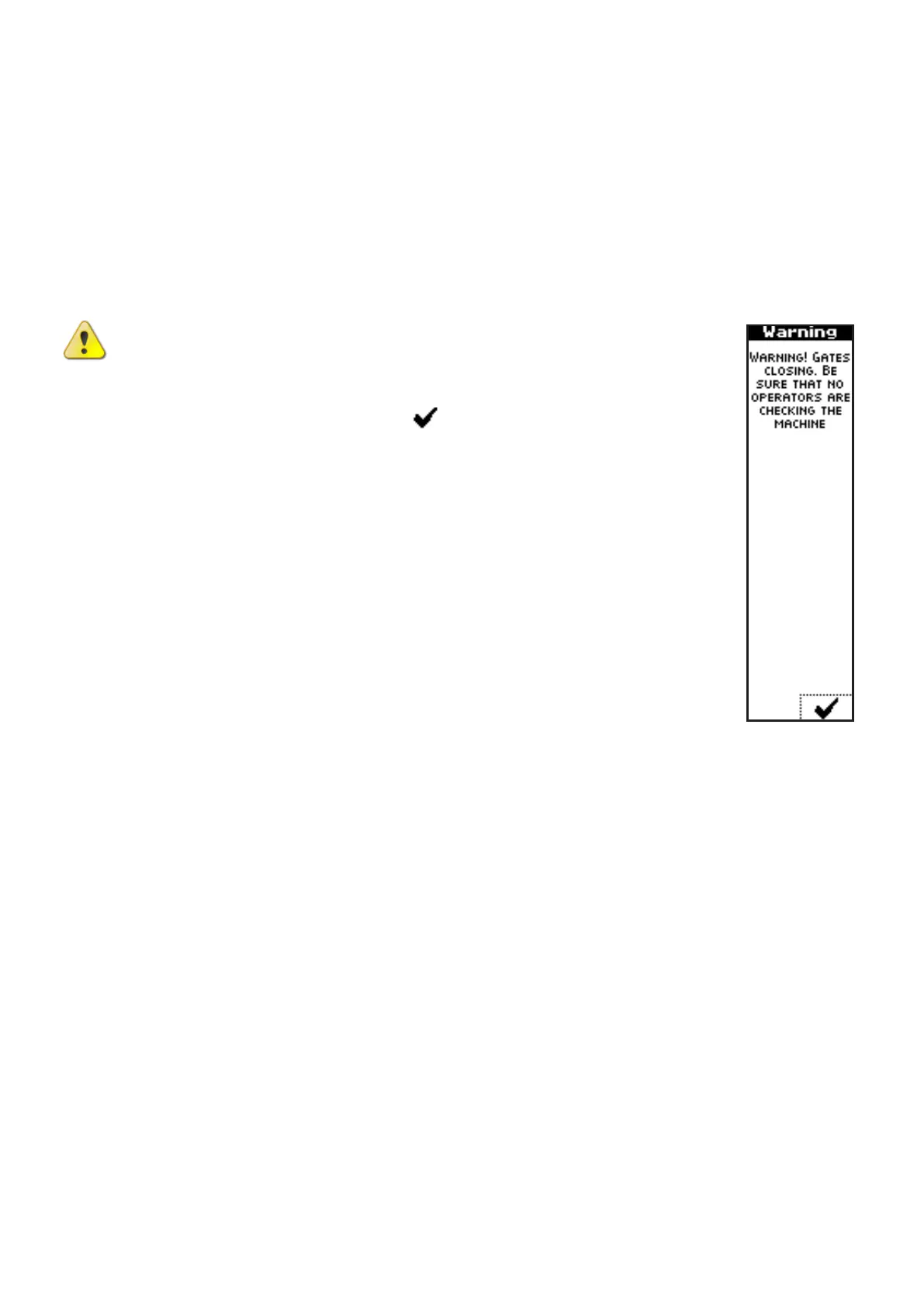
CAUTION: Switching on the system, the implement shall close the shutters, in
order to set to start position. Check that movement of shutters will not create
damages or injuries to objects or persons before to start. Before closing the
shutters, the interface unit displays a message, asking confirmation to move,
by pressing the key near to the icon .
Once confirmed the system start, based on the selected operating mode, the below
described screens will be displayed.



 To Next Page