Spreader - User Manual
31
Work Settings (Job) [2]
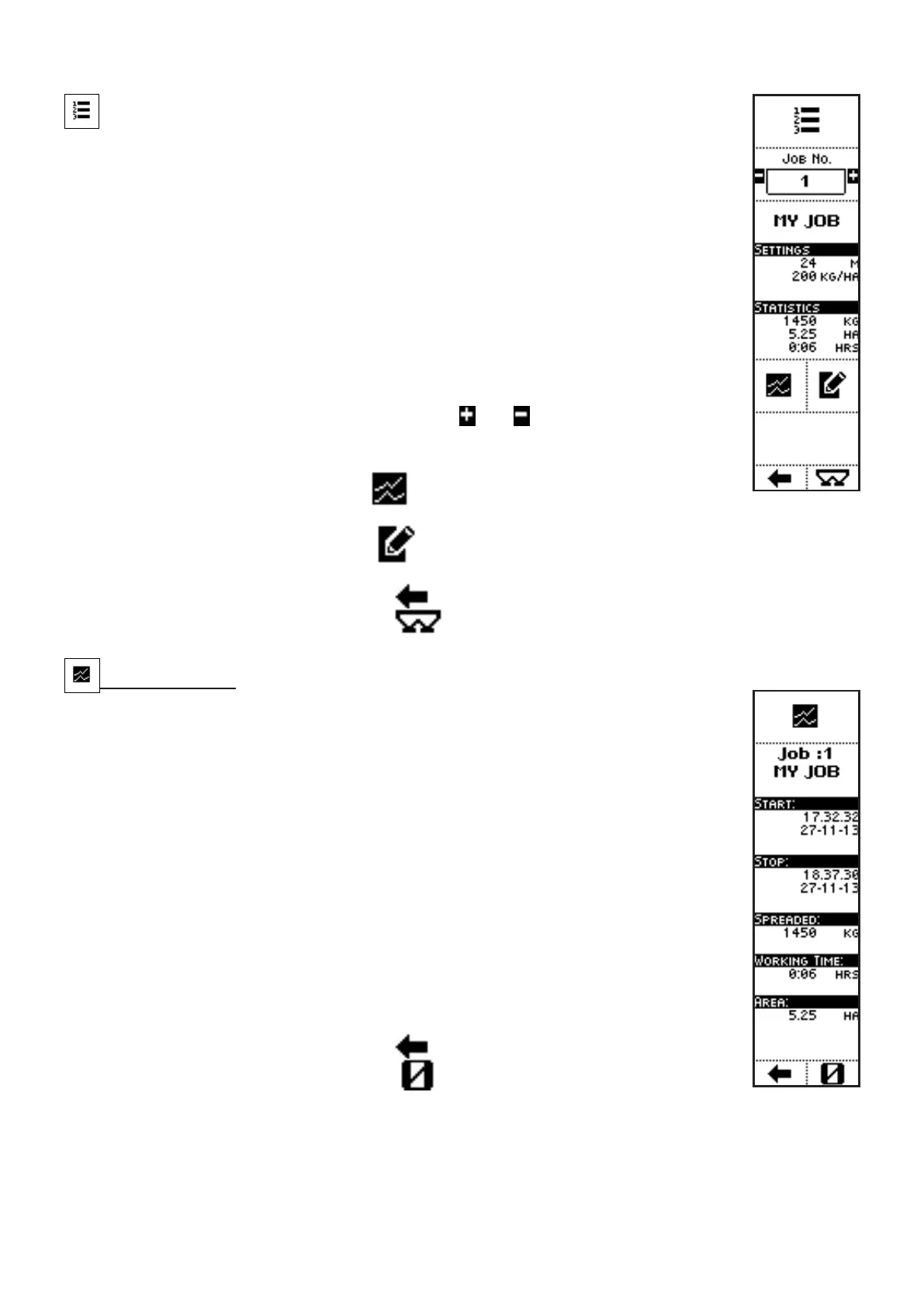
VISUALIZATIONS
• JOB NUMBER;
• JOB NAME;
• JOB’S MAIN SETTINGS:
• SPREADING WIDTH;
• KG PER HECTARE TO SPREAD;
• JOB’S MAIN STATISTICS:
• SPREAD PRODUCT (KG);
• FERTILIZED HECTARES
• WORK HOURS
COMMANDS
• Press the side keys near to the icons
and , to select a different job:
the main features of such job are displayed below in the screen (name,
settings, statistics);
• The key near to the icon
activates a screen where the statistics
referring to the selected job are displayed;
• The key near to the icon
activates a screen where the features referring to the
selected job can be set;
• Press the key below the icon
to go back to previous menu;
• Press the key below the icon to directly access the working screen.
Job Statistics
VISUALIZATIONS
• JOB NUMBER;
• START: start time and date of the first work session with the selected job
(since last statistics zeroing);
• STOP: stop time and date of the last work session with the selected job;
• SPREAD: total weight of the product spread with the selected job (since
last statistics zeroing);
• WORKING TIME: total time of the working sessions with the selected
job; it’s the effective working time, without pauses and interruptions of
the working sessions (since last statistics zeroing);
• AREA: total surface fertilized with the selected job (since last statistics
zeroing)
COMMANDS
• Press the key below the icon
to go back to previous menu;
• Press the key below the icon
to zero the statistics referring to the
selected job.



 To Next Page