Spreader - User Manual
37
Products [2]
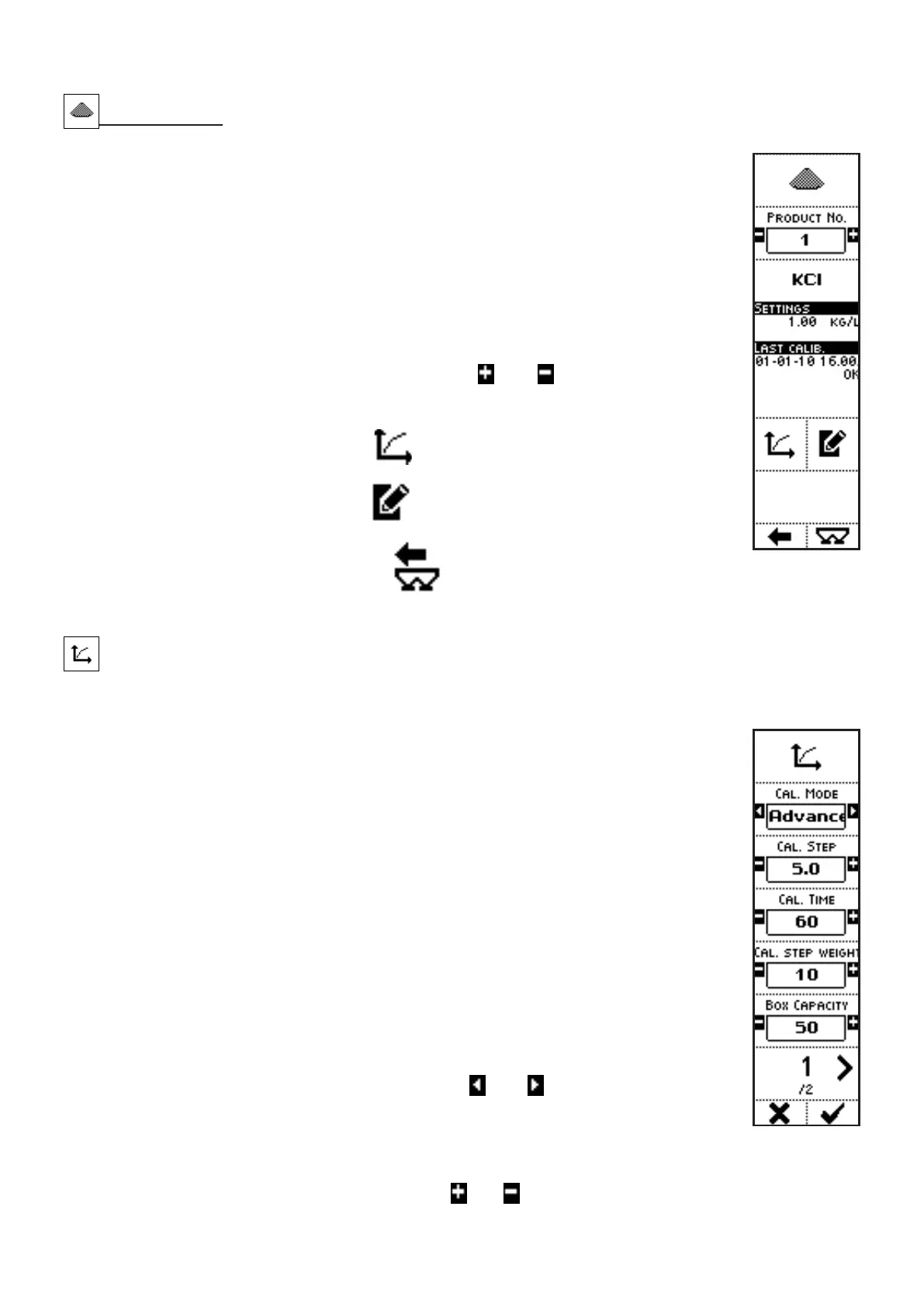
VISUALIZATIONS
• PRODUCT NO.: number of the product in the list;
• PRODUCT NAME: name associated to the product;
• PRODUCT’S MAIN SETTINGS:
• PRODUCT’S SPECIFIC GRAVITY;
• LAST CALIBRATION: date and time of the last calibration, for the
selected product.
COMMANDS
• Press the side keys near to the icons
and , to select a different
product: the main features of such product are displayed below in the
screen (name, settings, last calibration);
• The key near to the icon
activates a screen where the settings
referring to the calibration procedure of each product are displayed;
• The key near to the icon
activates a screen where the features
referring to the selected product can be set;
• Press the key below the icon
to go back to previous menu;
• Press the key below the icon
to directly access the working screen.
Product calibration
After confirmation in the warning messages before the calibration page, the following screen is displayed.
VISUALIZATIONS (page 1)
• CALIBRATION MODE: specifies whether to display or not the below
described parameters, based on the SIMPLE or ADVANCED mode;
• CALIBRATION STEP: distance between a shutter position and the next
one, during the sequence (%);
• CALIBRATION STEP TIME: time during which the shutters remain
stopped in position during the procedure (if the calibration step weight is
not reached before);
• CALIBRATION STEP WEIGHT: weight of the product that is batched
during each step of the sequence (if the calibration step time is not
reached before);
• BOX CAPACITY: capacity of the bin(s) used to collect the fertilizer which
flows down under the shutters during calibration;
• PAGE NO. / TOTAL PAGES.
COMMANDS (page 1)
• Press the side keys near to the icons
and , to select whether the
user will display or not the above described parameters that define the
calibration mode. This feature is useful when an operator defines the
calibration parameters (and will use the ADVANCED mode) and another
performs calibration (and will use the SIMPLE mode).
• Press the side keys near to the icons
and to access to a screen where the parameters



 To Next Page