Spreader - User Manual
49
USING THE MACHINE
Once the machine is in the field that shall be fertilized and loaded, press the On / Off key to switch
on the system. The display lights on and the initialization messages and presentation are displayed.
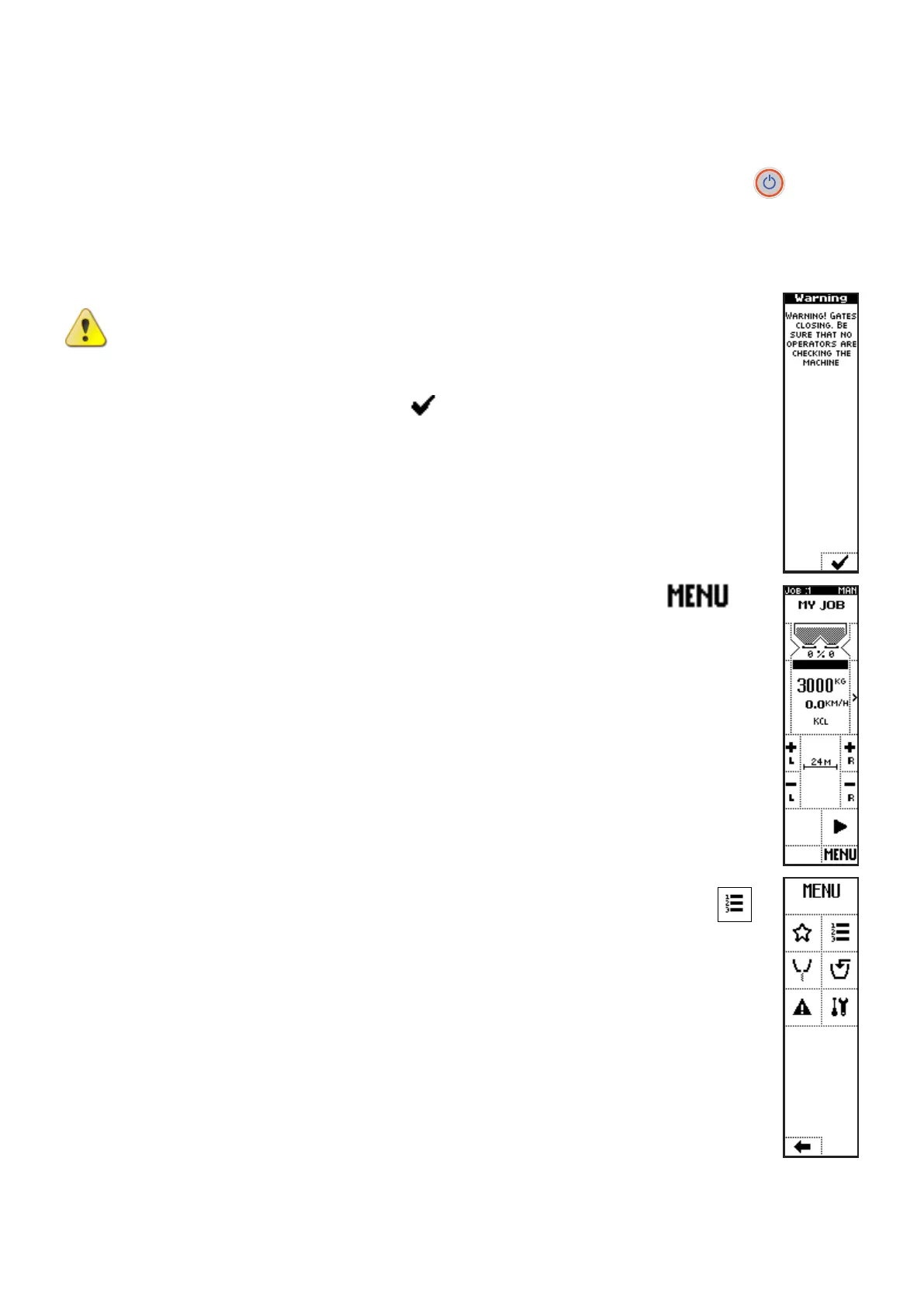
At the end of initialization, a message appears to require to check safety conditions and the approval to
close the shutters and start the operating phase:
CAUTION: Check that shutters movement does not lead to injuries or damages
to persons or things before to proceed
Confirm pressing the key below the icon in the warning message to enter the
working screen.
If the work settings hasn’t been selected yet, press the key below the icon
to
access the main menu.
Here the job to be executed can be selected, pressing the side key near to the icon
and selecting the job in the list (see paragraph Work Settings (Job)).



 To Next Page