DigiDevice
44
• Simulated: the system uses the value of the parameter in the Work Preferences menu
to calculate evaluate the flow;
• Phonic wheel: a proximity sensor is installed to detect the pulses connected to the
tractor wheel movement (ie: wheel’s bolts detection);
• GPS Speed: the pulses to obtain the tractor speed are provided by the GPS sensor;
• ISO 11786: the pulses to obtain the tractor speed are provided by the tractor itself, on
the ISO 11786 connector.
The parameter value can be confirmed by pressing the key below the icon
or simply
waiting: after 3 seconds, the system goes back to previous screen.
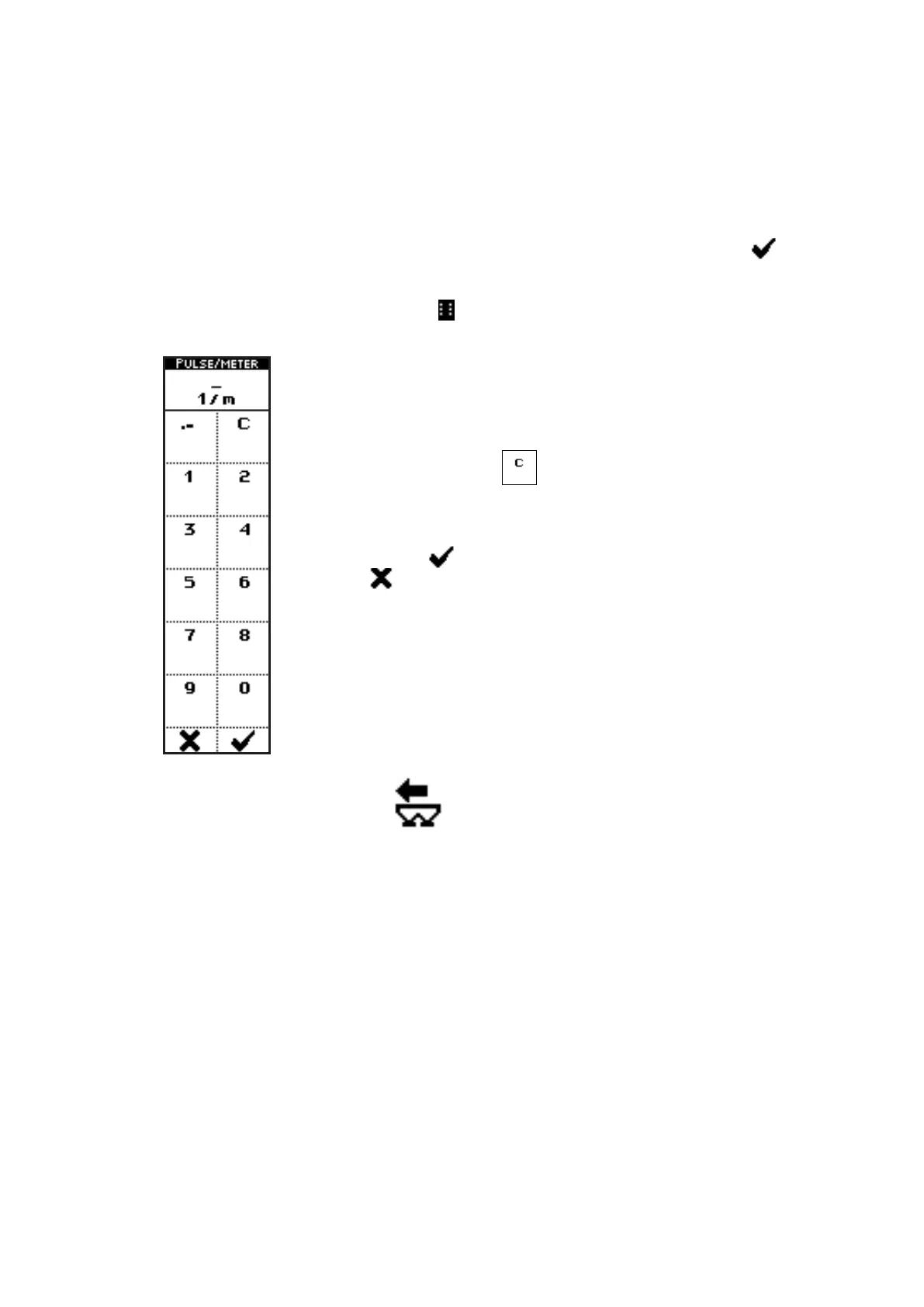
• Press the side key near to the icon
to access a screen where numbers can be inserted,
through the icons near the numbers and the decimal point:
In the case of the parameter PULSES/METER, for instance, pressing the
side keys near to the icons containing the numbers, up to 5 characters
can be inserted.
he side key near the icon
clears the last inserted character.
When kept pressed, the whole string is cleared.
Once inserted the number, exit from the menu confirming with the key
below the icon or quit without confirm by pressing the key below
the icon .
• Press the key below the icon to go back to previous menu;
• Press the key below the icon to directly access the working screen.



 To Next Page