VLT
®
5000 Series
eter 100), e.g. open loop hides all the P.I.D.
parameters.
■ Quick Setup via Quick menu
The Quick Setup starts with pressing the [QUICK
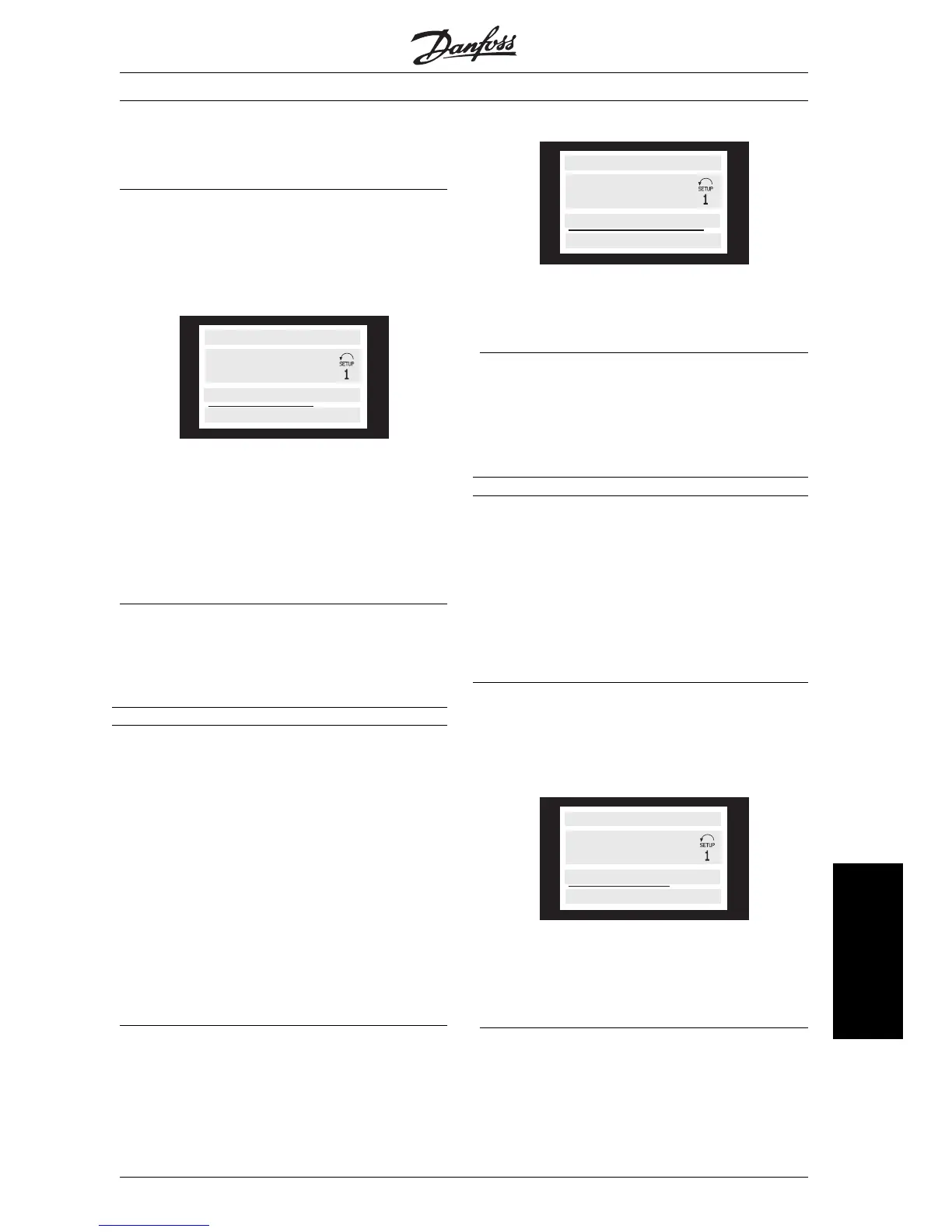
MENU] key, which brings out the following read-out
on the display:
50.0 HZ
001 LANGUAGE
ENGLISH
QUICK MENU 1 OF 13
At the bottom of the display, the parameter number
and name are given together with the status/value of
the first parameter under Quick Setup. The first time
the [Quick Menu] key is pressed after the unit has
been switched on, the read-outs always start at pos.
1 - see table below.
■ Parameter selection
The selection of parameter is effected by means of
the [+/-] keys. The following parameters are accessi-
ble:
Pos.: No.: Parameter: Unit:
1 001 Language
2 102 Motor output [kW]]
3 103 Motor voltage [V]
4 104 Motor frequency [Hz]
5 105 Motor current [A]
6 106 Rated motor speed [rpm]
7 107 Automatic motor adaptation,
AMA
8 204 Minimum reference [Hz]
9 205 Maximum reference [Hz]
10 207 Ramp-up time 1 [sec.]
11 208 Ramp-down time 1 [sec.]
12 002 Local/remote control
13 003 Local reference
■ Menu mode
The Menu mode is started by pressing the [MENU]
key, which produces the following read-out on the
display:
50.0 Hz
FREQUENCY
0 KEYB.&DISPLAY
Line 3 on the display shows the parameter group
number and name.
■ Parameter selection
In the Menu mode the parameters are divided into
groups. Selection of parameter group is effected by
means of the [<>] keys.
The following parameter groups are accessible:
Group no. Parameter group:
0 Operation & Display
1 Load & Motor
2 References & Limits
3 Inputs & Outputs
4 Special functions
5 Serial communication
6 Technical functions
7 Application Options
8 Fieldbus Profile
9 Fieldbus Communication
When the desired parameter group has been se-
lected, each parameter can be chosen by means of
the [+/-] keys:
FREQUENCY
001 LANGUAGE
ENGLISH
50.0 Hz
The 3rd line of the display shows the parameter
number and name, while the status/value of the se-
lected parameter are shown in line 4.
■ Changing data
Regardless of whether a parameter has been se-
lected under the Quick menu or the Menu mode, the
procedure for changing data is the same.
MG.51.A1.02 - VLT is a registered Danfoss trade mark
75
Operation of the VLT
frequency converter








 To Next Page