Niro Soavi S.p.A
3.3.2 CONTROL PANEL
The control panel is located on the front left side of the machine (in the Ariete
version with paneling).
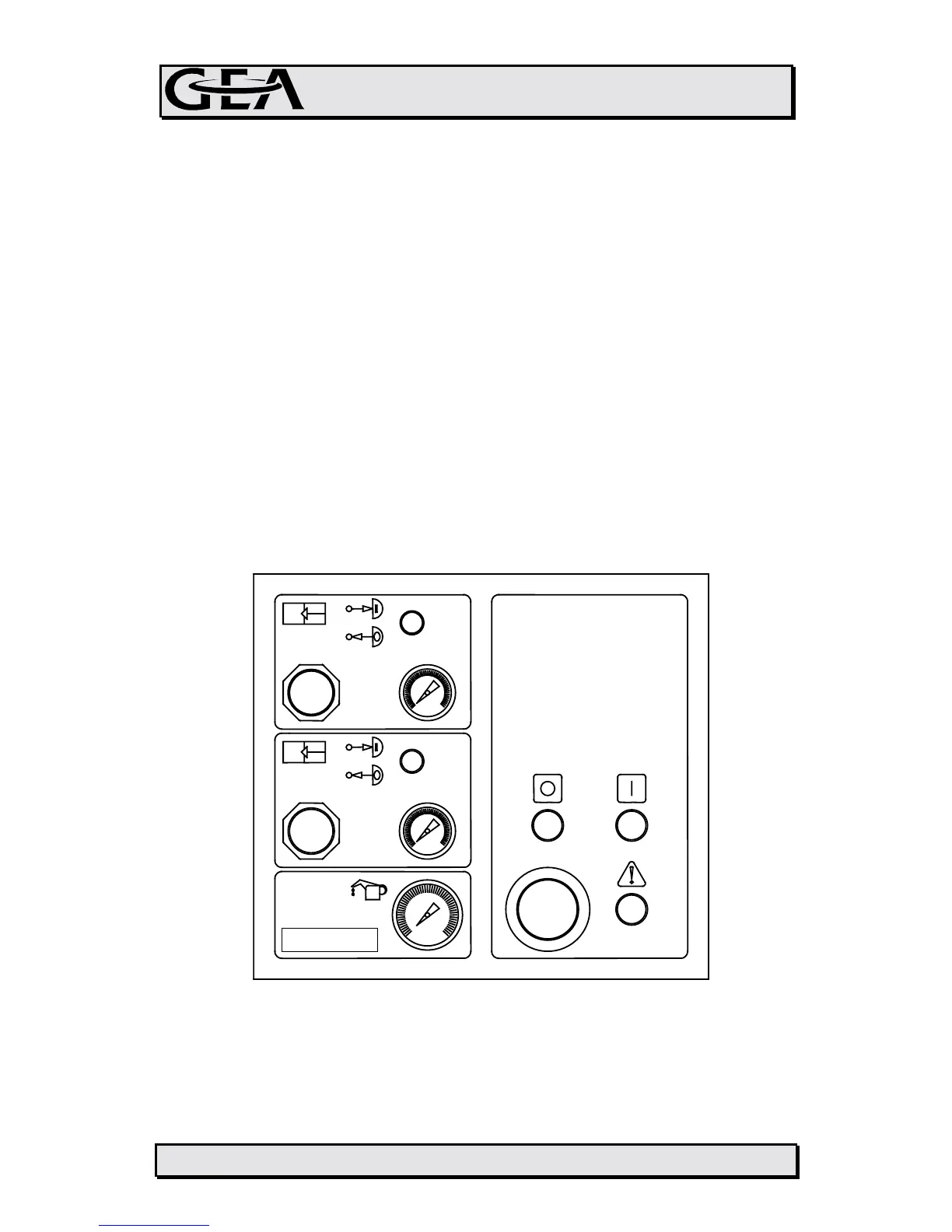
There is a single panel for all the different languages which shows the symbols
and instruments used to control the machine (see fig. 3.3.2):
• Emergency Stop push-button to halt the machine instantly in case of
emergency
• On/Off push-button (indicated by the symbols I/O); general alarm light (with !
symbol). These controls are available only if the electric board has been
supplied by NIRO SOAVI
• Pneumatic controls for adjustment of the homogenizing pressure (1
st
and 2
nd
stage) consisting in an air-operated control to switch pressure ON and OFF
and a pneumatic regulator to increase or reduce pressure (shown on a
measuring scale)
• Pressure gauges for controlling pressure of air sent to the pneumatic head
in order to reach homogenizing pressure.
• Pressure gauge for controlling pressure of drive lubrication oil, identified by a
relevant symbol
2
1








 To Next Page