Der first Start
Start wizard 2
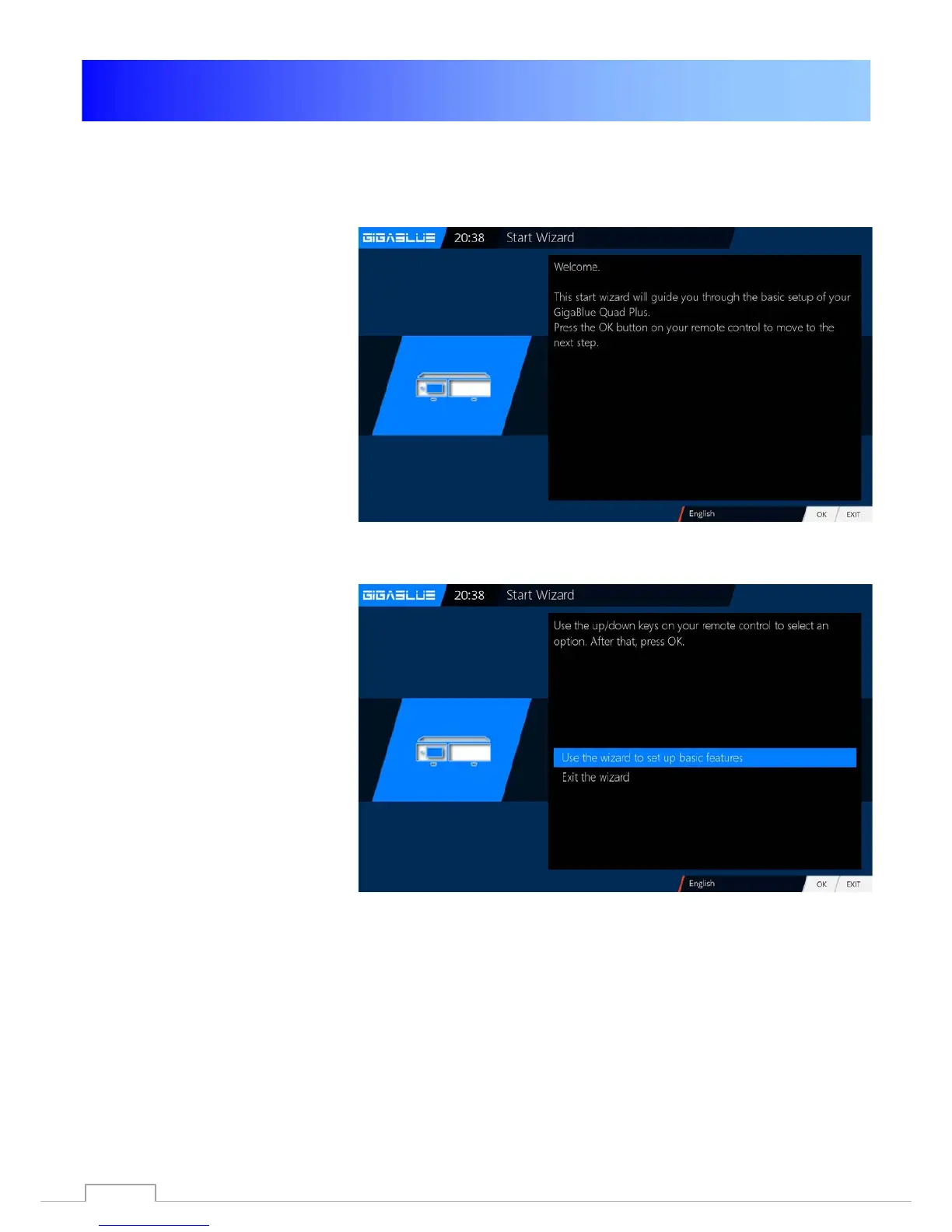
The start wizard is now started in
your selected Fig.1, language.
Press OK to move to the next
point.
You will be asked if you want to
make the basic settings
(recommended) or want to quit the
start wizard. Use the arrow keys
▲ ▼ to access the individual
menu items. Fig. 2
Fig. 1
.
Fig. 2
16



 To Next Page