Operation of GigaBlue Box
Add channels
Use the arrow keys ▼ ▲ to select
channels and press the OK button, the
channels are highlighted
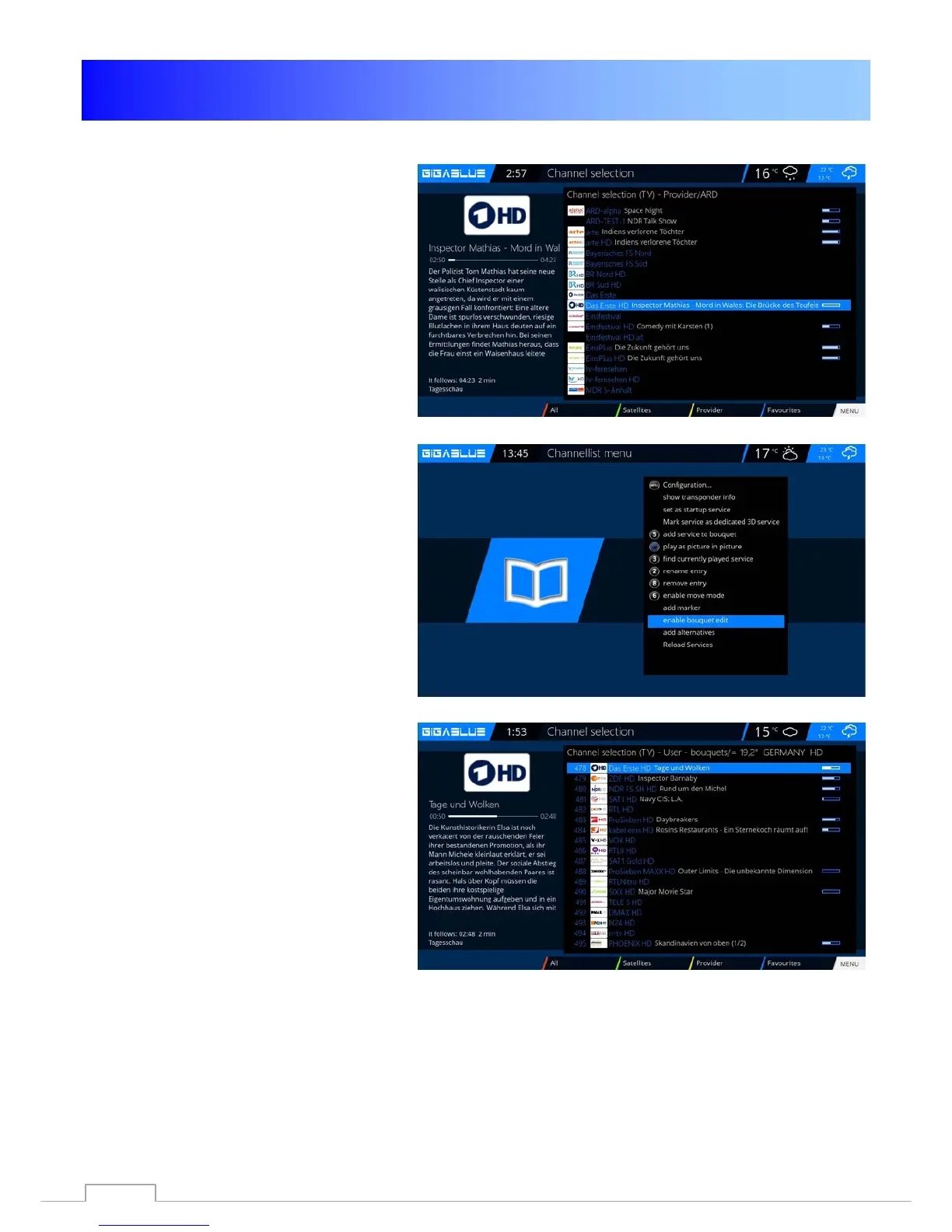
RED Fig.1.
Proceed in this way until all the channels to
add to your bouquet, and press the Menu
button. After all selected channels in your
bouquet Fig.2.
Fig. 1
Quit now Bouquet Editor Fig.3 mode by
pressing the OK button. All channels
previously selected are now in the bouquet.
Proceed with the other bouquets in the
same order.
Fig. 2
Fig. 3
32



 To Next Page