Operation of GigaBlue Box
Volume / Audio selection
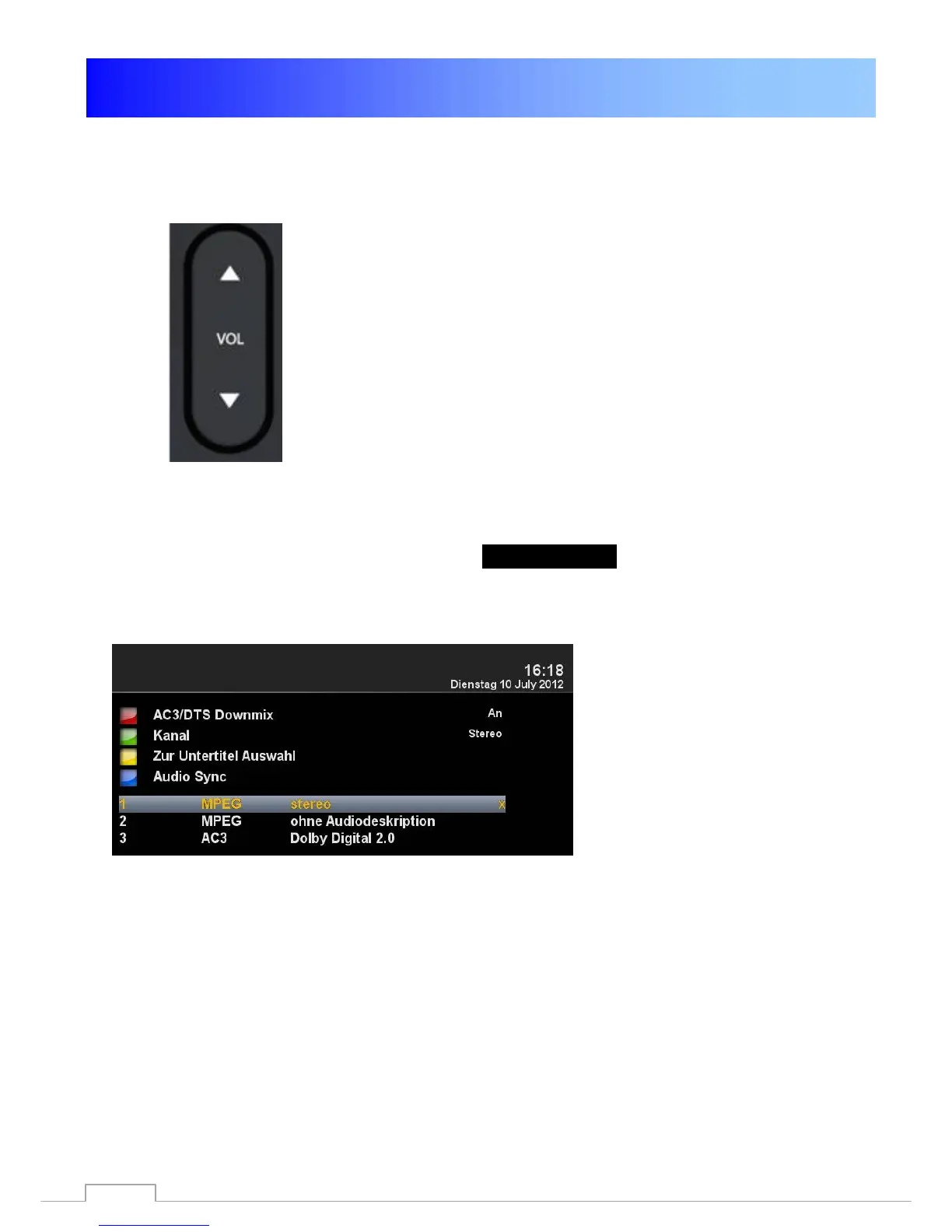
Use the arrow keys ▲ ▼ to adjust the volume
with VOL ▲ ▼ to increase and to decrease the
volume.
When you press the MUTE button, the sound is
muted and an icon appears on the TV. Pressing
the MUTE again
Mute the sound is switched on again and symbol
disappears.
In TV or radio mode, you can select the Audio / YELLOW button to the soundtrack of the
channel.
Navigate with the arrow keys
▲ ▼ to the desired track and
press the OK button.
The content of this menu
depends on the selected
channel.
24



 To Next Page