Update GigaBlue Box
Extensions
Open the main menu, use the
arrow keys ▲ ▼ to extensions
and confirm with the OK button
or 1x GREEN Button
Installing Extensions
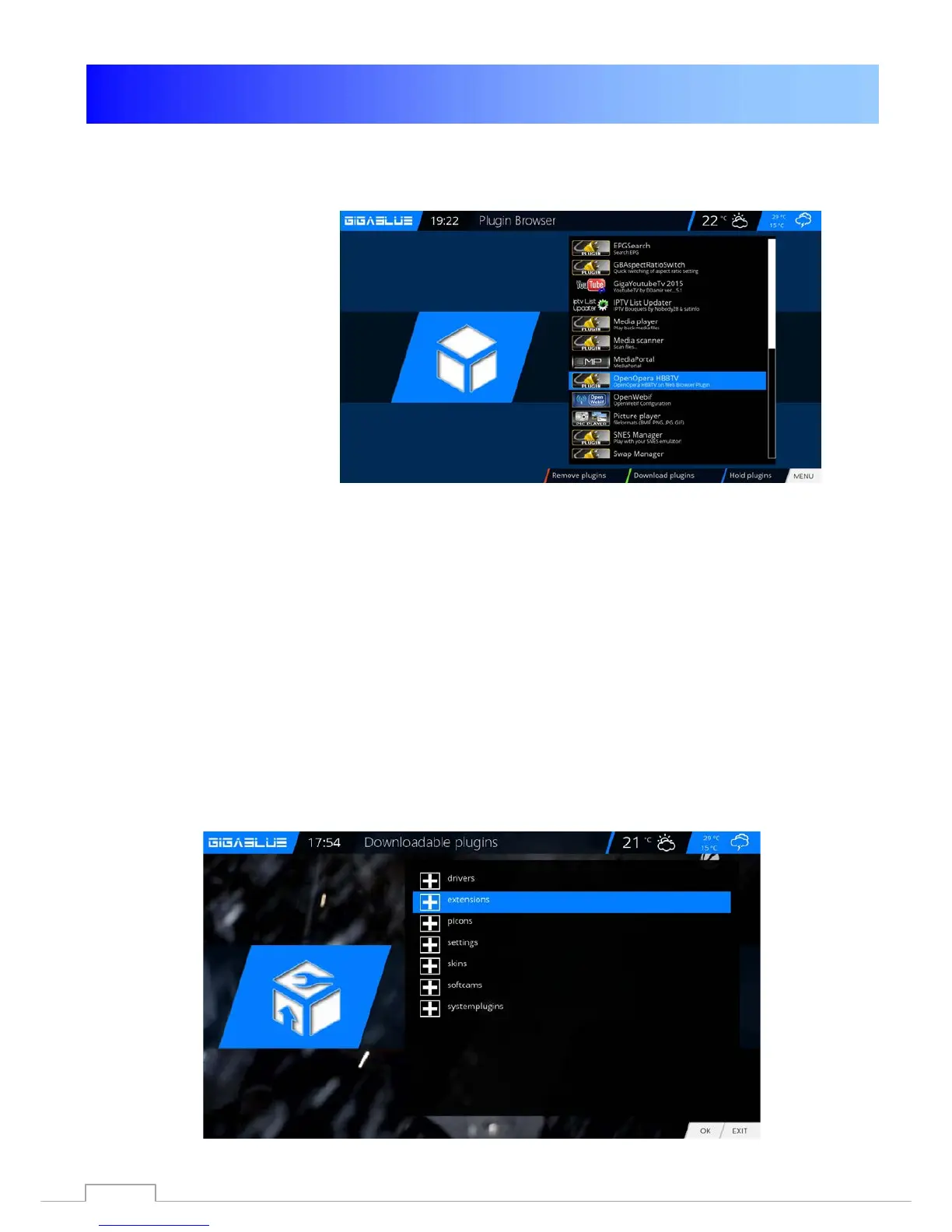
Please go to Menu / Plugin and press the GREEN Button. Fig.1.
The plugin information is loaded.
Scroll down to the next screen folder and open the folder with the OK button.
Select the extension and now start downloading the OK button and confirm the next window with Yes
Fig.3. The download will start. After a reboot, click the Browser under the Menu extensions.
You can install extensions prepared by us under extensions
You can install Picons prepared by us under Picons
You can install Channel-list prepared by us under Settings
You can install Skins prepared by us under Skins
You can install Systemplugin prepared by us under Systemplugins
Fig.1
77



 To Next Page