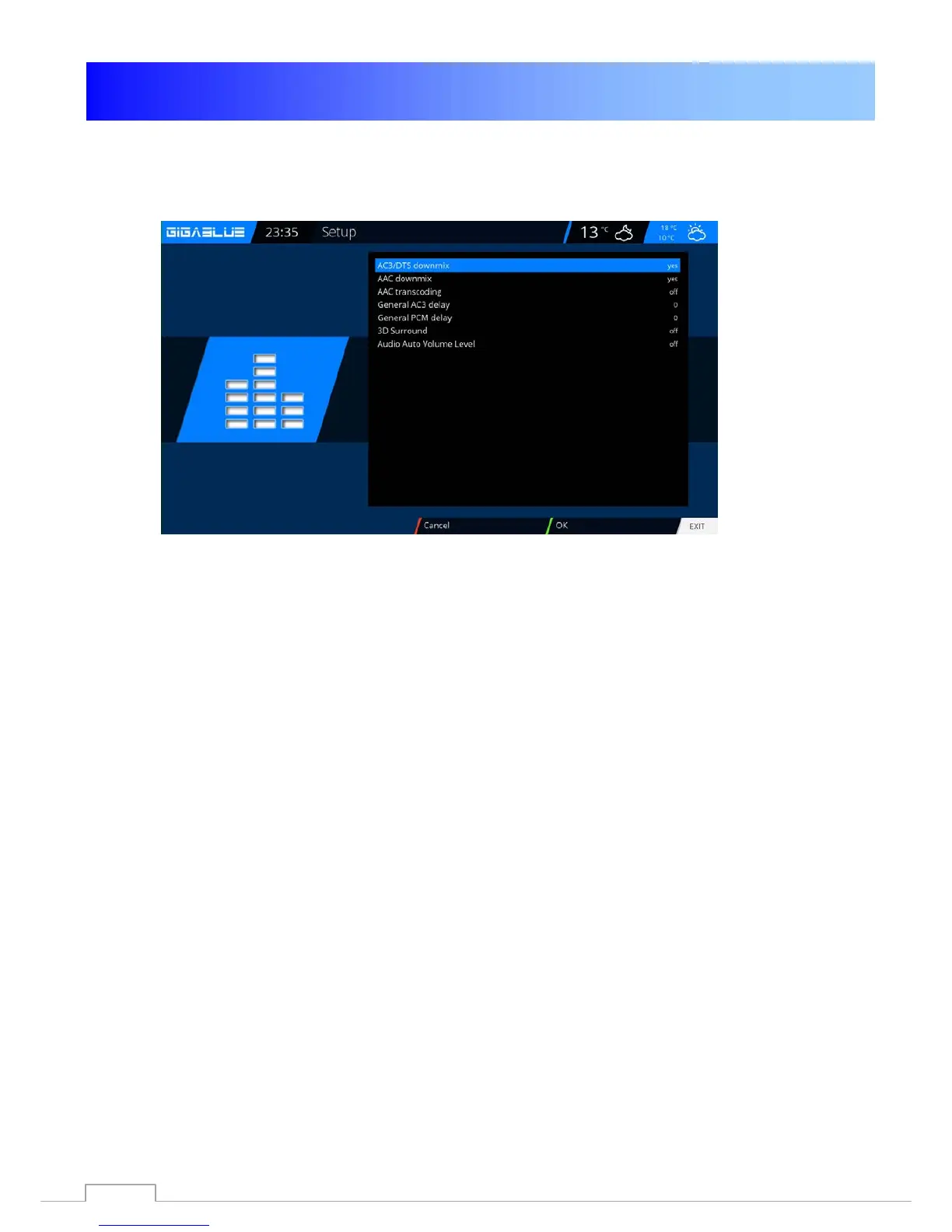
Operation Audio/Video Settings
Audio settings
Here you can make settings on the audio and video settings.
To make settings on the Audio / Video switch to the menu,
Setup / Audio / Basic Settings
Video output
Video output:
This determines where the video signal to be output. The options are:
HDMI
YPbPr
Use the arrow keys to select ◄►die desired output.
Modus:
The following options are available:
PAL
NTSC
Make this a country-specific. Use the arrow keys ◄►.
Refresh rate:
In normal TV devices only options 50Hz, 60Hz and Multi are available. If your TV is connected via HDMI
or YPbPr you can vote the interface screen for your TV device.
Aspect ratios
Modus 4:3
16:9 View content as
Letterbox:
Here the program will be on a 16: 9 TV display device, however, arise the left and right black bars over
its full height.
Just Scale:
The show will be on a 16: 9 TV equipment in the whole amount but shown slightly distorted width.
Pan&Scan:
The show will be on a 16: 9 TV equipment in its entire width but below and above a portion of the image
is cut off.
47



 To Next Page