Web interface
Web interface
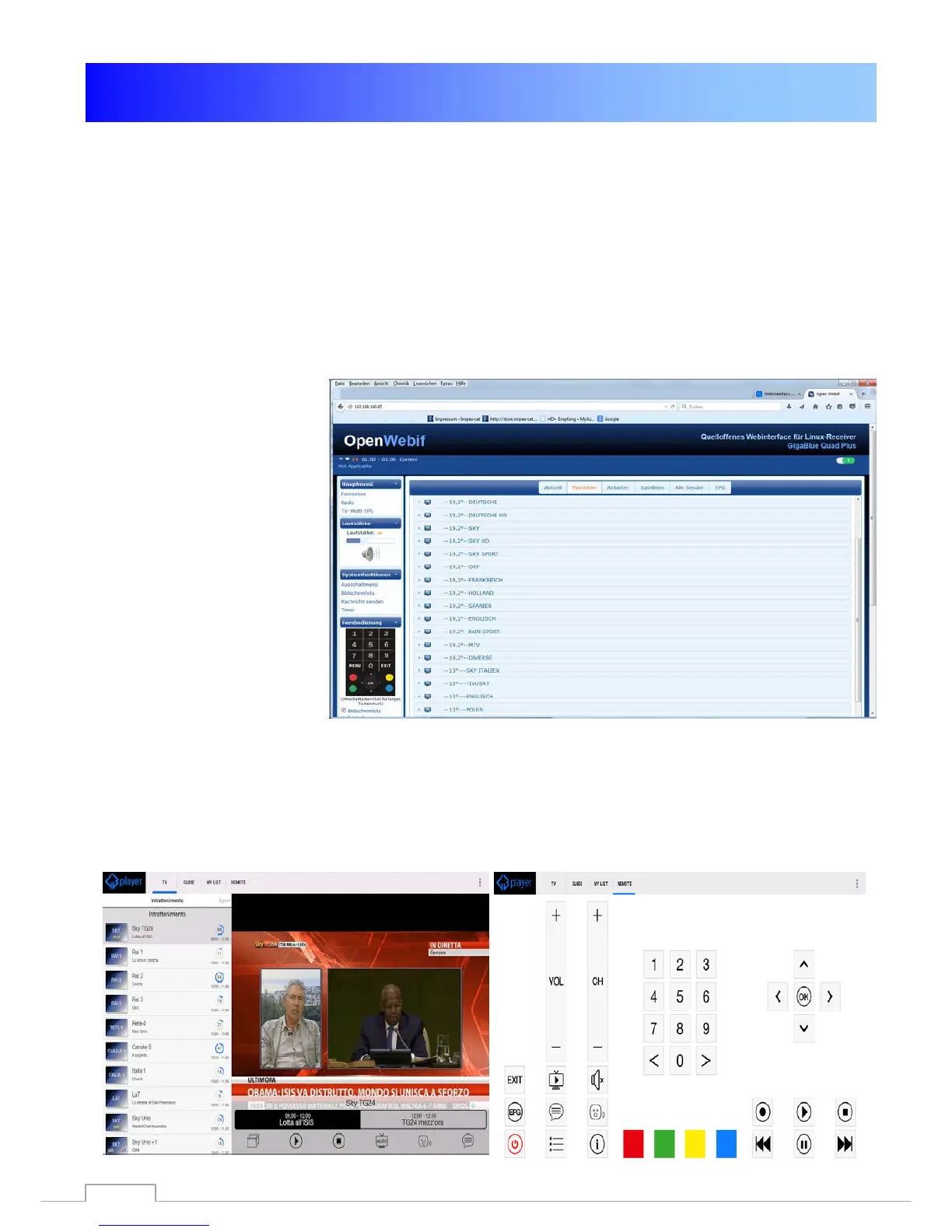
Web-IF, the web interface of GigaBLueBox is a part of the image. Get the latest and the expert
versions of WebIf there by CVS. You can access the Web user interface of GigaBlueBox via the
WLAN / LAN connection. Serve with a browser. Via the Web Interface current states of the box are
displayed (current station, EPG etc.) and it can control commands are passed on to the box.
Now open your Internet browser and type in the address bar the IP address of the box and confirm
with the Enter key example 192.168.xxx.xxx and it will start the Web Interface,
192.168.xxx.xxx:8080 starts OpenWebinterface.
Here you can find all kinds of
features to Live TV watch,
schedule recordings, check
the box and much more
GigaBlue Player for Mobile devices
You can also Gigablue Player app for mobile devices free download and install, for android, iOS
from Google Player and from ITunes Store
You can operate your GigaBlue box with the app, as well as TV shows, schedule recordings, check
the box and much more
82



 To Next Page