Operation of GigaBlue Box
Channel automatic scan
Menu (Setup / Tuner / Automatic scan)
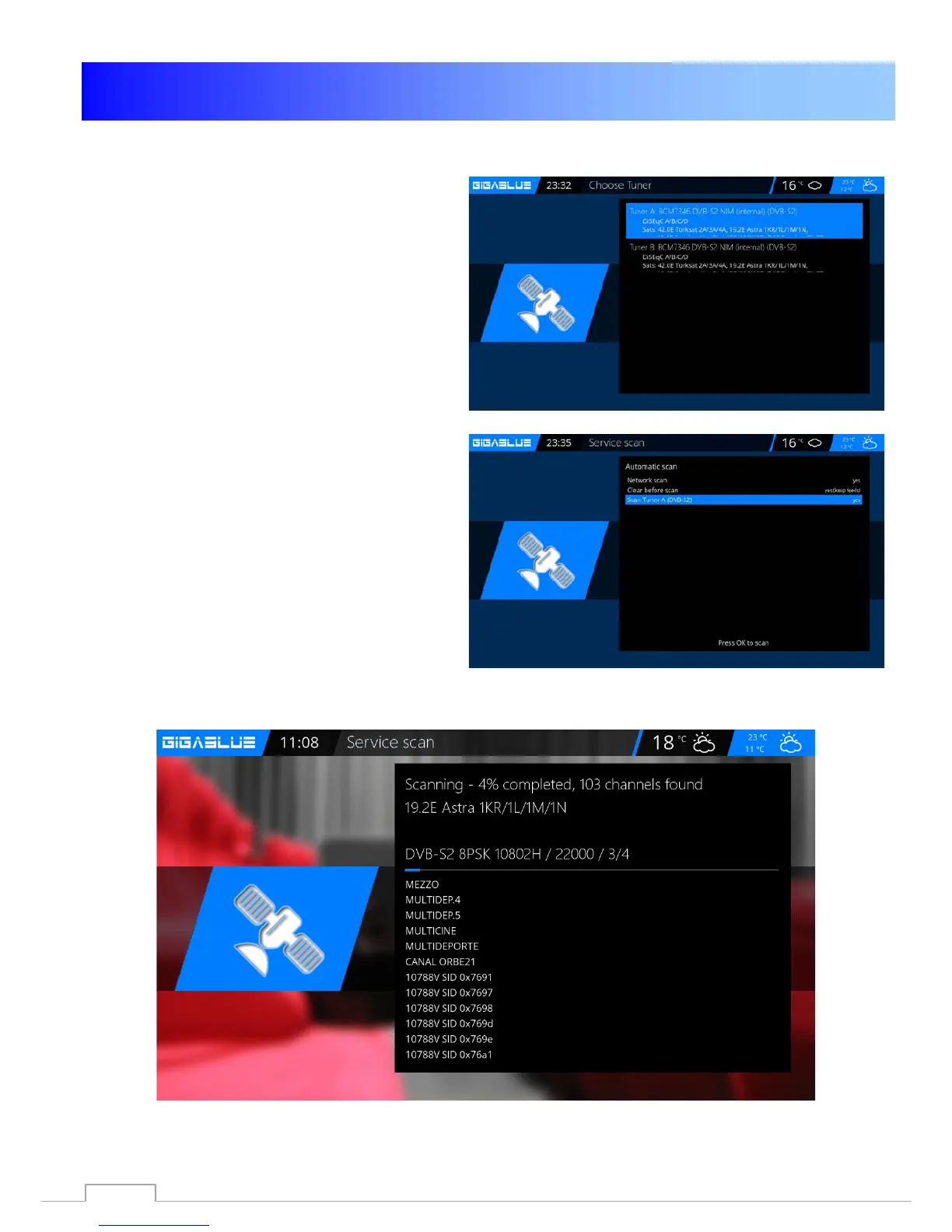
Important !! Tuner must be configured, see
page 17. Fig.1.
The following options are available: Fig.2
This can be reached with the arrow keys
◄►.
Network scan: Yes / No
Clear before Scan: Yes / No: Caution, if you
will indeed select automatically delete the
existing channel list.
Scan Tuner A (DVB-S2): Yes / No
Now start the OK button to automatically scan
channels. This takes some time to Fig.2.
Upon completion of the search, you exit the
menu with the EXIT Button, the stations found
are now available.
Proceed with the other options on the same
procedure.
Fig.1
Fig.2
55



 To Next Page