Operation of GigaBlue Box
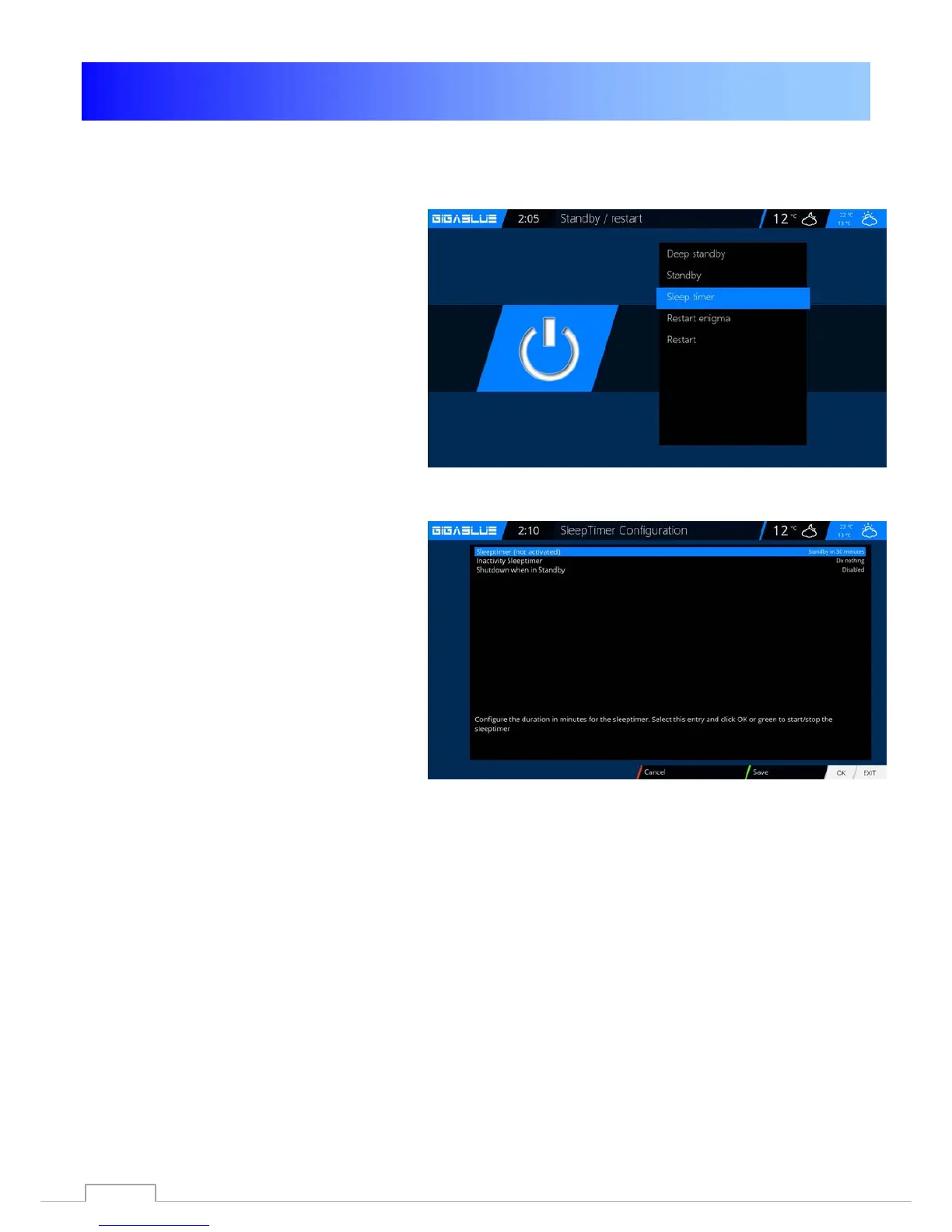
Sleep-Timer
Press the Power button on the remote for 3
seconds Abb1 and click OK.
Here you have the following options by
pressing the keys mentioned Fig.2:
RED button Enable / Disable
GREEN button switch of / Standby
YELLOW button demands Yes / No
BLUE button time off the current
Take over Program
Fig. 1
If you have made all settings, press the OK
button and the following message appears
Abb. 2
.
Fig. 2
43



 To Next Page