Bedienung der GigaBlue Box
Parental Protection
Lock Bouquets
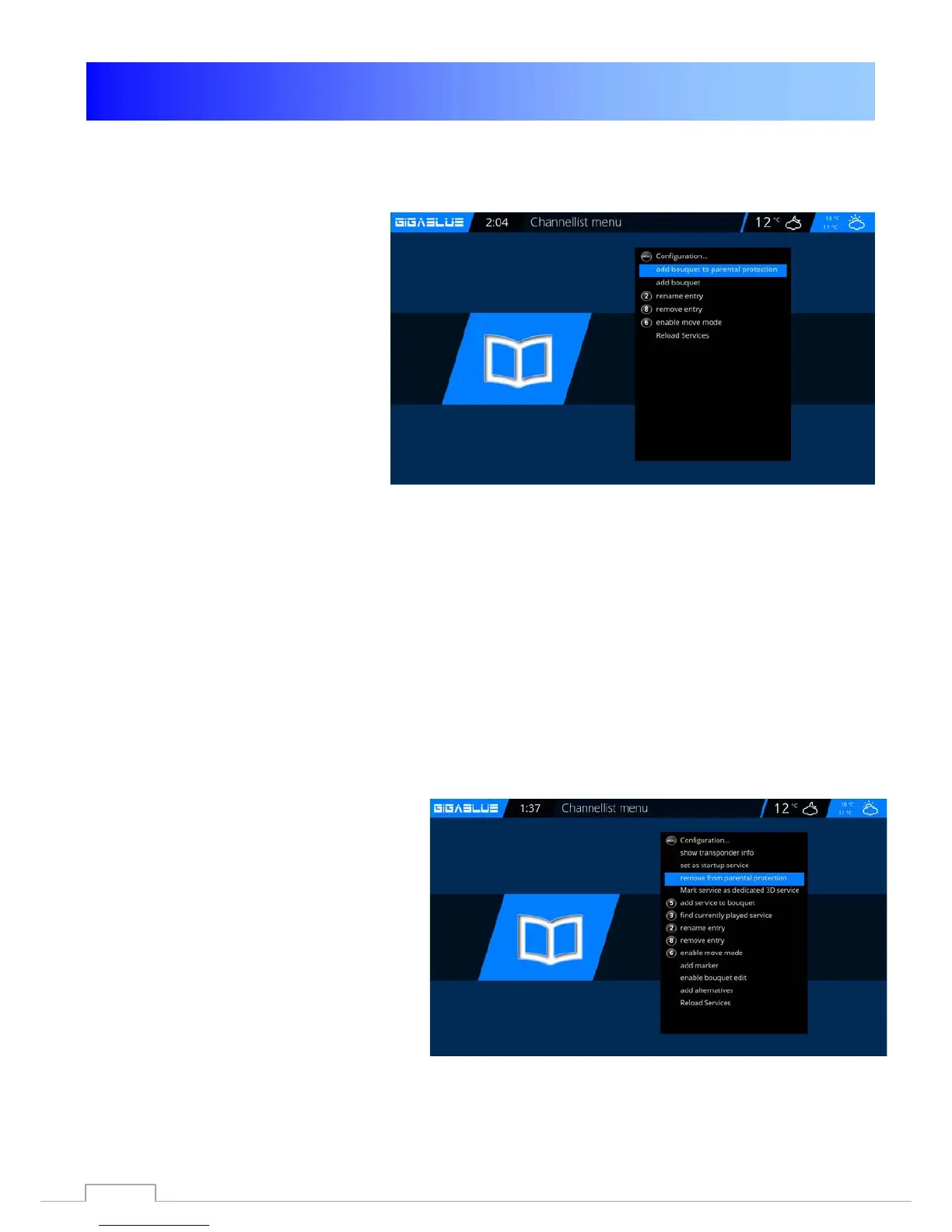
Now go to Channel List / Bouquets
(Blue button) Press Menu button and go
to add bouquet to parental protection
to lock bouquets and press OK. Fig.1
Abb. 1
Fig. 1
Protect settings Youth Protection
If parental controls are protected, this point must
be set to yes, then after entering the pin's in the
Parental menu Fig.1.
.
Fig. 1
39



 To Next Page