Operation of GigaBlue Box
Parental Protection
Lock Channels
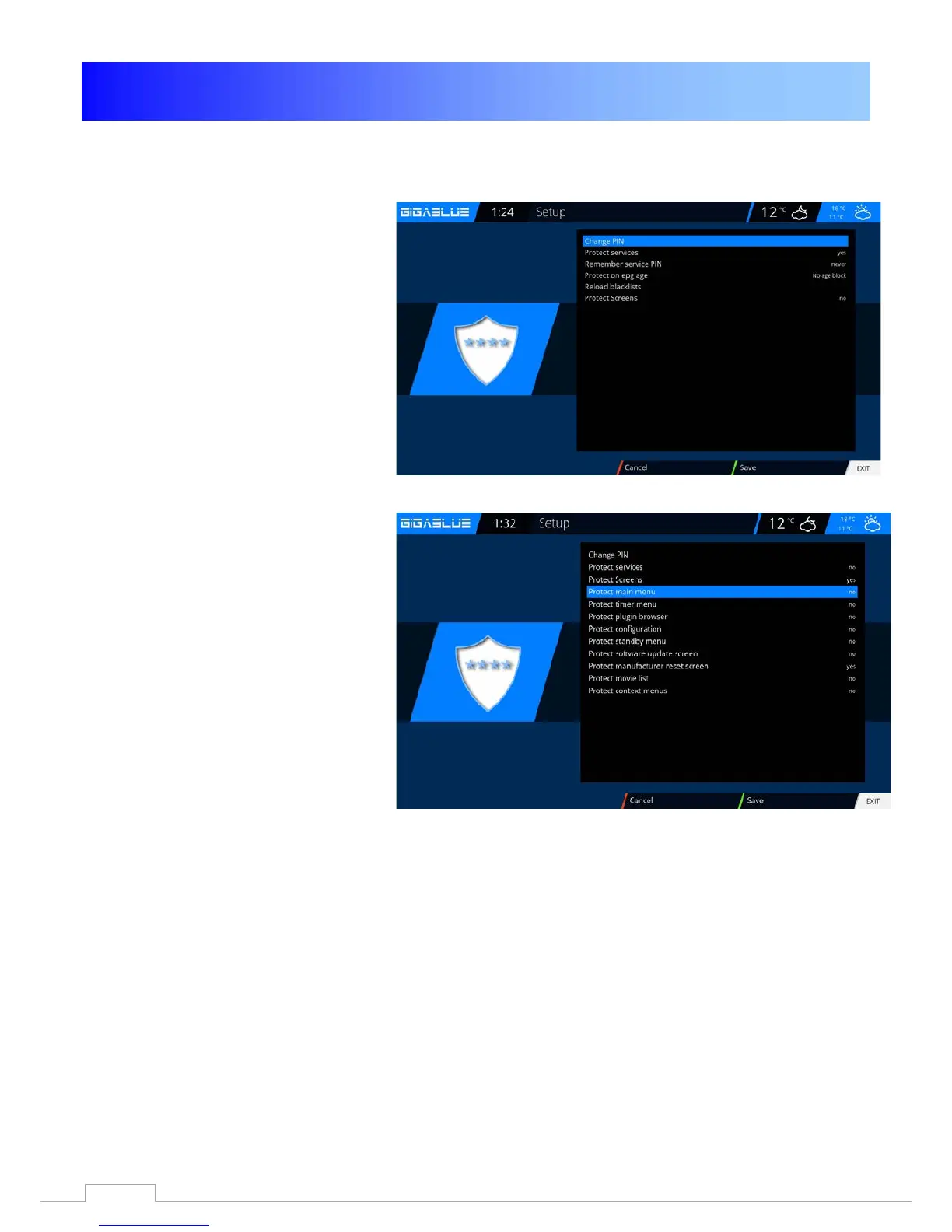
Go into the Setup menu and select
parental protection / protect
services and change to YES use the
arrow keys ◄► Fig.1.
You can now choose positive or
negative list.
The positive list means that any non-
parental control list added channels will
be blocked.
Lock Screens
Go into the Setup menu and select
parental protection / protect
screens and change to YES use the
arrow keys ◄► Fig.1.
You can choose which want to lock
menu.
To lock YES select, use the arrow
keys ◄► Fig.1.
Fig. 1
Abb. 2
Fig. 3
37



 To Next Page