Operation of GigaBlue Box
Immediately Recording
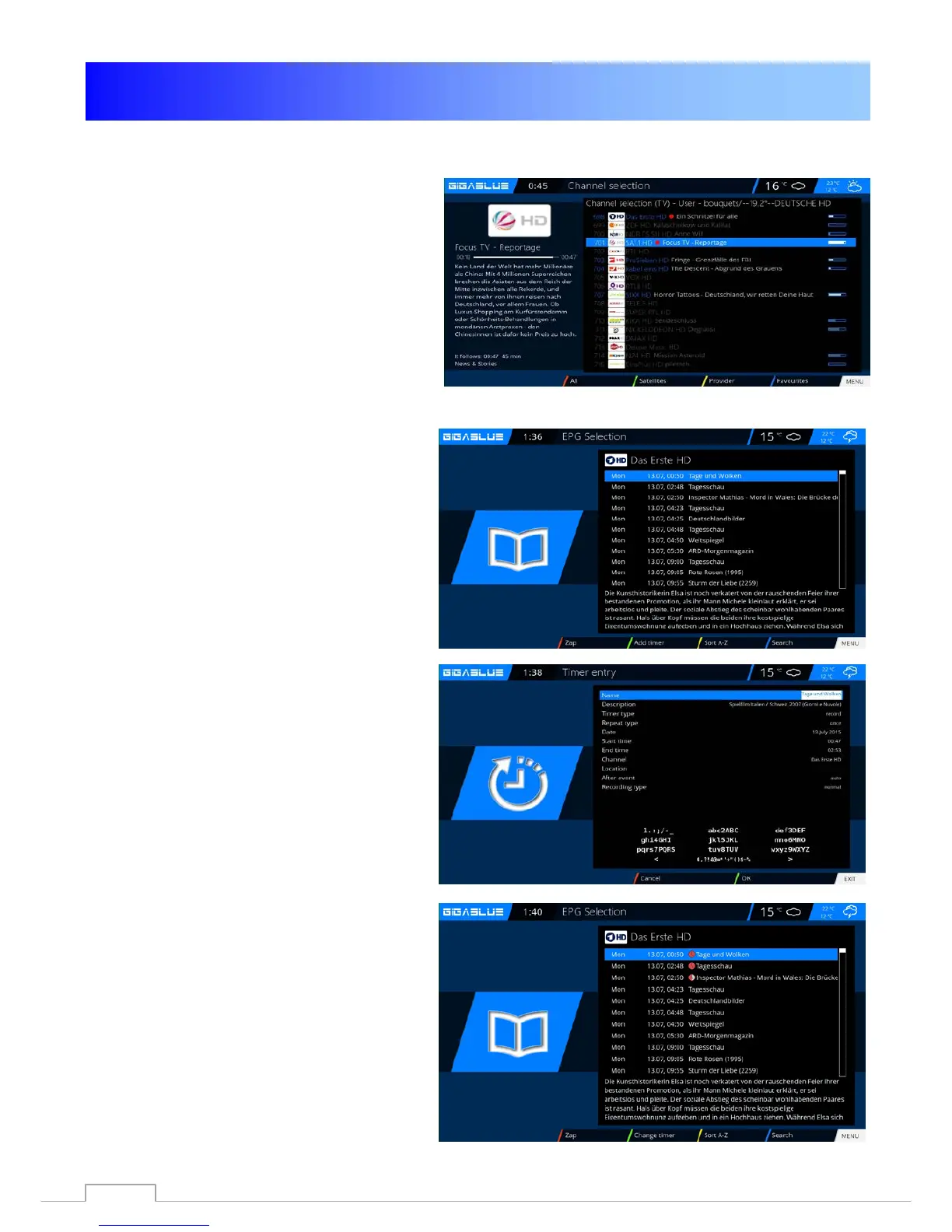
To determine which transmitter is available
to open the channel list with the arrow
keys ▲ ▼ here is displayed which channel
can be recorded or viewed Fig.1.
EPG Recording
Please press INFO button long.
You have on the screen EPG of the
current channel
Select the program you want to record
and confirm with the GREEN button
Timer set Fig.1.
Set the guidelines as a Should proceed
GigaBlue box.
Then press the GREEN button to launch
Settings to accept Fig.3.
Fig.1
Fig.1
Fig.2
Fig.3
66



 To Next Page