Operation Time zone
Time zone
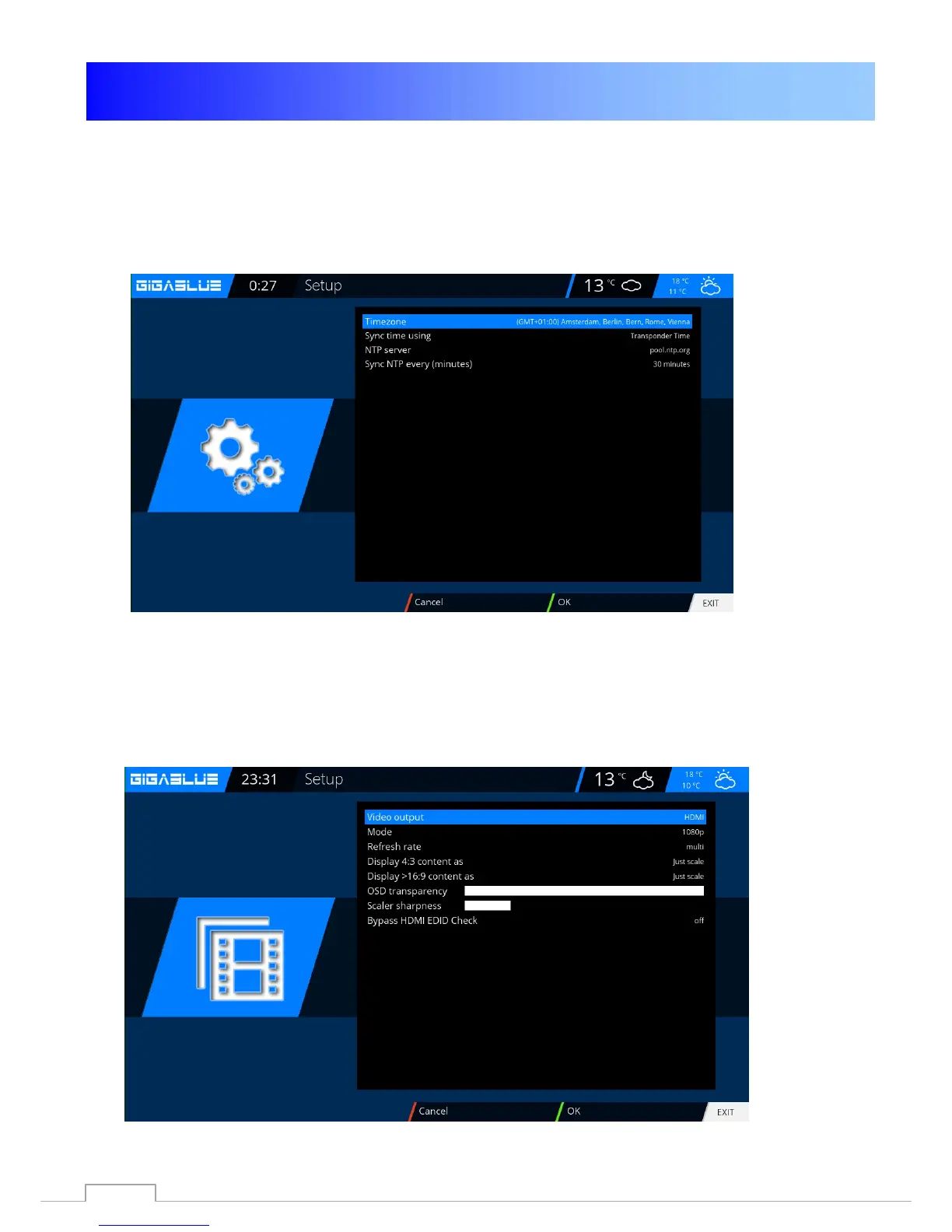
To set the time zone change to the menu
Setup / System / Basic settings / time zone with the arrow keys
◄► to adjust the time zone with the
GREEN button to accept or
discard the
RED button Fig.1.
.
Video settings
Here you can make the settings on the audio and video settings.
To make settings on the Audio / Video switch to the menu,
Setup / Video / Basic Settings
.
46



 To Next Page