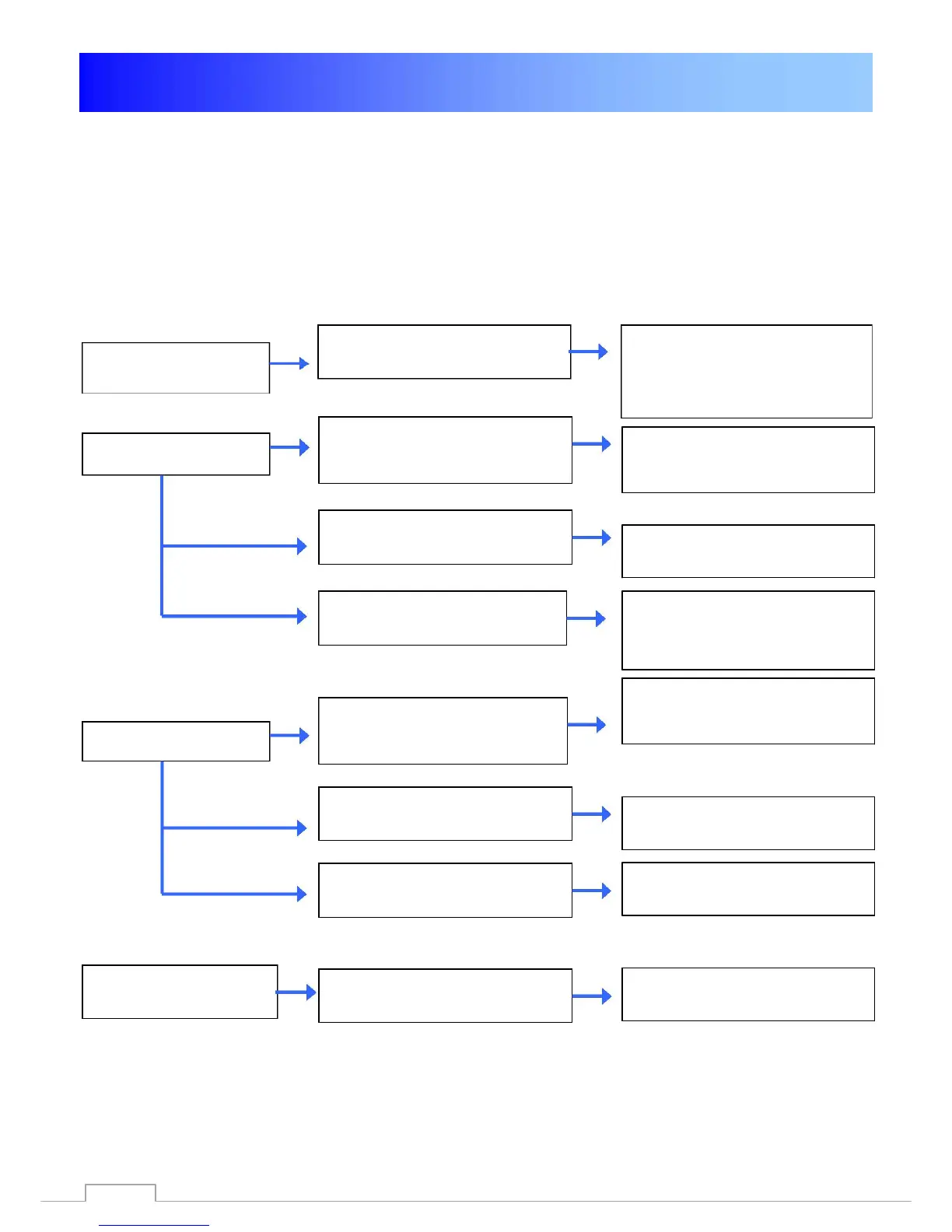
Problem-solving
Debugging
Problem
The display on the front
panel does not light up.
No Signal.
No Picture no Sound
The remote does not
function
Possible Cause
The power supply is
disconnected.
GigaBlue Box receives no
Signal.
Wrong Tuner configuration.
Satellite dish misaligned
LNB defective.
Wrong connection of the
Audio/Video output of GigaBlue
Box for TV (HDMI)
The sound is muted
TV power is off
Batteries are empty.
Remedy
Check whether the AC
adapter and the power cord
is connected, and connected
to the Socket.
Check the antenna cable i fit is
properly connected
Check antenna configuration
Go to the Tuner Menu and check
settings
Check the signal strength with a
spectrum analyzer and adjust
satellite antenna
Replace if necessary the LNB
Pls. Connect HDMI cable to
GigaBlueBox and with your TV
device
Press the Mute button on the
Remote Control
Turn on the TV device
Replace the batteries
83



 To Next Page