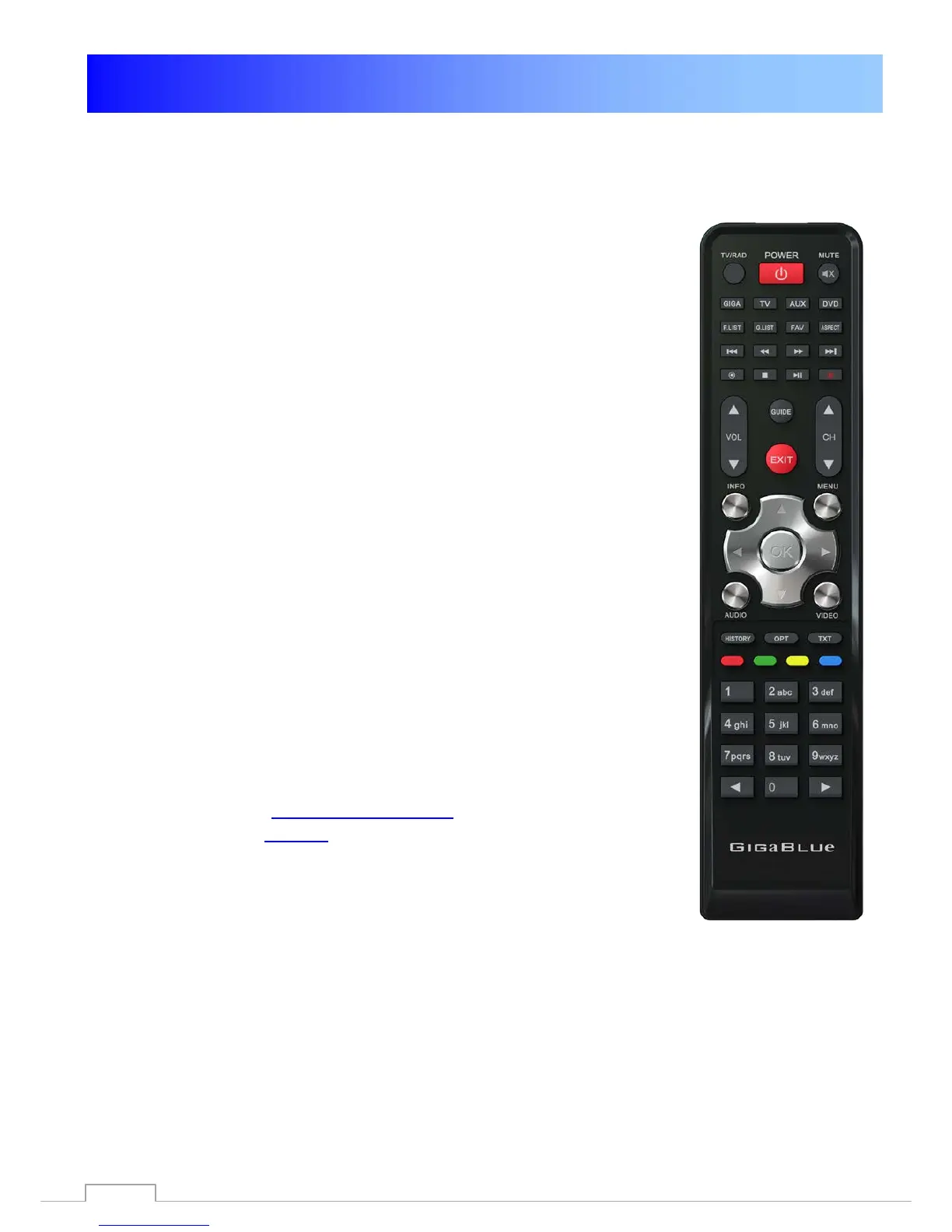
Universal Remote Control
HD QUAD PLUS Universal RCU
User Manual
1) Mode Selection
① STB Mode: Press to [GIGA] button (Basic Mode)
② Mode Selection : Press to device mode [TV]/ [AUX]/[DVD]
button
2) Setup by manual search
① Switch on theTV set.
② Press and hold a device mode key [TV]/[AUX]/[DVD]
button with[OK] button for at least 5 seconds in same time.
③ Refer to Brand List, Enter 4 digit of Brand code
④ If TV Power off, Then press to [OK] button If the TV Brand is
not present in the list or the setup is unsuccessful, try the next method.
3) Auto Searching
① Switch on the TV set.
② Press and hold a device mode key [TV]/[AUX]/[DVD]
button with [OK] button for at least 5 seconds in same time.
③Press slowly [▲] or [▼] buttons on navigation-key until
TV power off.
④ If TV Power off, Then press to [OK] button
⑤ Finish & Recheck Device Mode.
Would you like to use universal function, see code list. Please
download under http://www.gigablue.de GigaBlue universal Remote
Control manual English down
87



 To Next Page