Operation of GigaBlue Box
Sub channels
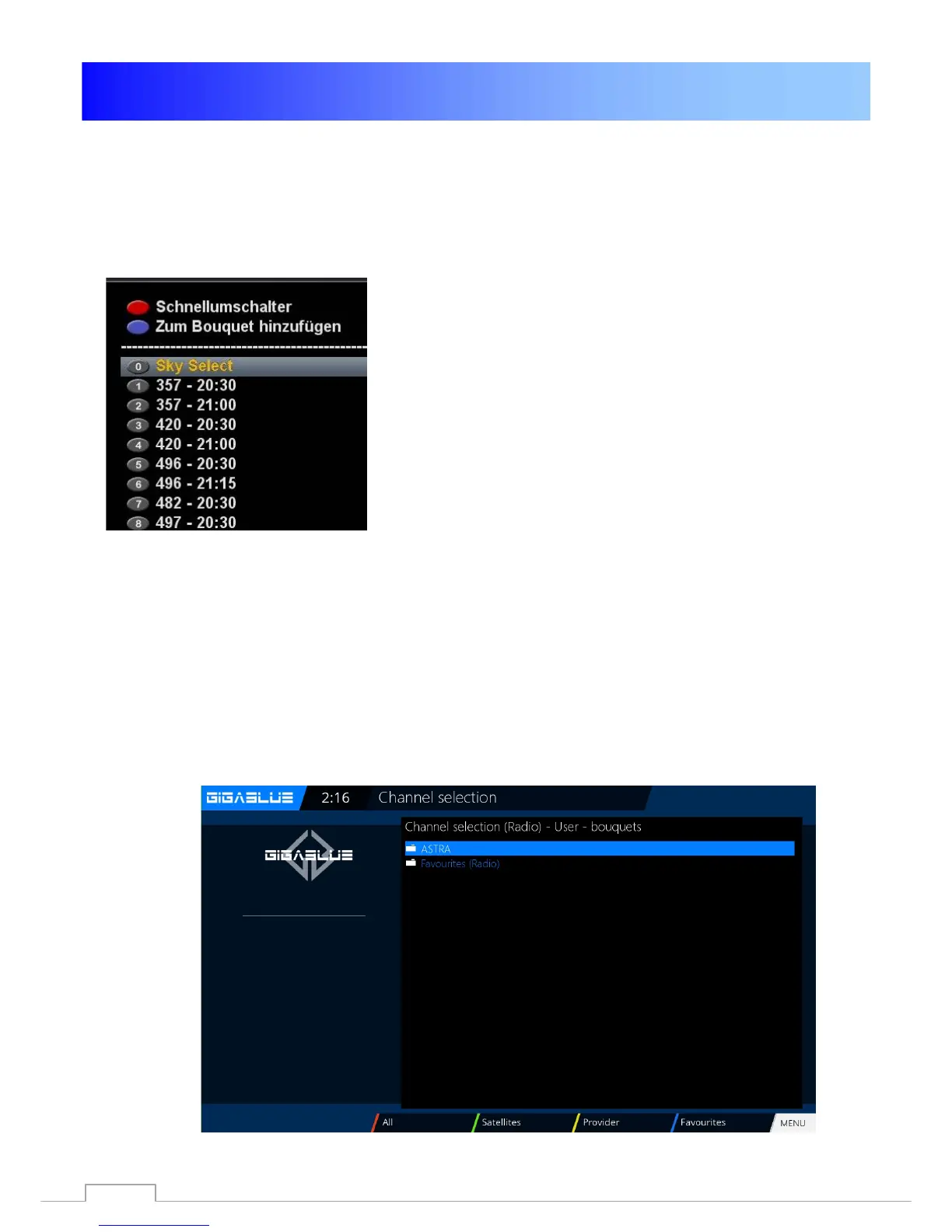
If you are on a channel which broadcasts sub channels, such as Sky, you may select this with the
GREEN button.
When pressing the OPT (option) in TV
Mode, you see a list of
Sub channels. Move the
▼ ▲ keys to the desired
Sub channel and confirm with OK.
Use the arrow keys ◄► to switch to the next sub
channel
TV Radio Switch
With the TV / RAD button, you enter the radio mode. You can leave it again with the TV / RAD
or EXIT button.
You can also see at the bottom of the current and next program.
25



 To Next Page