Operation of GigaBlue Box
Turning on and off
The GigaBlue box, you can turn on or off with the power button.
Please press briefly the power button to the GigaBlue box into standby mode to set, either on the
remote control or at the Box GigaBlue directly. The display then the time is displayed.
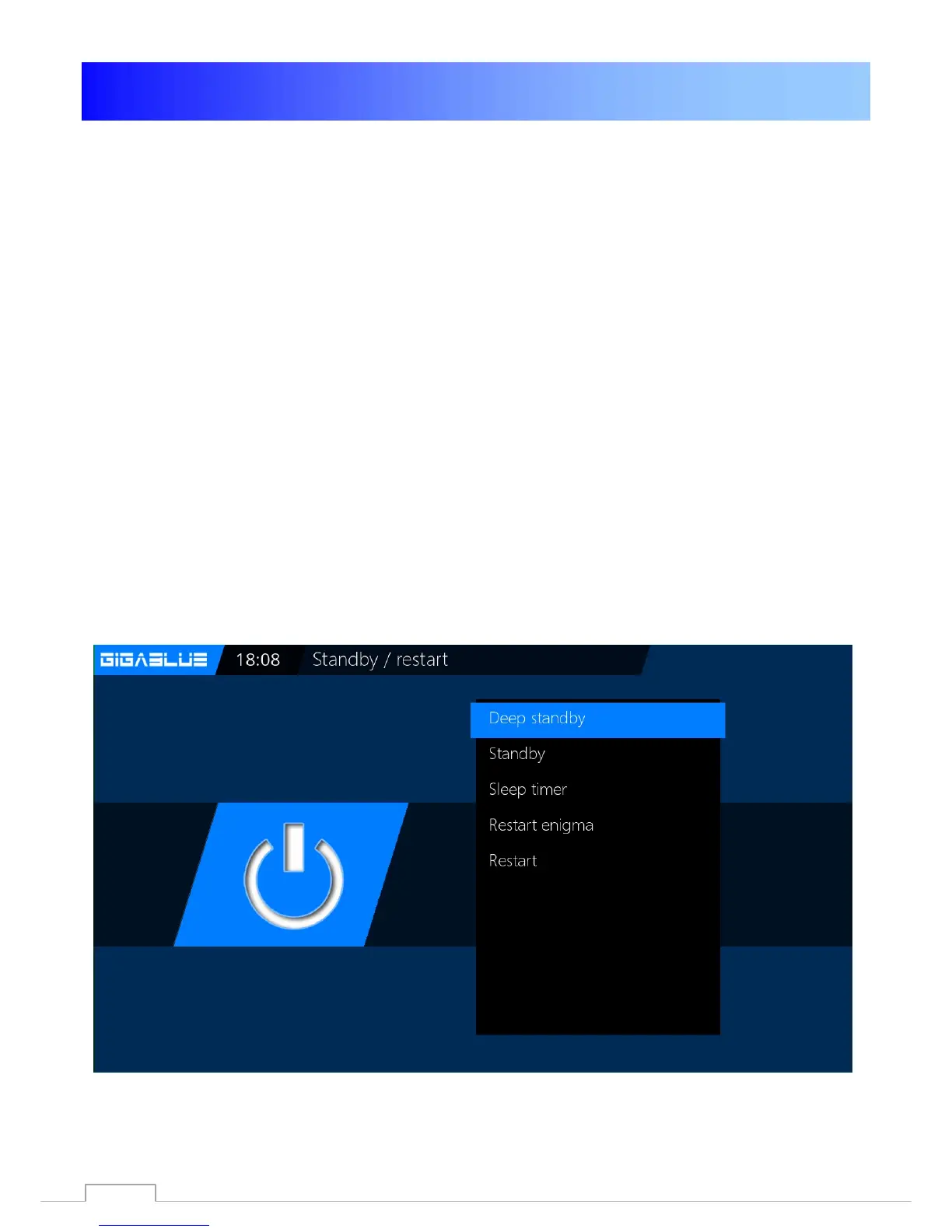
If the power button on the remote control is pressed for 3 seconds. long, goes the GigaBlue
Box in the Deep Standby mode.
Importantly this is no OSD menu is active.
This you can select the menu under Standby / Restart and select off in the OSD. Confirm with the
OK button. The settings are saved and the
GigaBlue Box goes into deep standby mode. This means that the GigaBlue box is supplied with a
minimum current. In this menu you get even if the power button is pressed for 3 sec.
In order to disconnect the GigaBlue Box from the power, put your box in the Deep standby and
then press the Power switch on the back.
22



 To Next Page