Update GigaBlue Box
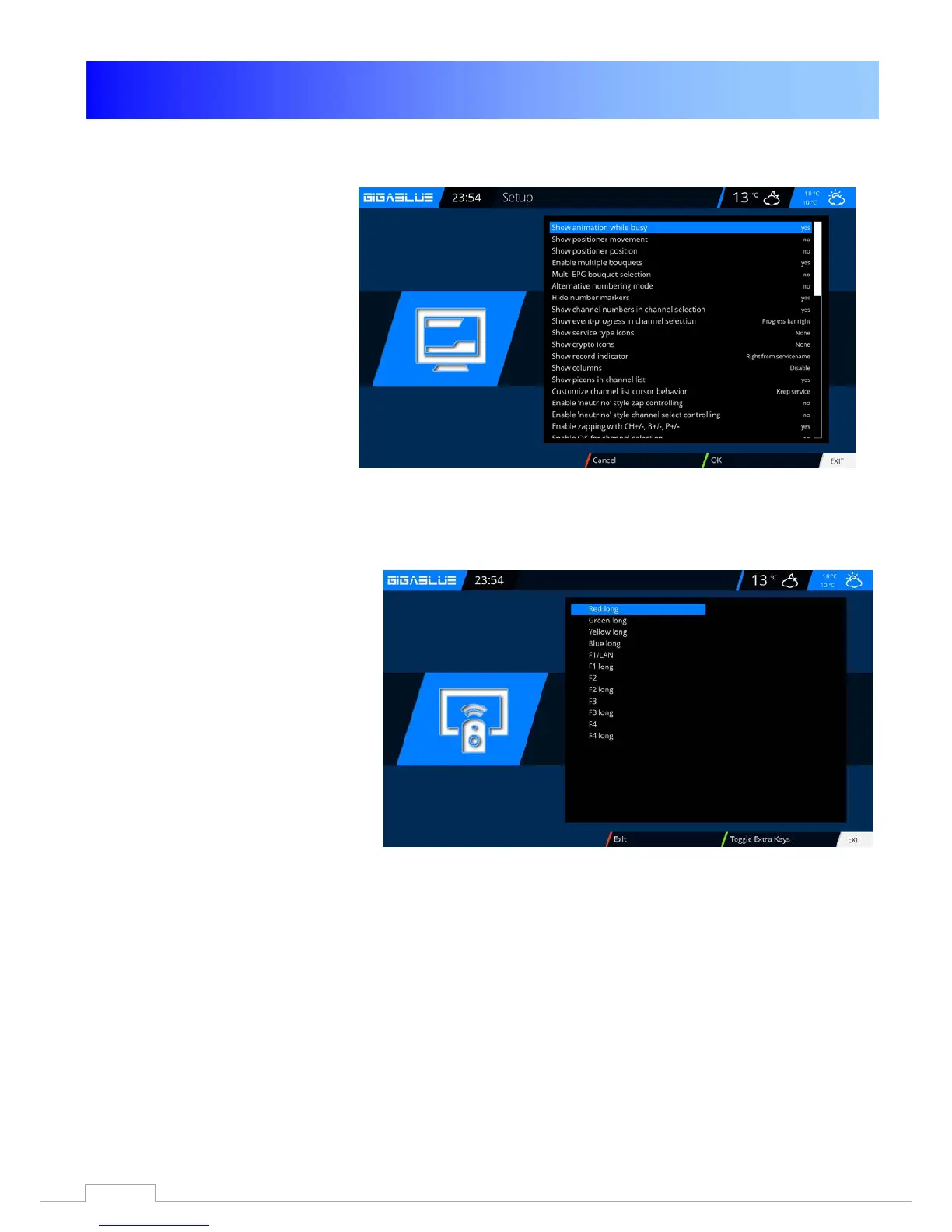
User Interface / Basic Settings
Go to the menu and use the arrow
keys ▲ ▼ ◄► Setup / System /
User interface / basic settings
and confirm with OK
Use the arrow keys ▲ ▼ ◄► to
change the information on the
channel list, EPG, skin, etc.
Press OK to save.
Button allocation
Go to the menu and use the
arrow keys ▲ ▼ ◄► Setup /
System / User Interface / Hot
Key and confirm with OK
The key allocation feature allows
you to customize the buttons on
your remote control to your wishes.
Here is an example using the web
browser.
Please use the Button of which is to
be occupied, in our case F4 Abb2
and confirm by pressing the OK
button. This will open as shown in
the displayed menu. By pressing
the blue button (Add) opens.
There you have the option of either
a function of GigaBlue box or a
plugin inflict added.
78



 To Next Page