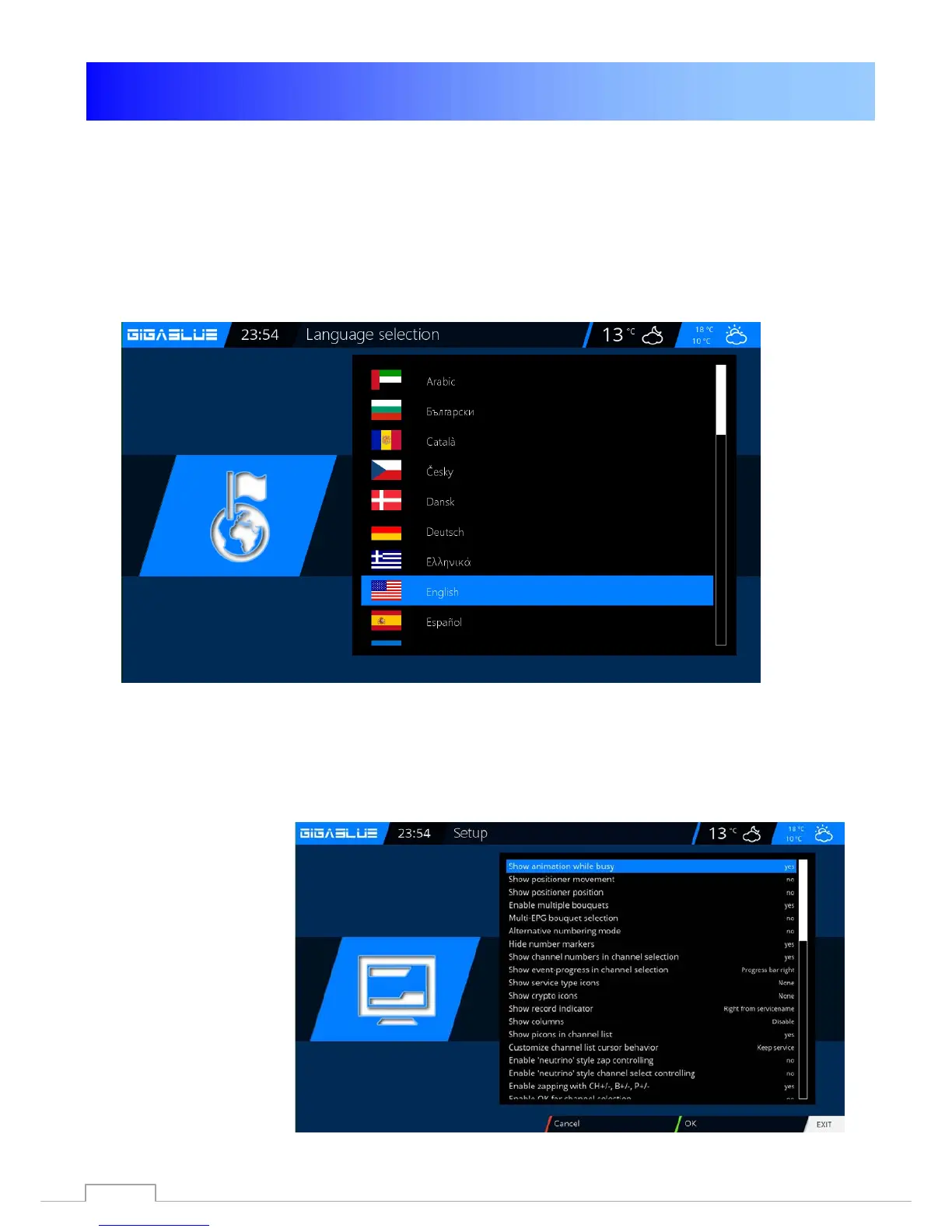
Operation Language selection
Language selection
Go to the menu
Setup / System / User interface / language
There will be different languages to choose from shown Fig.1.
Abb. 1
User mode
Go to the menu
Setup / System / Basic settings.
Here you can use the modes
Easy
Advenced
Experte
Adjust. If the individual
yet described.
44



 To Next Page