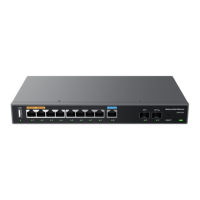
GWN7000 User Manual
Version 1.0.6.28
GETTING STARTED
The GWN7000 Enterprise Router provides an intuitive web GUI configuration interface for easy
management to give users access to all the configurations and options for the GWN7000’s setup.
This section provides step-by-step instructions on how to read LED indicators and use Web GUI interface
of the GWN7000.
LED Indicators
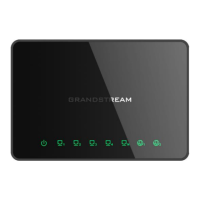
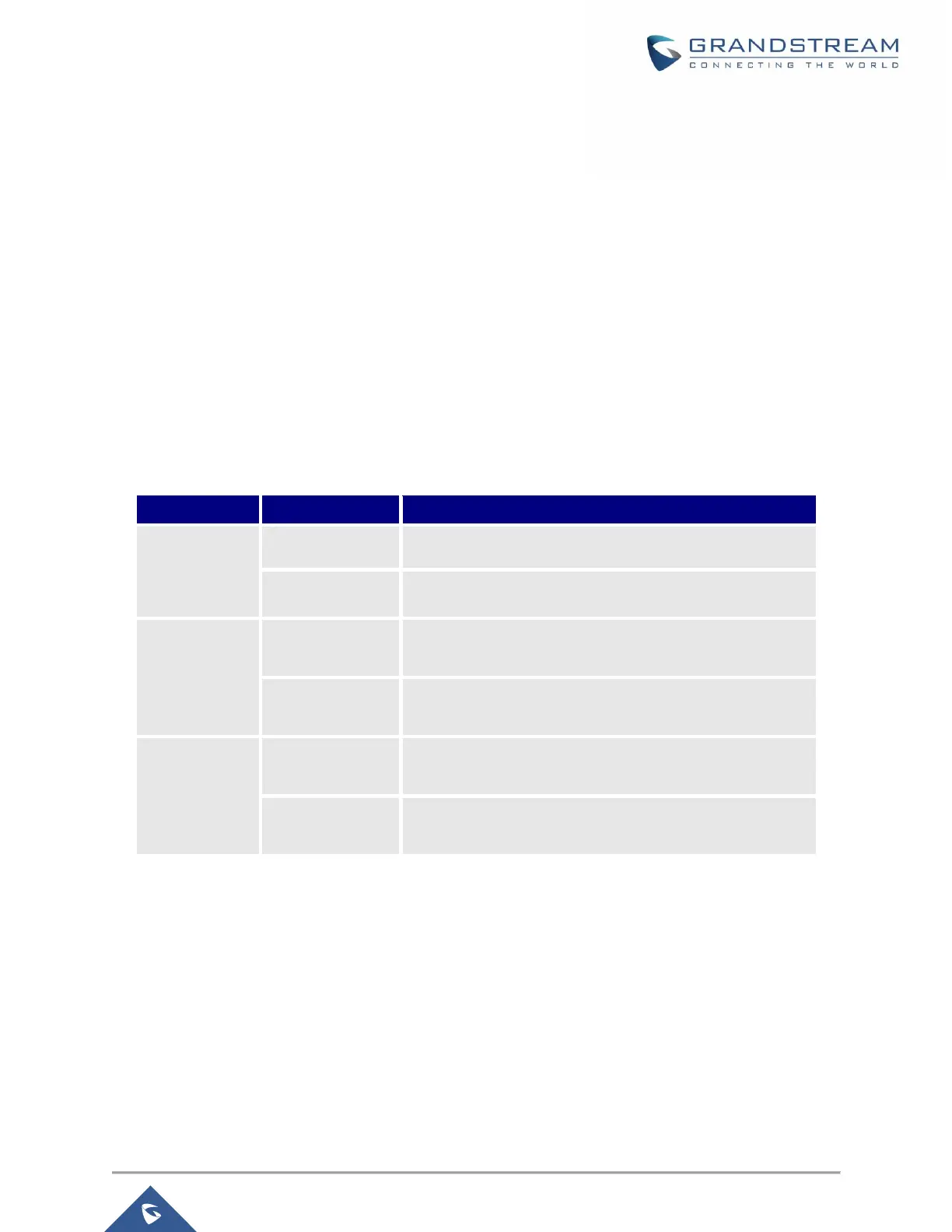
The front panel of the GWN7000 has LED indicators for power and interfaces activities, the table below
describes the LED indicators status.
Table 3: LED Indicators
GWN7000 is powered off or abnormal power supply.
GWN7000 is powered on correctly.
GWN7000 is connected as a client to another network and
data is transferring.
GWN7000 is connected as a client to another network and
there is no activity.
A device is connected to the corresponding LAN port and
data is transferring.
A device is connected to the corresponding LAN port and
there is no activity.
Use the WEB GUI
Access WEB GUI
The GWN7000 embedded Web server responds to HTTPS GET/POST requests. Embedded HTML pages
allow users to configure the device through a Web browser such as Microsoft IE, Mozilla Firefox, Google
Chrome.


 To Next Page
 Loading...