SpectroEye™ 27
2
2. Icons for settings modification
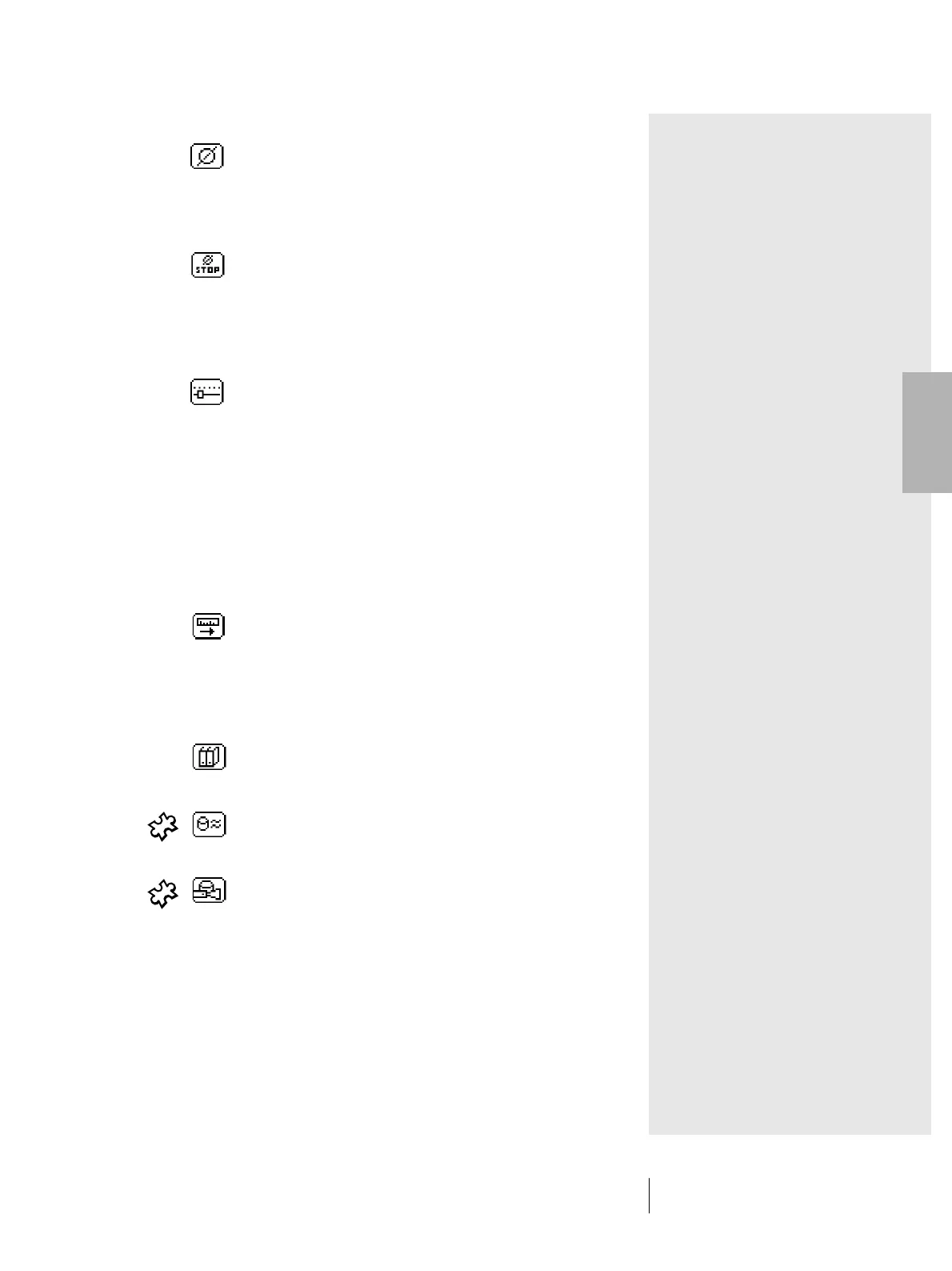
Averaging
This icon must be selected if various measurements
are to be performed on a reference value or sample,
and which SpectroEye must calculate the average
value.
Stop averaging
This icon is displayed only when averaging is in
process. If during a measurement sequence the
measured values are found to diverge slightly,
the current averaging calculation can be terminated
quickly.
Function parameters
With this icon it is possible to set individual conditions
and parameters according to the selected
measurement function. These are:
• Normalised illuminants for metamerism calculation
• Dye-strength parameters
• Yule-Nielsen coefficients
• Half-tone percentage values by increment
• Scale graduation for print characteristic
• E CMC factors
• E*94 factors
Densitiy calibration
The function of this icon is to adapt the measured
values of your SpectroEye to the values of your
densitometer.
3. Icons for recalling database functions
Select from database
Instead of measuring a reference color, the
measurement value can be taken from a database.
Similar color
This icon must be selected if the SpectroEye has to
search in a database for the nearest measured value.
Recipe
If a reference has been selected from one of the
color guides, the standard recipe in the instrument
memory can be displayed using this icon.
2 • Use



 To Next Page