SpectroEye™ 65
2
2 • Use
○○○○○○○○○○○○○○○○○○○○○○○○
The tolerances set-up here must
be considered only as a first
recommendation. It is advisable
to tune tolerance limits based
on customer needs and product
requirements.
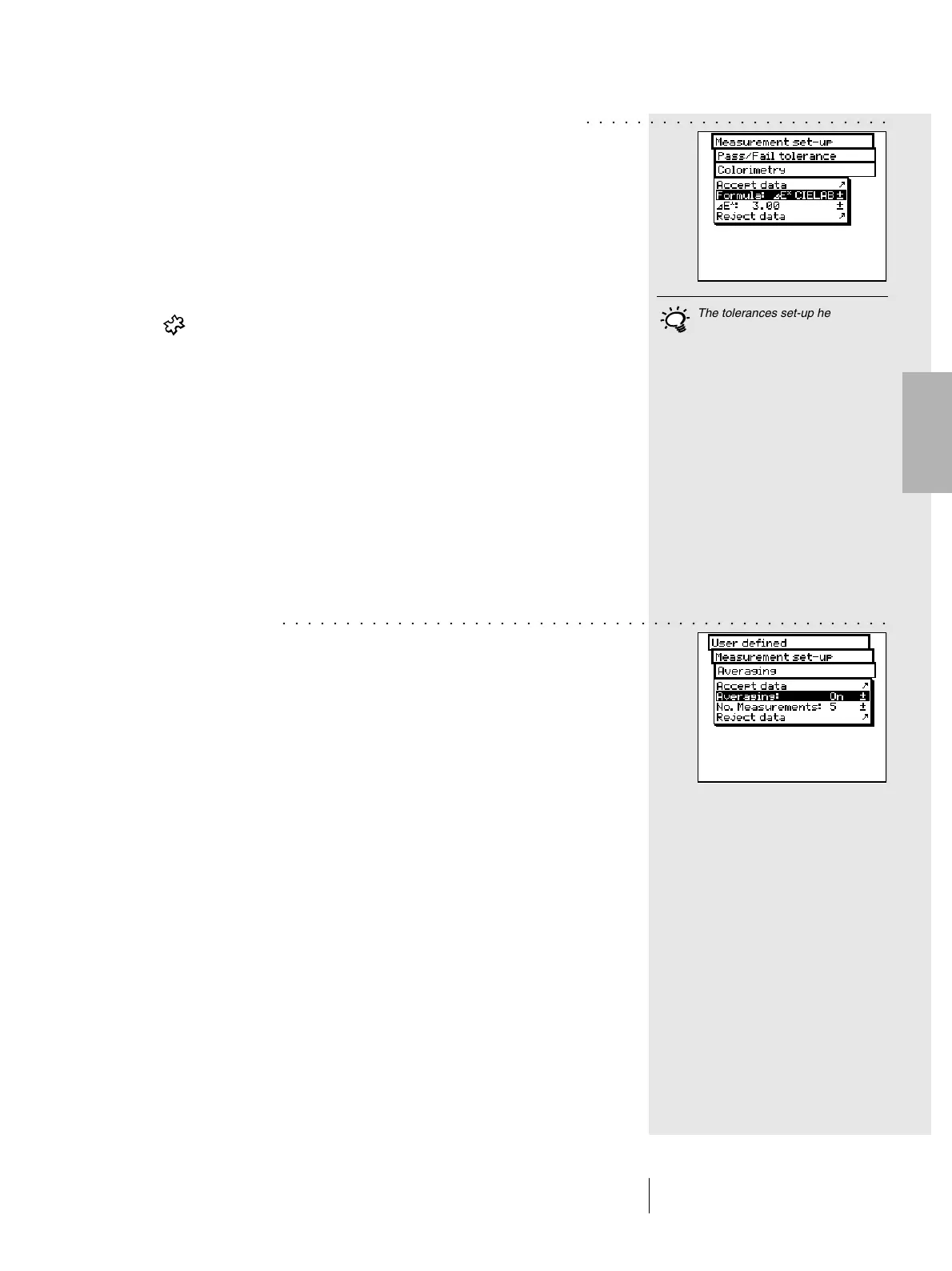
Next, starting from the Measurement set-up menu, select
Pass/Fail tolerance > Colorimetry
In the Formula: menu line select the formula you want to use
to define the tolerance.
The following formulas and tolerance settings are available:
Supplied with the base - L*a*b*
instrument - E* CIELAB
Options - E CMC, E FMCII, E*94
- E* CIELUV
-E mg
- E Hunter Lab
As soon as you have chosen one of the above formula,
the corresponding parameters are displayed in one or more
menu lines. When the data entry procedure is completed,
save the tolerance values using Accept data.
All the subsequent Pass/Fail evaluations will refer to this
formula and to the tolerances defined here. The Pass/Fail
evaluation is displayed only if the corresponding
measurement function has been selected.
• Averaging
For non-homogeneous samples and references SpectroEye
is able to calculate the average of different measurements.
Starting from the Measurement set-up menu, select
Averaging.
Here you can activate or de-activate automatic averaging,
as well as set-up the number of measurements to be taken
for each average. If the averaging function is activated, an
icon appears on the symbol bar of the measurement window,
which allows these settings to be changed.
○○○○○○○○○○○○○○○○○○○○○○○○○○○○○○○○○○○○○○○○○○○○○○○○



 To Next Page