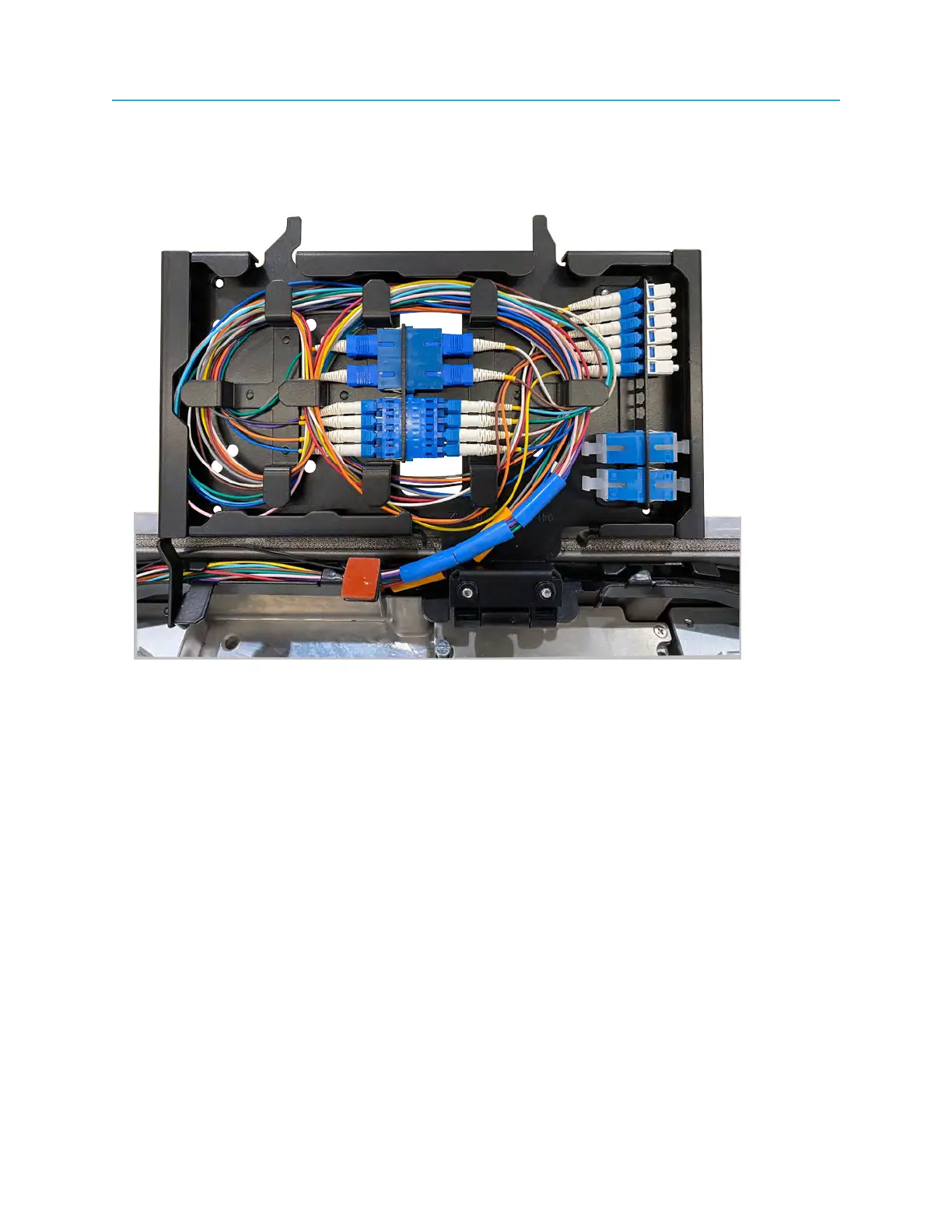
Connecting fiber cables to the Ripple-2 Node
9. Route the active fibers making sure you leave enough slack for connection to the Pebble-2's SFP
modules and to allow fiber-tray motion.
Figure 4-12: Example: Cables, fibers, and connector in the fiber tray
10.Insert the LC connectors into the SFP+ modules of the Pebble-2 or Jetty-1 modules.
A BiDi SFP+ module accommodates one fiber. The BiDi SFP+ module transmits and receives over
a single fiber.
Each SFP+ module accommodates two fibers, one for transmission and one for reception.
45 Installation Guide



 To Next Page