Testing and Setup Leak simulation (option)
EN 3925-0060 V207-00 MANUAL R03.doc
HeMaTech
Prüftechnik
Leak simulation (option)
The light emitting diode LEAK on the front of the leak tester indicates whether the
leak simulation is switched off or on.
The leak simulation is connected to the specimen connection and can be switched on
and off in the operation modes AUTOMATIC and MANUAL. The leak simulation is
thus available for testing, but also for adjustment purposes.
The precision needle valve enables the adjustment of a leak, the volume of which can
be read on the flow meter connected to the leak simulation connection.
NOTE!
In order to protect the fine needle against damage, it should never be
closed completely.
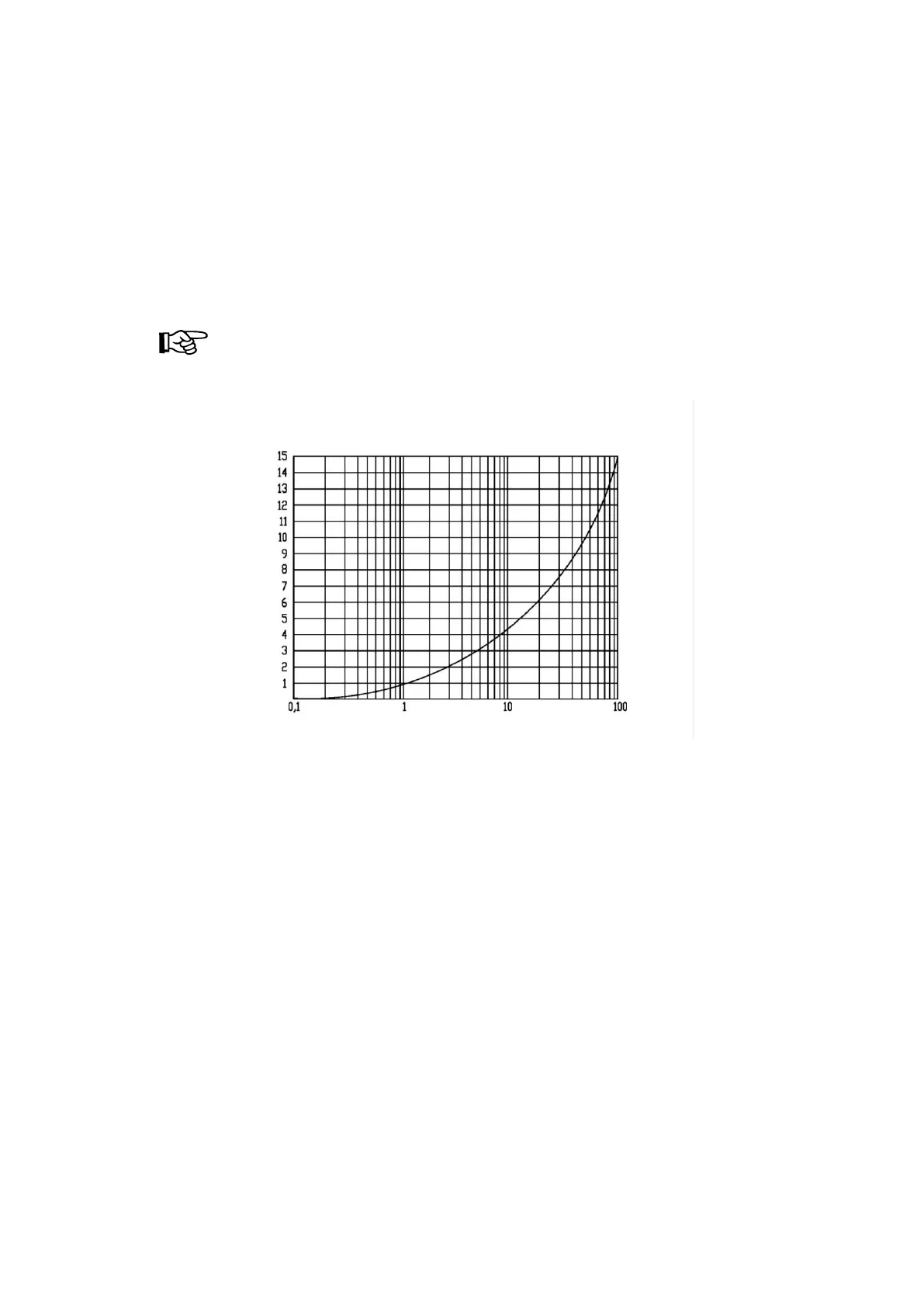
Flow characteristic
Activating leak simulation in Automatic mode
In AUTOMATIC mode the leak simulation is activated by triggering input X21/3.
With subsequent start, test sequence with activated leak simulation
Activating leak simulation in Manual mode
In MANUAL mode the leak simulation is activated by pressing the keys Shift+F2.
Start of test sequence with activated leak simulation



 To Next Page