Command reference Menu 5. PRINT MENU
EN 3925-0060 V207-00 MANUAL R03.doc
HeMaTech
Prüftechnik
7. Record
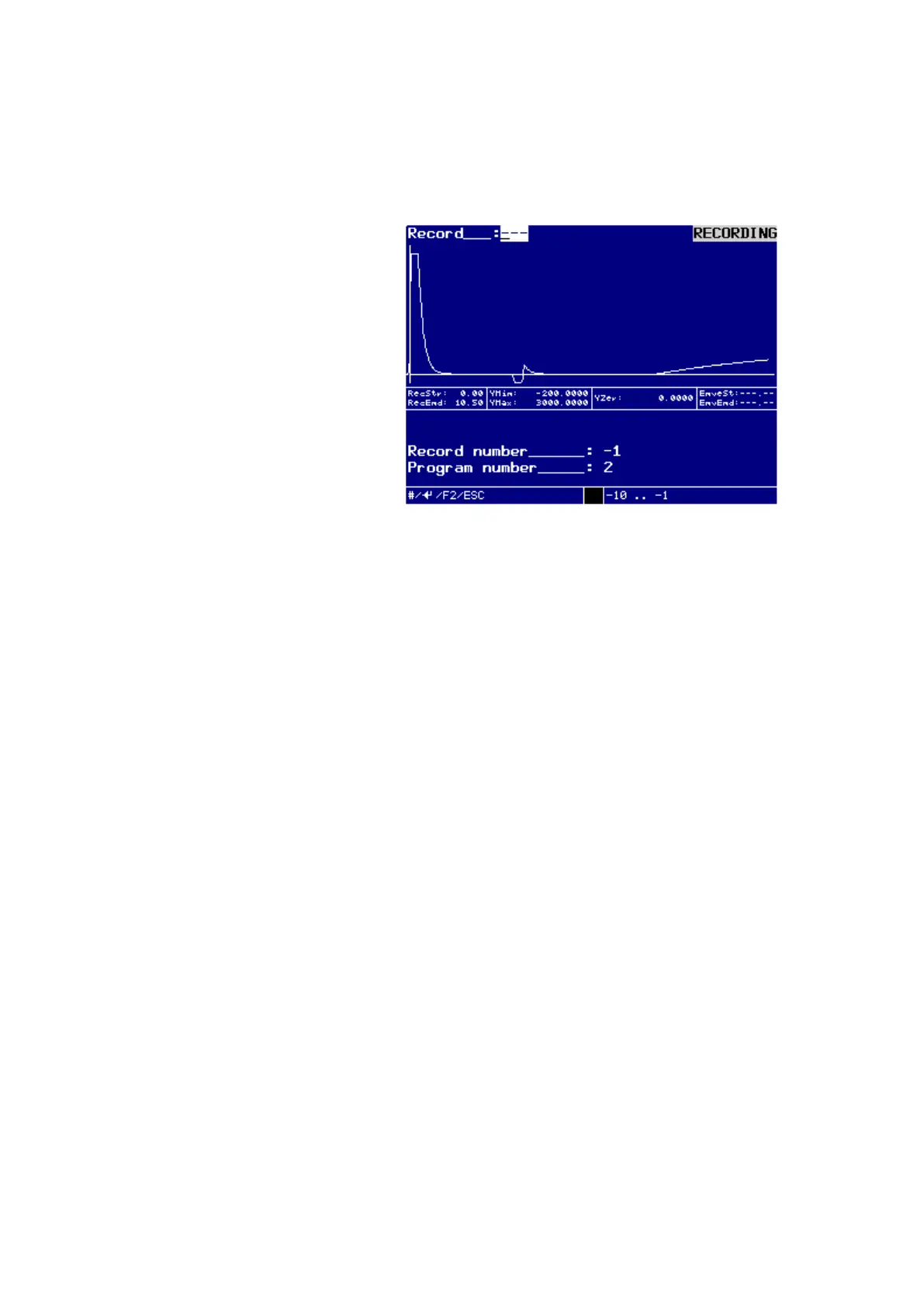
In this menu you can view the recorded reference curve in the display.
Dialog window RECORDING
The output of the stored recording can be made.
Enter the number of the record into the field Record: and confirm the entered rec-
ord number with the ENTER-key.
The selected recording appears on the display.
Possible entries range is from -10 … -1.
The possible range is displayed dynamically in the help bar of the menu.
The stored recordings are chronologically reversed.
This means, -1 shows the recording of the last (most up-to-date) test process,
-2 the recording of the test process before this one, etc.
After the tenth test process the recording memory works as a loop memory and thus
the eleventh test will overwrite the recording of the first test.
If no recording is stored, no entries can be made.
Enter the number of the record into the field Record: and confirm the entered rec-
ord number with the ENTER-key.
The selected recording appears on the display.
Possible entries range is from -10 … -1.
The possible range is displayed dynamically in the help bar of the menu.
Press the ESC-key to exit the menu.
Press the key F2, to activate the dialog window PRINT DATA for data transfer via
interface.
On the display appears the window Print Data.



 To Next Page