Menu 5. PRINT MENU Command reference
EN 3925-0060 V207-00 MANUAL R03.doc
HeMaTech
Prüftechnik
Pressure chart_: YES/NO
You can use the buttons – and + to choose YES or NO. The proposed entry is NO.
Direction_: - -
Here you can select the direction for data backup. You can use the buttons – and + to
choose Output or Input. The proposed entry is output.
Output to output the data.
Input to receive data.
File name_: - -
Here you can enter the file name for the backup. The file name can max. Be 8 charac-
ters long. The file extension .pbk is predefined for the file. The proposed entry is the
serial number of the device e.g. 10100100.
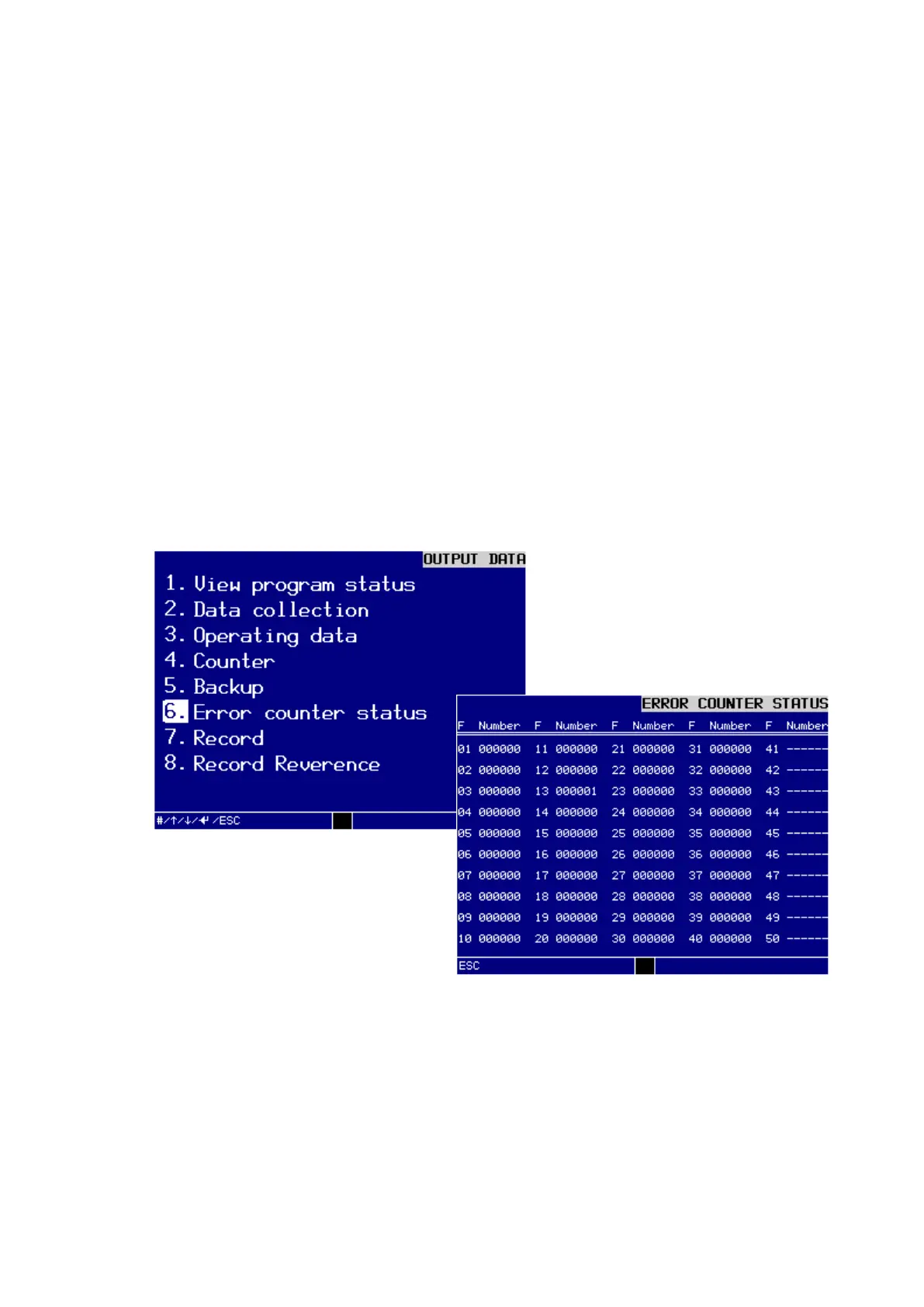
6. Error counter status
In this menu you can view the error counters on the display. Unoccupied error num-
bers are identified by dashes.
Dialog window ERROR COUNTER STATUS



 To Next Page