Switching the device ON and OFF Initializing
EN 3925-0060 V207-00 MANUAL R03.doc 29
HeMaTech
Prüftechnik
Initializing
Before starting operation all connections to peripheral equipment must be made and
checked for tight fit.
Switch on all peripheral equipment by following the corresponding instructions.
Switch on the tester, see previous section.
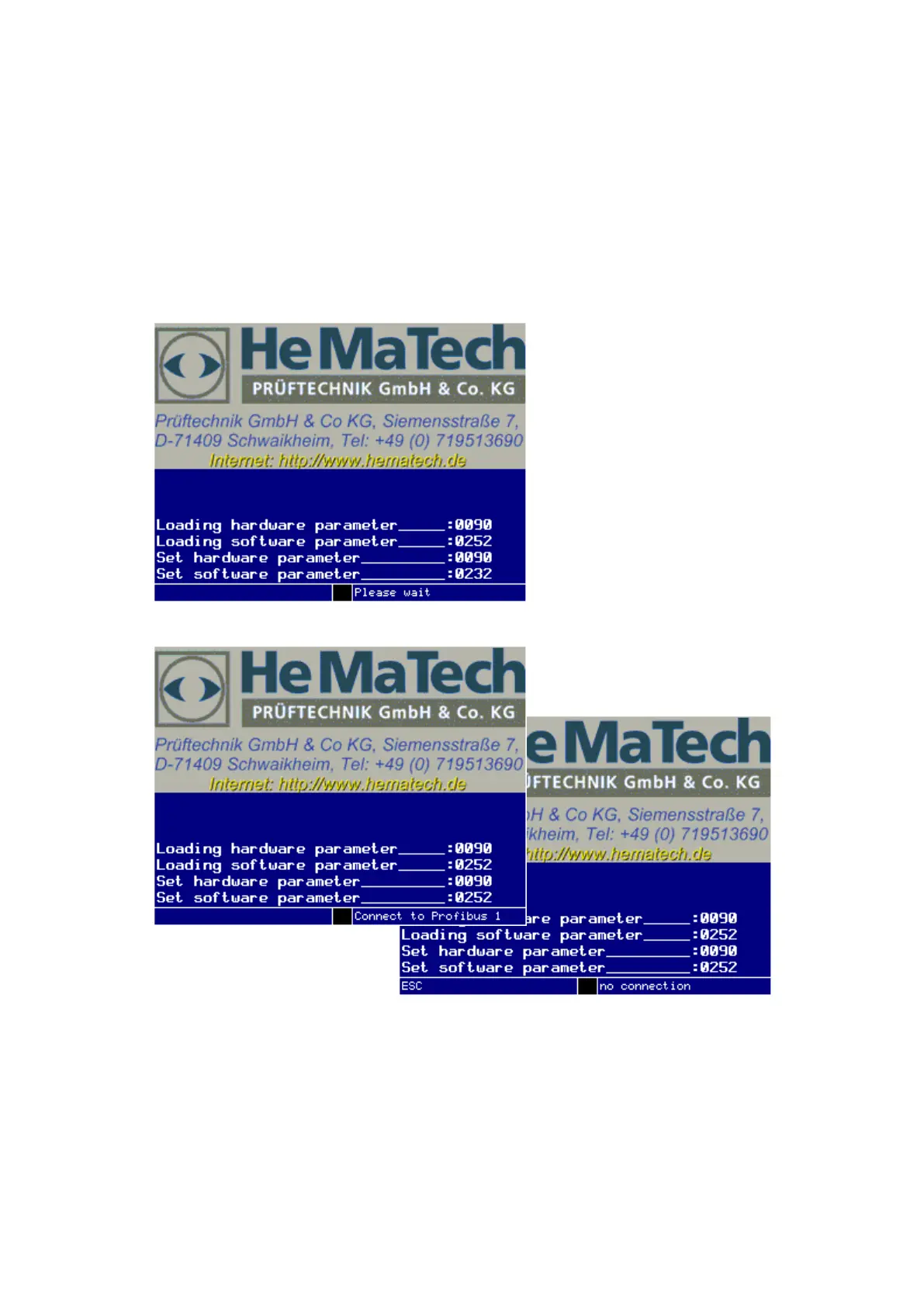
The display is switched on and the device is initialized.
Dialog window during initialization of the device
Dialog window during initalization of the device with option Profibus
Test devices with activated Profibus interface try to make a connection to the Profi-
bus during the initialization.
The attempt to connect is indicated in the help bar.
No connection to the Profibus leads to the message “connection failed” inticated
in the help bar.
By pressing the key “ESC” the failed connection is acknowledged and the main
menu is displayed.



 To Next Page