Menu 2. MANUAL Command reference
EN 3925-0060 V207-00 MANUAL R03.doc
HeMaTech
Prüftechnik
1.1 Sequencer
The sequencer is available in automatic mode and in manual mode.
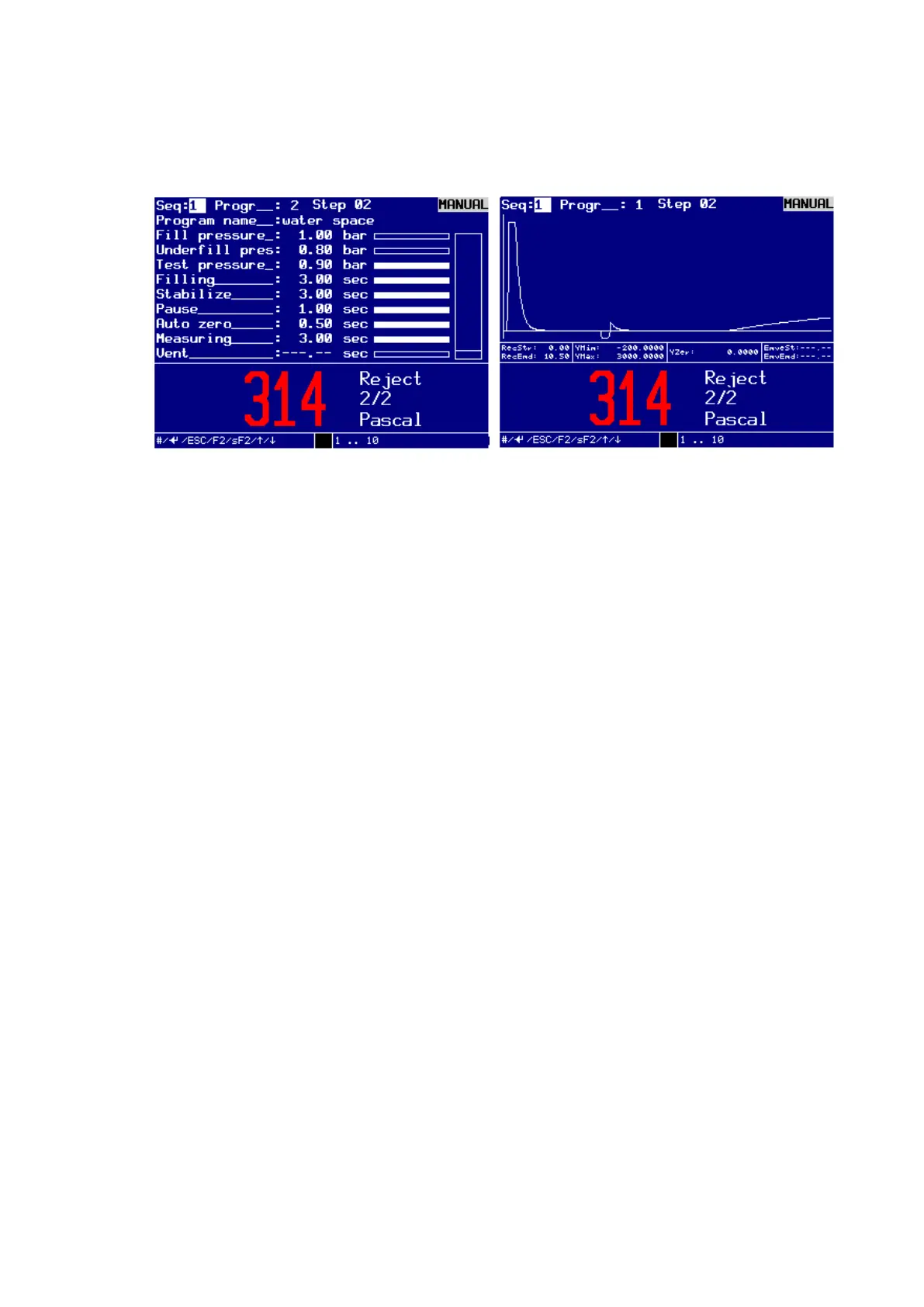
Dialog window MANUAL SEQUENCER
The number of the sequencer is always visible. There is a combined design used for
sequencer number, program number and step number (Seq: -- / Progr: -- / Step: --).
Operating mode:
Sequencer deactivated:
The Sequence number is disabled and displayed as Seq: --.
Automatic mode:
The input field Seq: -- and Progr: -- are not editable.
Manual mode:
The input field Seq: - is not editable. The input field Progr: -- is, as long as no
test cycle was launched, editable. The input area is with 1 ... 99 indicated.
If the entry is completed with Enter, if available, the related test program will
be loaded and the parameters are presented at the display.
Afterwards the test sequence can be started with F2 or Shift + F2.
It is not necessary to enter the program number by pressing the Enter-key.
You can also enter the program number key F2 or Shift + F2. In this case, the
related test program will be loaded and the parameters are presented directly
at the display and directly afterwards test sequence starts.
Sequencer enabled:
The input field Seq: -- shows the Sequence number.
The input field Progr: - is not editable.
Automatic mode:
The input fields Seq: -- and Progr -- are not editable.
If the sequencer program is not available or if no test program is activated in the se-
quencer program, the input is not accepted and all variable image contents are set to
undefined.
If an error occurs in the sequence, the output error will be set and the complete test
sequence aborted. The error must be acknowledged as specified for the corresponding
machine interface. After a restart the complete test sequence is repeated.



 To Next Page