Command reference Menu 1. AUTOMATIC
EN 3925-0060 V207-00 MANUAL R03.doc
HeMaTech
Prüftechnik
Menu 1. AUTOMATIC
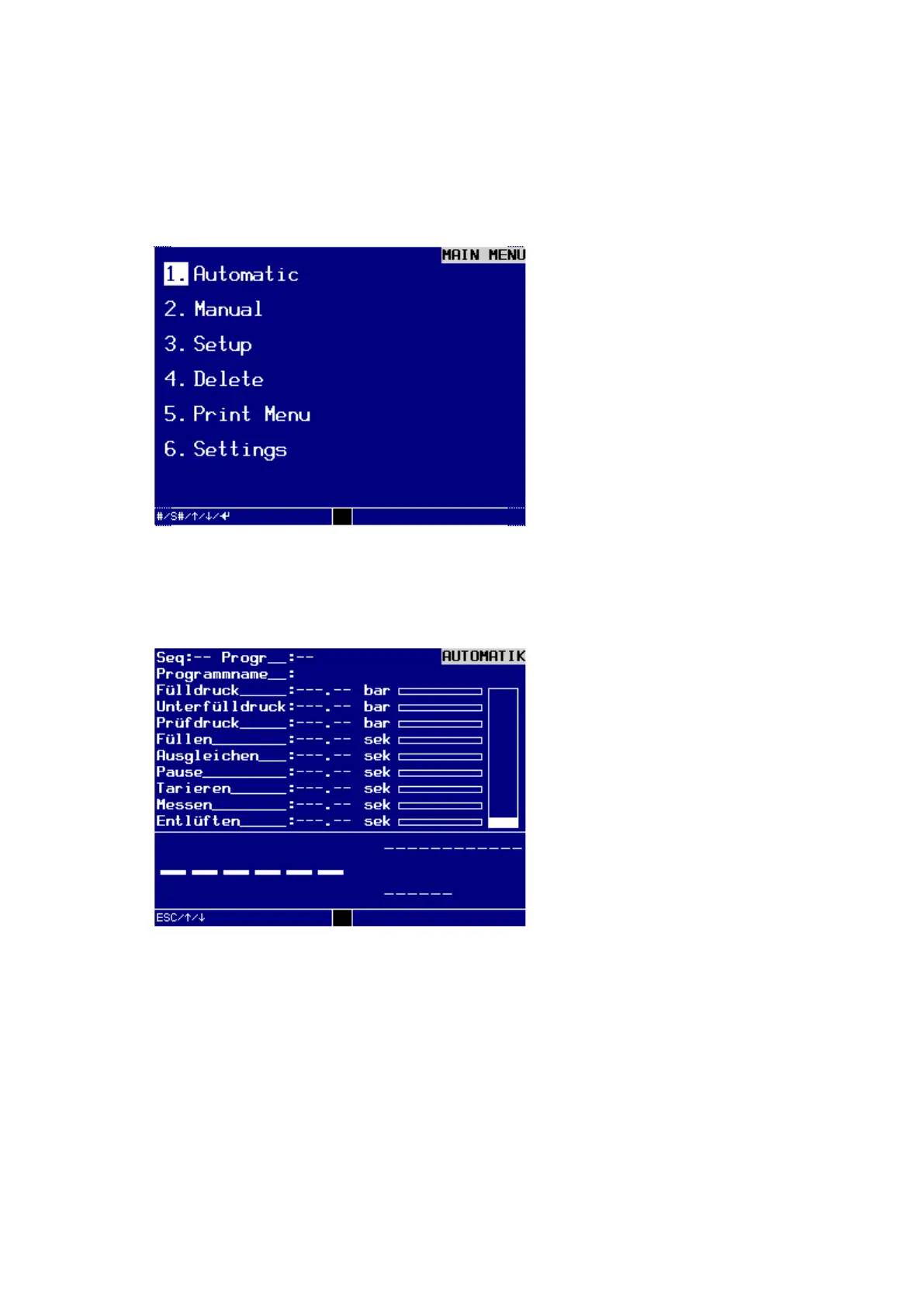
In AUTOMATIC mode the device is entirely controlled via the interface for machine
control. This menu can only be used to monitor the sequence.
Dialog window MAIN MENU
Move the cursor to the first menu option 1. Automatic.
Press the ENTER-key on the control panel.
The display shows the sub-menu AUTOMATIC.
Dialog window AUTOMATIC



 To Next Page