Menu 3. SETUP Command reference
EN 3925-0060 V207-00 MANUAL R03.doc
HeMaTech
Prüftechnik
2. Date & Time.
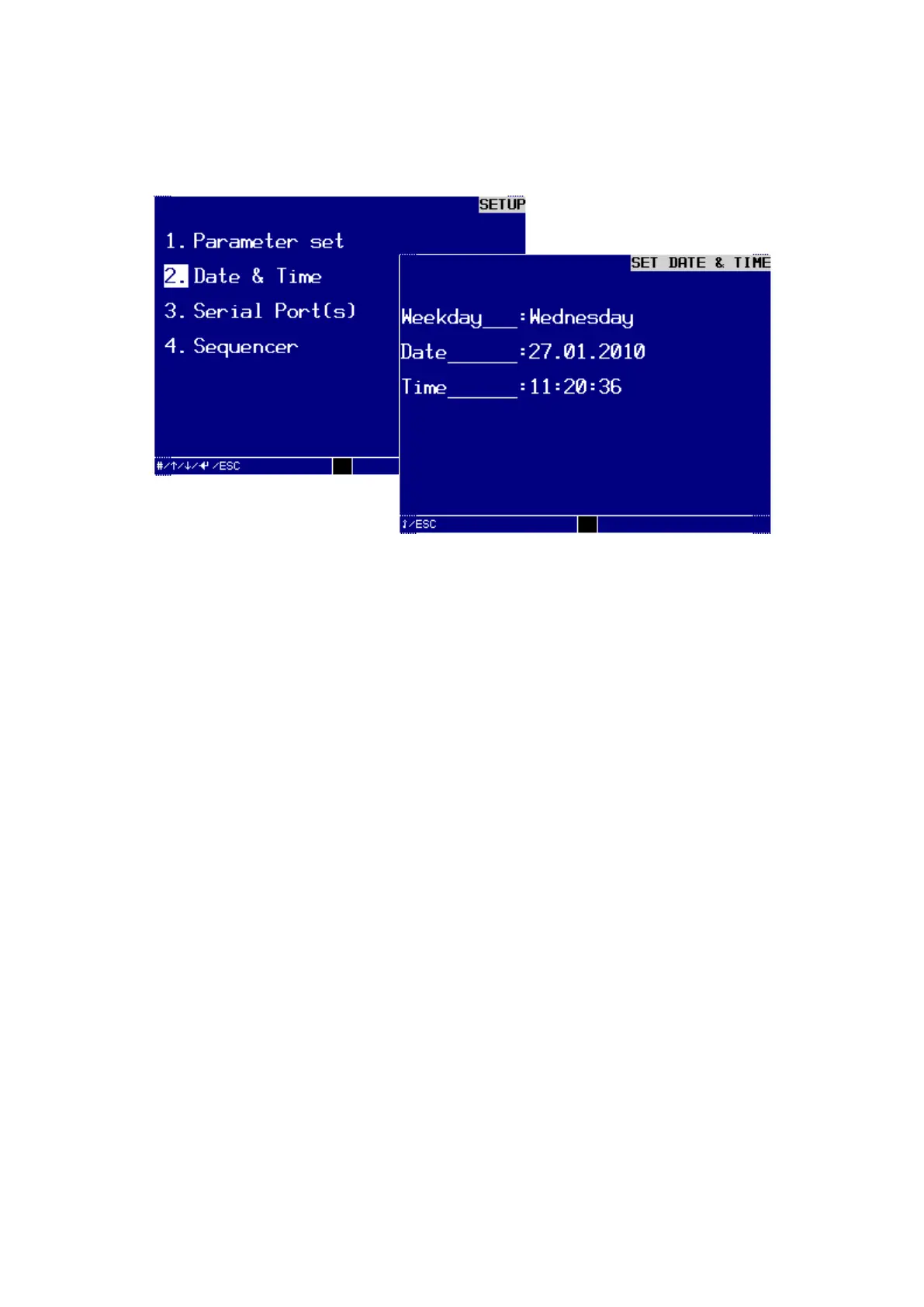
In the dialog window SETUP DATE & TIME you can set or change data and time
Dialog window SETUP DATE & TIME
Turn the key switch clockwise to input mode, make the following entries and con-
firm each of them by pressing the ENTER-key:
Week day:
You can select the week day with the keys – or +.
Date:
Enter the day from 1 … 31 using the numerical keys.
Enter the month from 1 … 12 using the numerical keys.
Enter the year as a four-digit numerical value (e.g. 2010).
Time:
Enter the hour from 0 … 23 using the numerical keys.
Enter the minutes from 0 … 59 using the numerical keys.
Enter the seconds from 0 … 59 using the numerical keys.
Make sure that you have also confirmed the last entry for the seconds with the
ENTER-key.
Turn the key switch back to write protection ON.
An audible signal will sound and the device saves the changed data to the RAM
memory.
Press the ESC-key to exit the menu.



 To Next Page