Menu 5. PRINT MENU Command reference
EN 3925-0060 V207-00 MANUAL R03.doc
HeMaTech
Prüftechnik
2. Data Collection
Here you specify whether the test results from the data collection are to be output on
the display or are to be transferred to a interface, and which results the output should
contain.
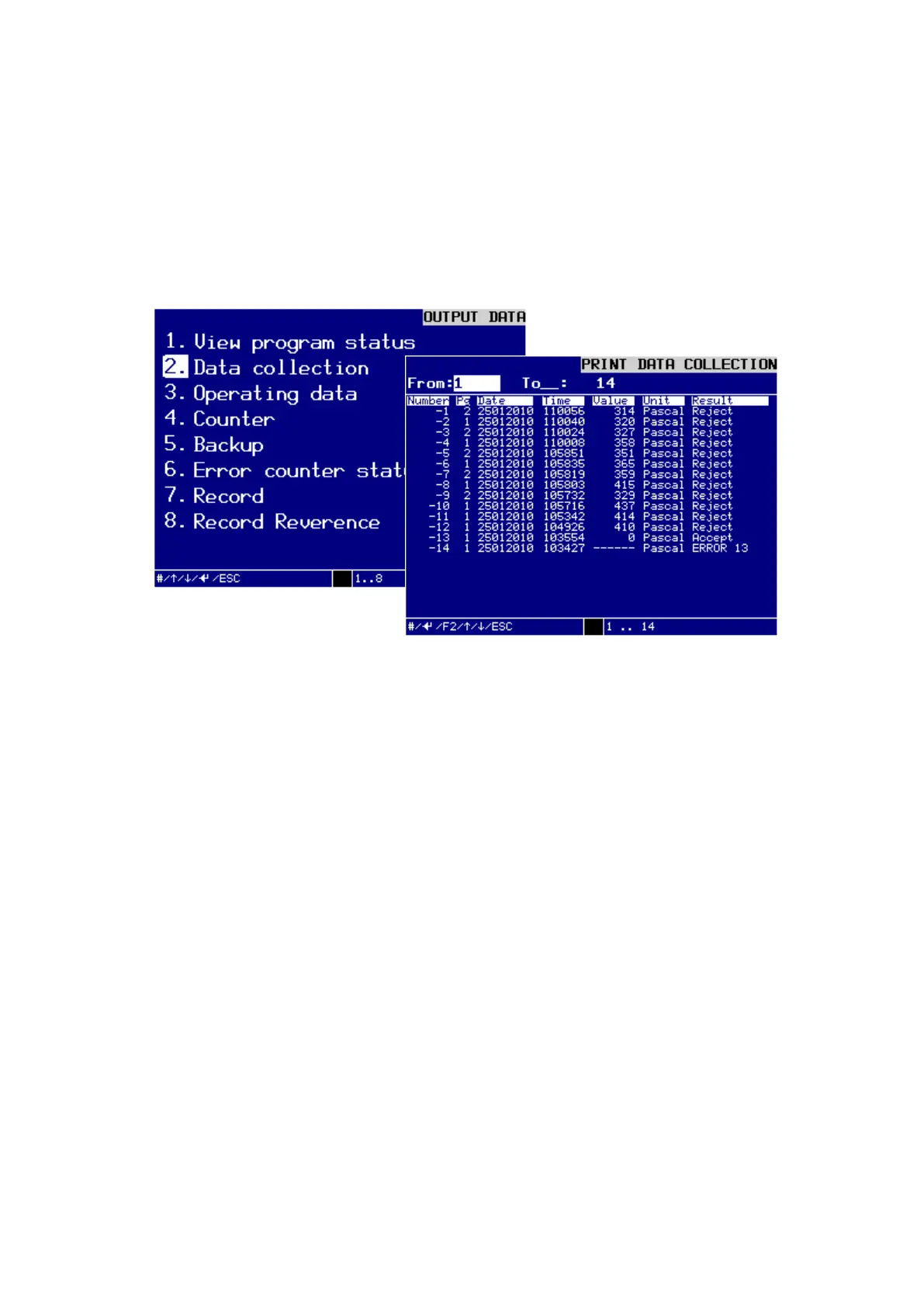
In the Menü OUPUT DATA / 2. Data collection you can select the range of data col-
lection. The selected data collection will be shown in the display.
Dialog window DATA COLLECTION
from: / to:
Enter the range of previous date collection you want to output into the text fields
from: und to:, and confirm these entries with the ENTER-key.
Possible entries range from 1 … 7000 (depending on the memory size).
To confirm your input, press ENTER and the first 20 results will be shown in the
display.
You can press ENTER to view the next 20 results.
Press the key F2, to activate the dialog window PRINT DATA for data transfer via
interface.
On the display appears the window Print Data.



 To Next Page