Command reference Menu 6. SETTINGS
EN 3925-0060 V207-00 MANUAL R03.doc
HeMaTech
Prüftechnik
Menu 6. SETTINGS
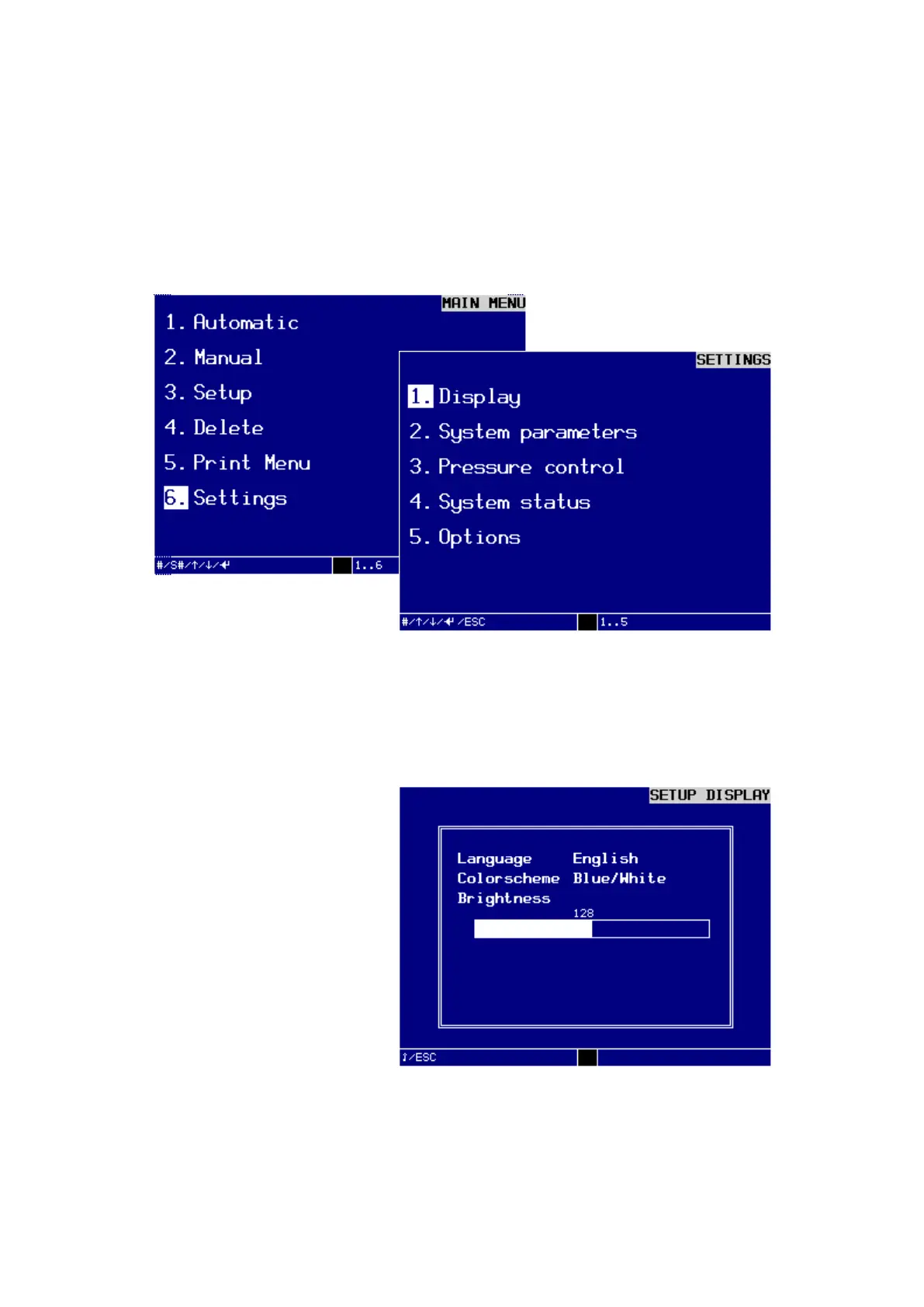
In the MAIN MENU/ 6. Settings you find SETTINGS.
In this menu you can set the display, view and output system parameters, change the
pressure control, view the input and output signals and set the switch-on masks and
the machine control.
Dialog window SETTINGS
You can make the individual settings in the sub-menus:
1. Display
In this dialog window you can make the necessary display settings like language,
mode, brightness and contrast.
Dialog window SETUP DISPLAY
Turn key switch clockwise.
The write protection is disabled and you can start with the settings.
Press the keys – or + to select the desired setting and press ENTER to confirm.
The insertion point jumps to the next subject.



 To Next Page