Menu 5. PRINT MENU Command reference
EN 3925-0060 V207-00 MANUAL R03.doc
HeMaTech
Prüftechnik
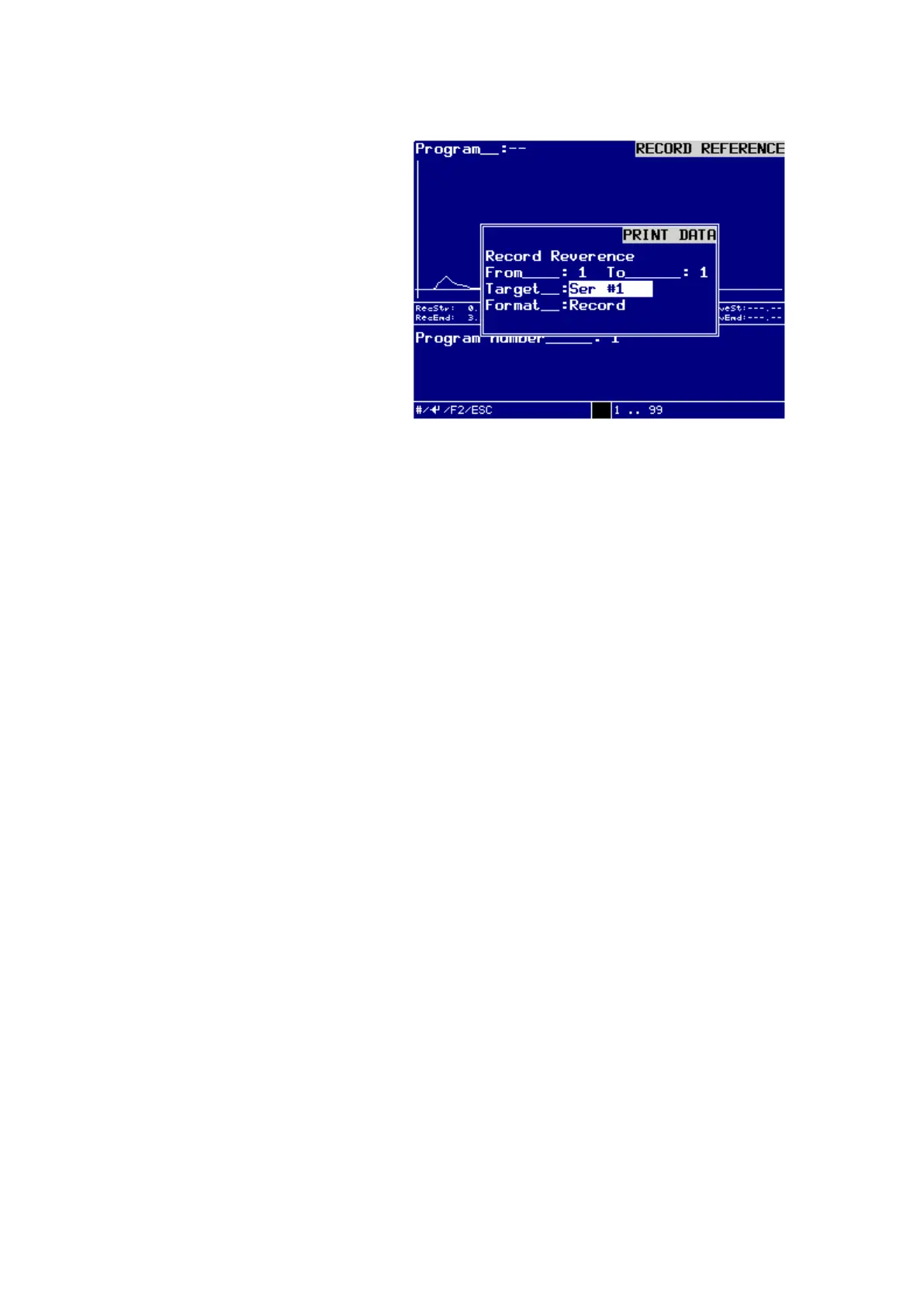
Dialog window – Print Recordi Reference
from: / to:
Enter the range of previous date collection you want to output into the text fields
from: und to:, and confirm these entries with the ENTER-key.
Possible entries range from 1 … 99.
Target:
Press the keys – and + to determine the desired TARGET for the data output:
You can select between:
Ser #1,
Ser #2 (optional),
USB-Stick.
Confirm the selection by pressing the ENTER-key.
Format:
Press the keys – and + to determine the desired FROMAT for the data output:
You can select between:
Record.
Confirm the selection by pressing the ENTER-key.
You can output the selected recording via the selected interface by pressing the
F2-key.
The message Print data is active! is display in the display.
Press the ESC-key to exit the menu.



 To Next Page