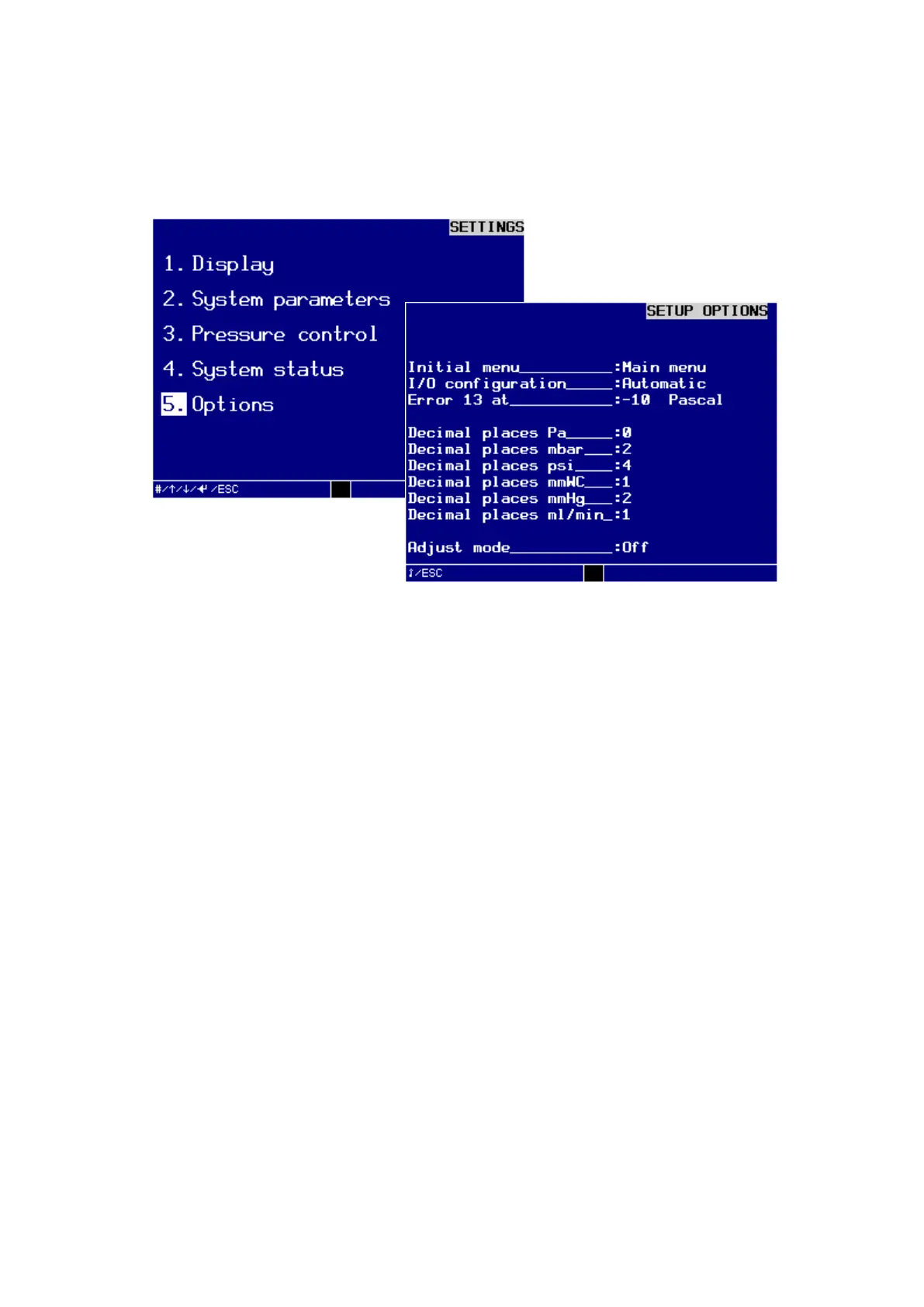
Menu 6. SETTINGS Command reference
EN 3925-0060 V207-00 MANUAL R03.doc
HeMaTech
Prüftechnik
5. Options
In the dialog window SETUP OPTIONS you can set up the start menu, the interface
format for machine control and the limits for error 13.
Dialog window SETUP OPTIONS
Turn key switch clockwise.
The write protection is disabled and you can start with the settings.
Press the keys – or + to select the desired setting and press ENTER to confirm.
The insertion point jumps to the next subject.
Initial menu
Here you specify in which menu the device should start after switching on:
− Automatic
− Manual
− Main menu
I/O configuration
Here you specify which I/O configuration the leak tester should use for machine con-
trol. Chapter
Signal exchange with machine control
contains detailed information on
these adjustment possibilities. You can choose from:
− Automatic
− Semi-automatic
− Minimal



 To Next Page