Command reference Menu 2. MANUAL
EN 3925-0060 V207-00 MANUAL R03.doc
HeMaTech
Prüftechnik
Menu 2. MANUAL
The menu 2. MANUAL serves the manual operation of the test device. All commands
must be entered manually via the keypad.
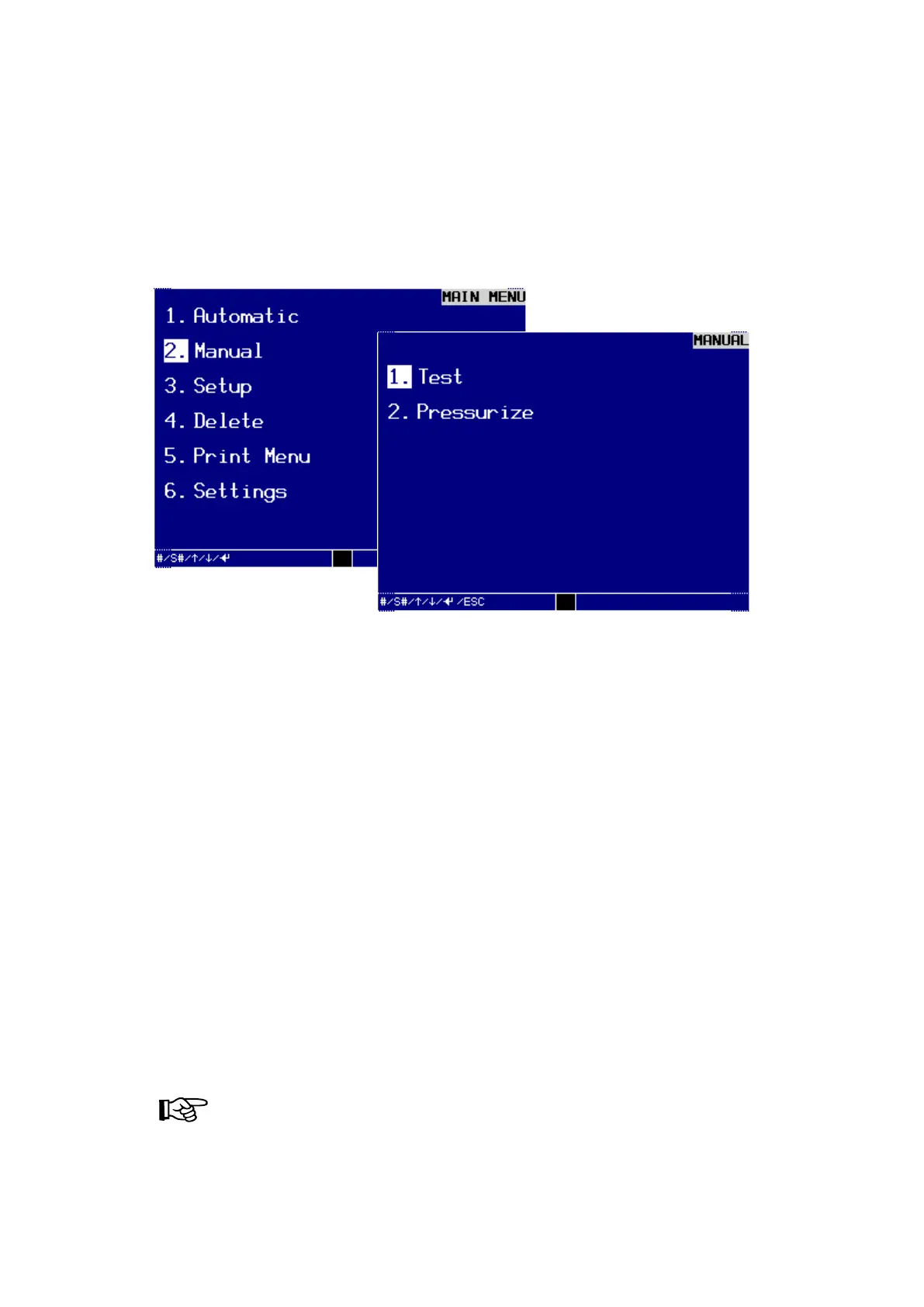
Choose MAIN MENU / 2. Manual the MANUAL MENU is displayed. There are two
sub-menus available:
Dialog window MANUAL MENU
− Test.
You can check manually with and without leak.
− Pressurize (flooding).
You can pressurize the specimen manually with test pressure.
1. Test
Confirm the selection 1. Test by pressing the ENTER-key or 1, an empty dialog window
MANUAL will be displayed.
To launch the desired program:
enter the number of the desired program (in this example: 1) into the top line and
confirm the entry with the ENTER-key.
Testing without or, optionally, with leak simulation
The dialog window MANUAL gives you the possibility to start a test without or, option-
ally, with leak simulation.
Press key F2 to start the test without leak simulation.
or
Press the keys SHIFT and F2 to start the test with leak simulation.
NOTE!
If you selected the option EnvelopCurveTolerances ON in the dialog
window SETUP TEST PARAMETER SET, the error message
REFERENCE CURVE MISSING will be displayed when starting the first
test.



 To Next Page