Menu 2. MANUAL Command reference
EN 3925-0060 V207-00 MANUAL R03.doc
HeMaTech
Prüftechnik
For the initial testing of the device functions you should temporarily disable this option.
The reference curve determination function is described later.
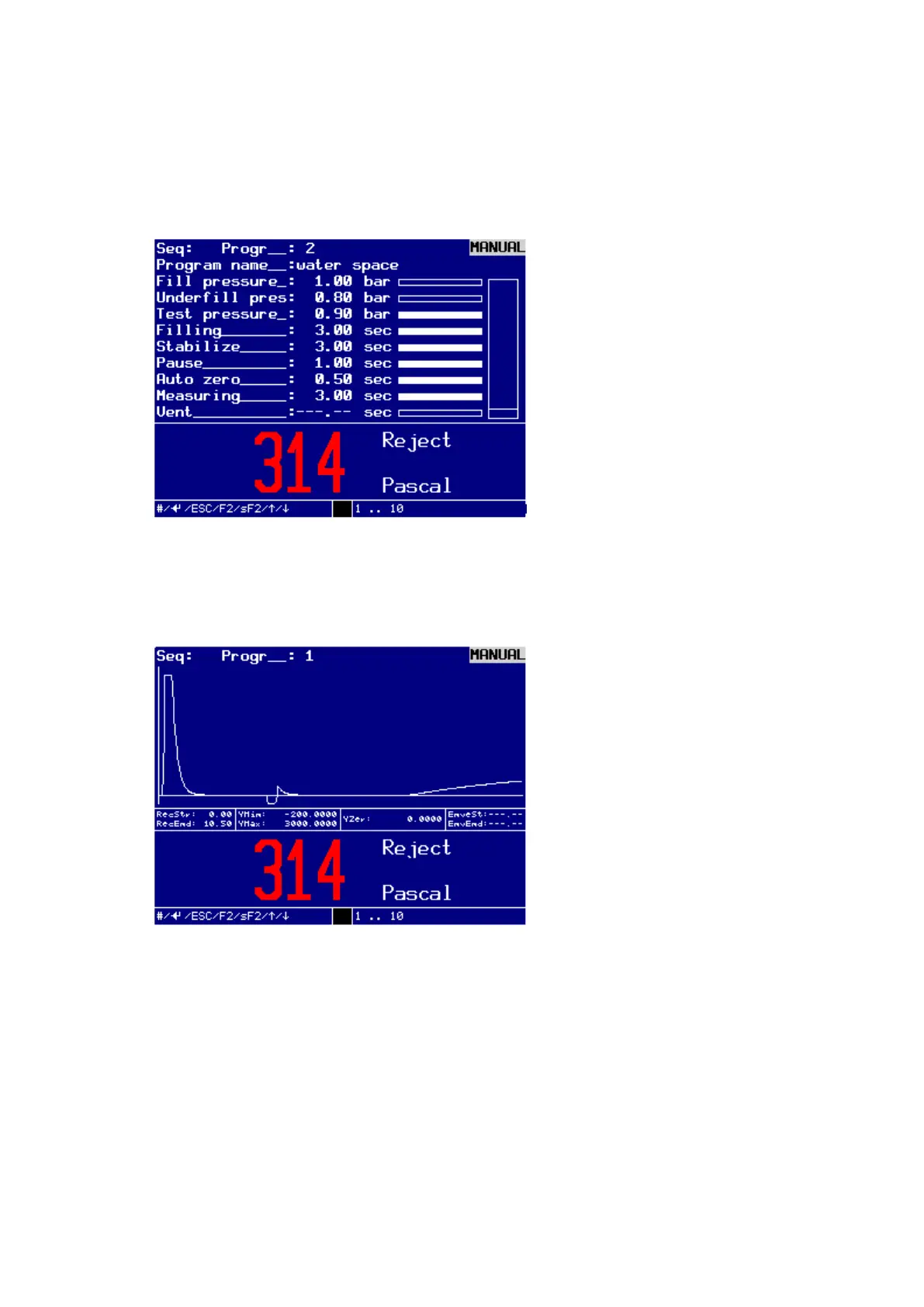
The test sequence can be easily followed by the horizontal progress bar. The current
status of the test sequence is additionally displayed in the help bar.
Dialog window for manual testing
If you prefer the filling curve display:
Press the SHIFT–key and any arrow key.
The display shows the test sequence in form of a curve.
Dialog window for filling curve representation of test
If you want to return to the dialog window, press SHIFT–key and a arrow key
again.
You can now exit the menu by pressing the ESC-key and call up and execute other
functions of the device, without having to interrupt the test process. The test sequence
is not interrupted, but continues in the background. The test result is displayed after the
test sequence has finished.
If you want to abort the test:
press the keys SHIFT + ESC in succession.
The test sequence is aborted, the up-to-date status of the test at the time of the
abortion remains in the display.



 To Next Page