Menu 3. SETUP Command reference
EN 3925-0060 V207-00 MANUAL R03.doc
HeMaTech
Prüftechnik
Remote control via serial interface
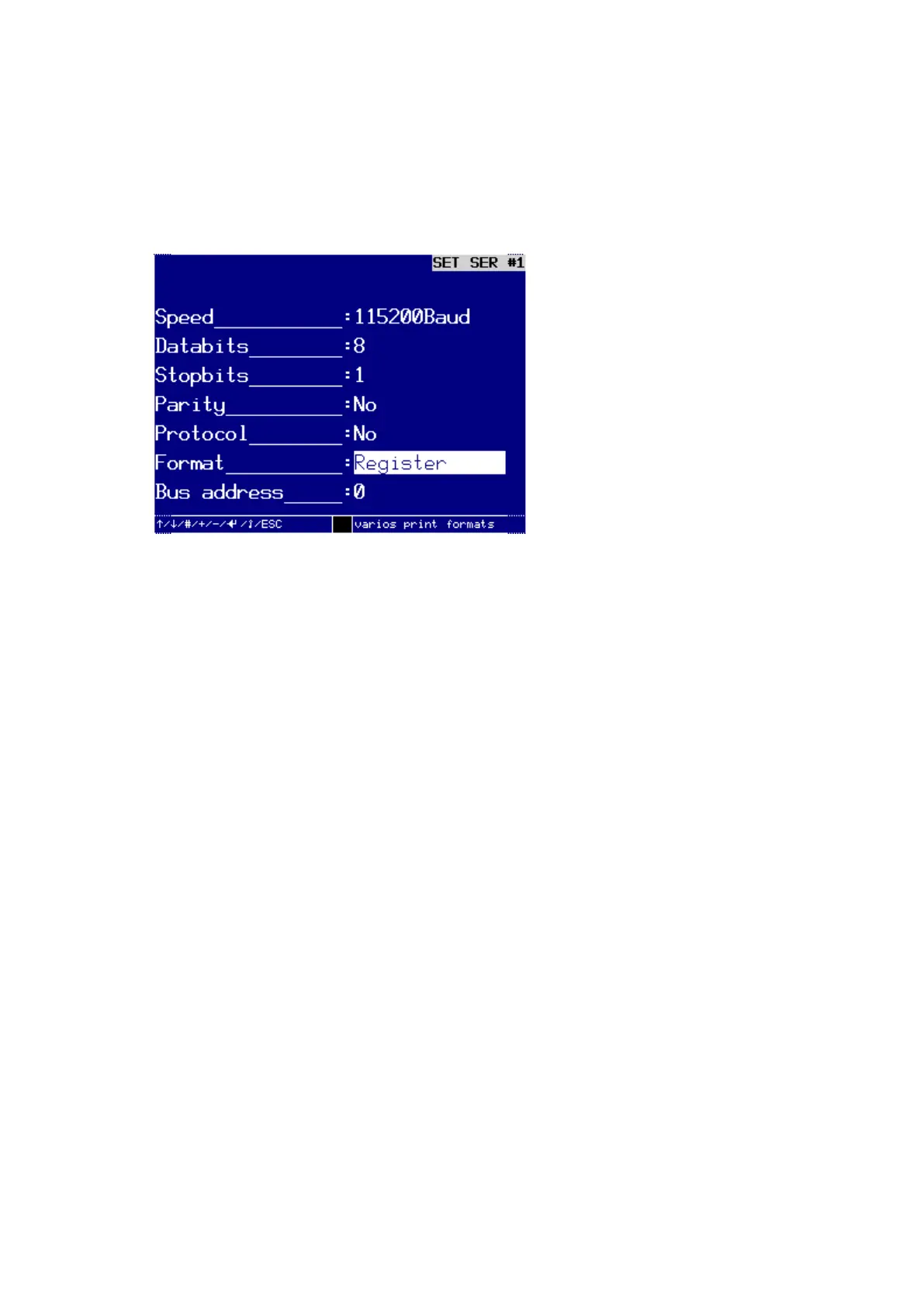
Setting up or changing the interface for remote controlling of the device
This section uses the interface SER #1 as an example for setting up the output format
REGISTER or REGISTER+TO or REGISTER+TO+CS.
Dialog windows for setting up an interface for a special format
In order to set up an interface for the output of data to a PC in a special format, you
should select the Format: REGISTER or REGISTER+TO or REGISTER+TO+CS.
These three output formats are special formats and serve the remote controlling of the
tester via the serial interface. For remote controlling purposes the user is provided with
a powerful set of commands.
Protocol for the complete control for all functions and parameters for the
test device. The following information describes the functions in detail:



 To Next Page