Menu 3. SETUP Command reference
EN 3925-0060 V207-00 MANUAL R03.doc
HeMaTech
Prüftechnik
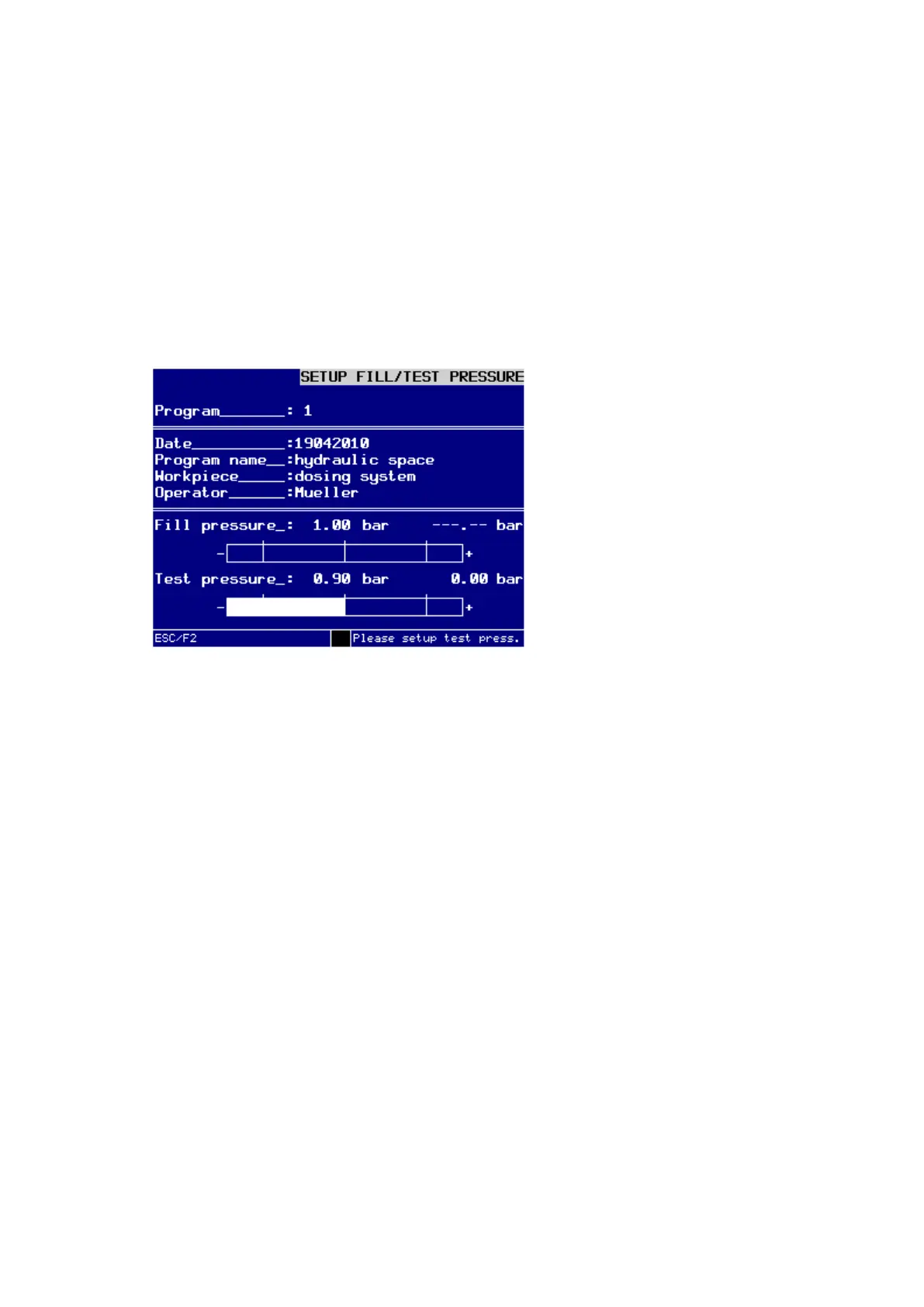
Setting the filling pressure for a program manually
Make sure that "Filling pressure" is highlighted.
Keep changing the filling pressure controller, until the filling pressure indicator bar
is inside the tolerance range or corresponds with the nominal value.
Press the ESC-key to exit the menu.
If you want to adjust the testing pressure for the program, you must proceed as follows.
Setting the testing pressure for a program manually
Highlight "Testing pressure" by pressing the F2-key.
Dialog window for manual setting of testing pressure
Keep changing the testing pressure controller, until the testing pressure indicator
bar is inside the tolerance range or corresponds with the nominal value.
Press the ESC-key to exit the menu.



 To Next Page